Still doesn’t work.
Could you please try the instructions mentioned in this documentation to make sure your issue is indeed coming from eventon.
Replies for tickets on suppota
Still doesn’t work.
Could you please try the instructions mentioned in this documentation to make sure your issue is indeed coming from eventon.
Hi Skyler,
Could you please try the instructions mentioned in this documentation to make sure your issue is indeed coming from eventon.
screenshots:
1. event A (30th April) on slide down event card in event list. Everything is perfect.
2. event B (1st May) on its own event card page. Everything is fine.
3. event B on slide down event card: virtual event data doesn’t show
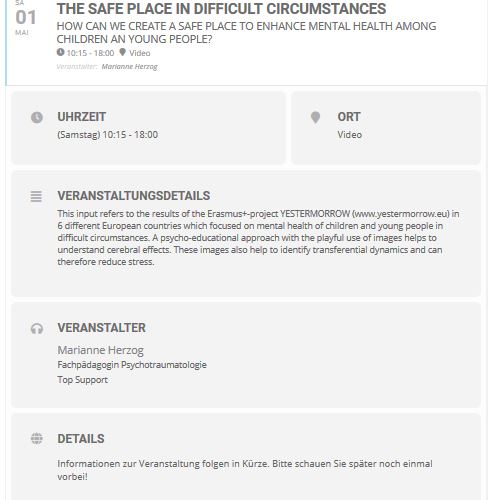
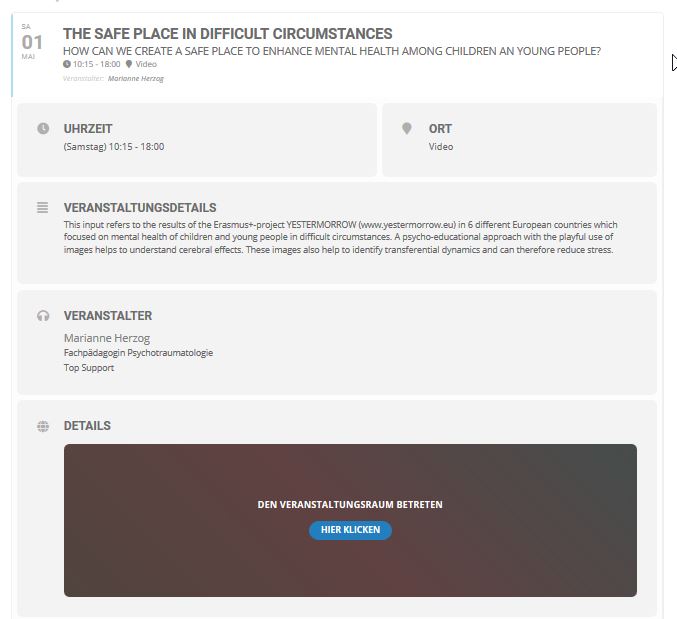
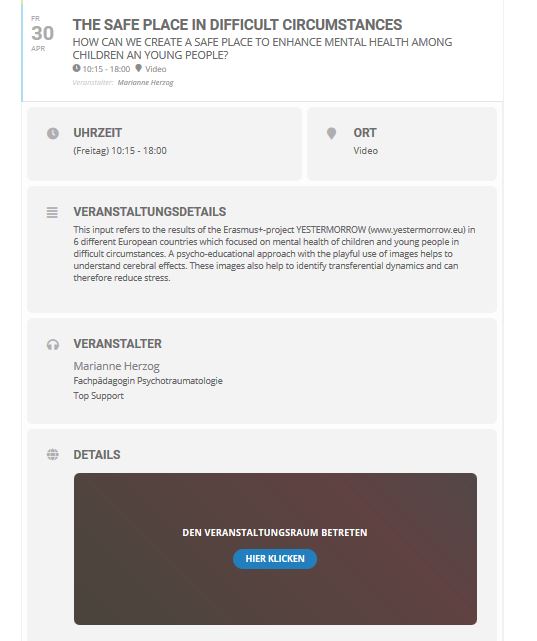
Thanks for the update. A noticed a few improvements. Although unfortunately, I still have issues with the showing of the virtual event data on some event cards:
I have two identical events (they where actually duplicated), all the settings are the same. The only difference is the date and time. For the event on the 30th of April everything is working as it should. The identical event on the 1st of May has the issue, that the virtual event data is not showing in the slide down event card in an events list. It only works, when I open the event card on its own page.
(See screenshots).
Why?
Can you help?
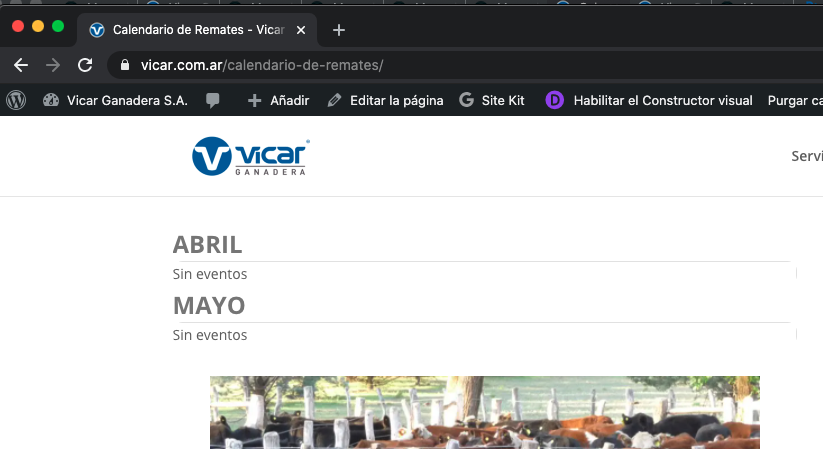
Hi, this is the code I used at:
https://vicar.com.ar/calendario-de-remates
<script src=”https://ajax.googleapis.com/ajax/libs/jquery/3.2.1/jquery.min.js”></script>
<script type=’text/javascript’ src=’https://calendario.elcampo.com/wp-content/plugins/eventon-api/eventon.js?ver=1.0.3′></script>
<script type=’text/javascript’>
jQuery(document).ready(function($){
$(‘#eventoncontent’).evoCalendar({
api: ‘https://calendario.elcampo.com/wp-json/eventon/calendar?organizer=vicarganadera’,
calendar_url: ‘https://calendario.elcampo.com’,
new_window: false,
loading_text: ‘Loading EL CALENDARIO DEL CAMPO…’,
});
});
</script>
<div id=’eventoncontent’ style=”height:100%; width:100%”></div>
BUT as you can see screenshot, I didn´t get any event.
so I went back to my old code:
<script src=”https://ajax.googleapis.com/ajax/libs/jquery/3.2.1/jquery.min.js”></script>
<script type=’text/javascript’ src=’https://calendario.elcampo.com/wp-content/plugins/eventon-api/eventon.js?ver=1.0.3′></script>
<script type=’text/javascript’>
jQuery(document).ready(function($){
$(‘#eventoncontent’).evoCalendar({
api: ‘https://calendario.elcampo.com/wp-json/eventon/calendar/’,
calendar_url: ‘https://calendario.elcampo.com’,
new_window: false,
loading_text: ‘Loading EL CALENDARIO DEL CAMPO…’,
});
});
</script>
<div id=’eventoncontent’ style=”height:100%; width:100%”></div>
and I got it working -but with ALL organizers, so I hope you could fix the problem
Thanks.
Sure:
URL: https://pedrottis.com/wp-admin
User: support@letsalloy.com
PW: 4r(aY2RpYlm&E$t7m*sP6Jim
Draft event: https://pedrottis.com/?post_type=ajde_events&p=10660&preview=true
Also, the image is the right size for the editor yet I still have 2 big white bars on top and bottom… how do I get rid of those?
Thanks a lot. I am going to assign this to the developer. If you have any other questions or solutions in this case :), please feel free to reach out again!
Hi Geraldine,
Would you mind sending us the order ID for this addon purchase from myeventon.com, because we do not see this addon as purchased using your email address in our system. Thank you!