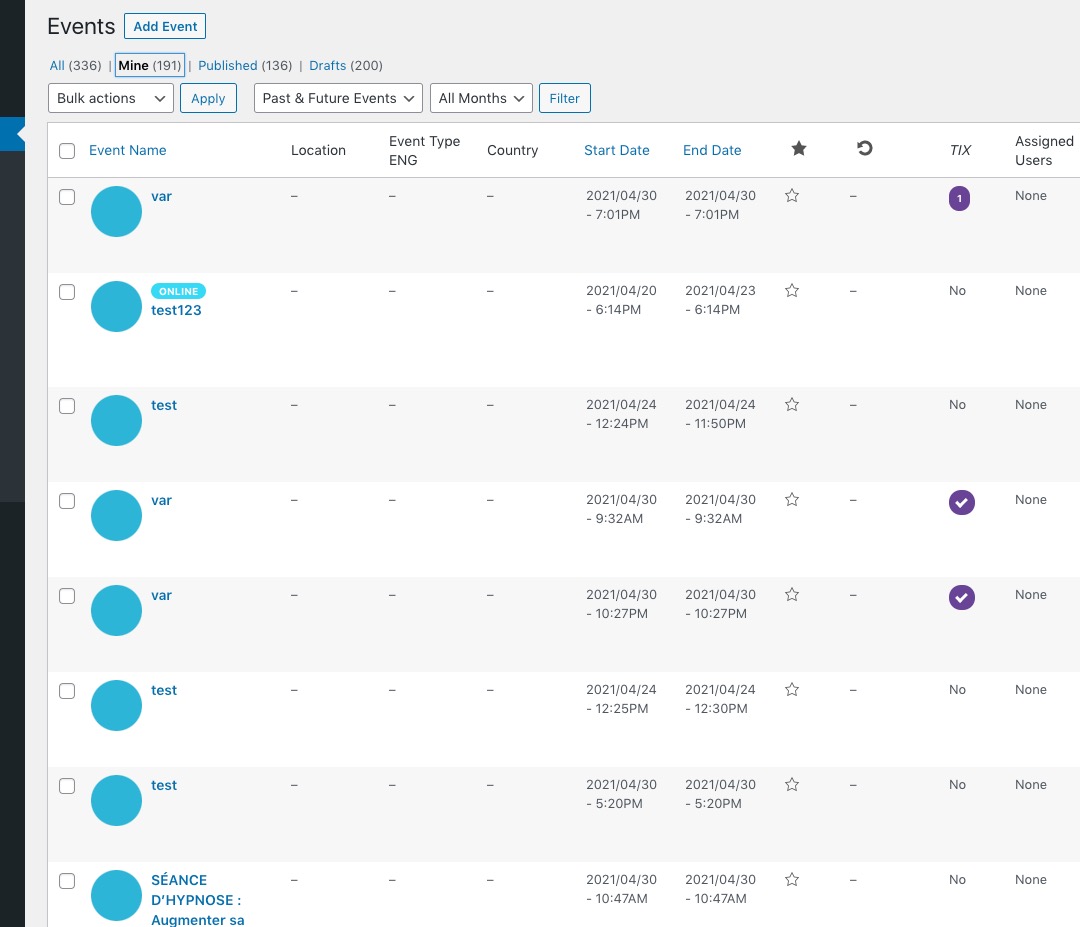
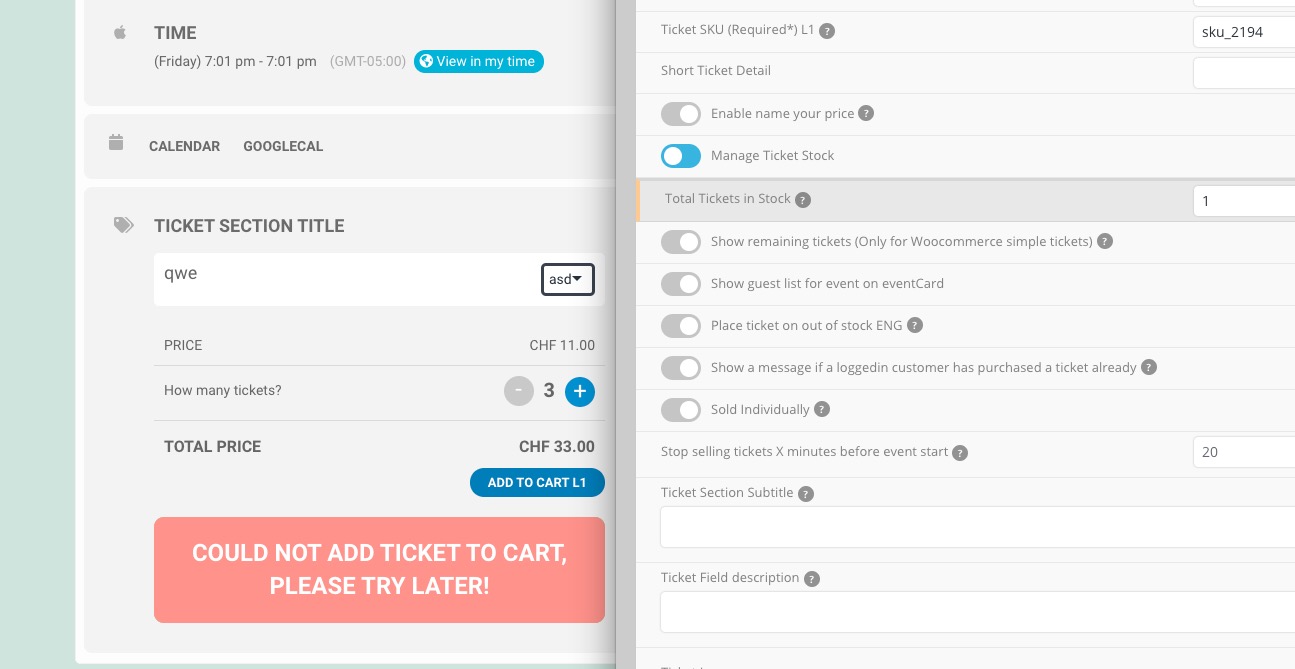
That is happening with all events. Can you review them for me?
Enlace: https://divertimatica.com/wp-admin
NOTE: Do not try to activate “Use UTC offset time globally on calendars (BETA)”, since if it is activated, past events are not hidden.
Usuario: g.jara@outlook.com
Pass: Lima2021/*/2021
Thank you for your messages, I am going to assign this ticket to Ashan and he will be able to take it from here and find you a solution. Please allow some time for him to get back to you, we greatly appreciate your patience and thank you for being a eventon customer! Also please disable any IP blocking on your site if there are any.
Hello,
1. Please go to Edit Event > Tickets > Manage Ticket Stock: Total Tickets in Stock:
https://dev2.myeventon.com/events/var-5/
2. Could you send us screenshots?
3. Unfortunately, this requires a customization. You can send us a customization job request by creating a new ticket in here and selecting Customization Request as the category.
Hello,
Thank you for your great suggestion, at the moment it is not supported. However please create a new ticket and select Feature Request as category so others can vote on your idea and get it moved into development faster. OR You can send us a customization job request by creating a new ticket in here and selecting Customization Request as the category.
Hello,
Please go to EventON Settings > QR Code > enable Disable encrypted ticket numbers on ticket.
Could you please go to an existing event and try removing the image, update the event, assign the image again, try to purchase to check if it works?
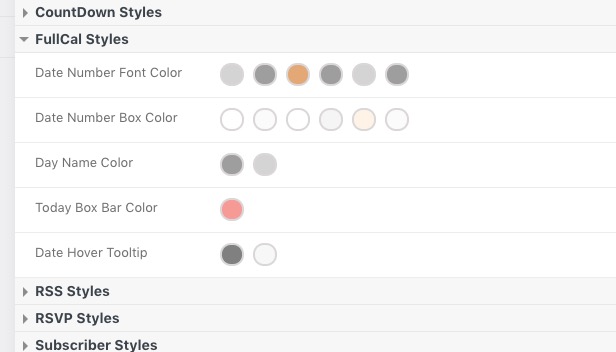
Please check FullCal available options in EventON Settings > Appearance: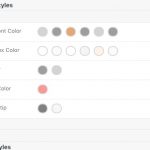
Try on https://dev.myeventon.com/wp-admin/
You can also contact us and we can give you Custom CSS code, if needed.
Hello,
Could you tell us about your server more? CPU, RAM, SSD or HDD?