We are glad your issue is resolved, if you have any further questions or concerns please create a new ticket.
If you have a moment, we would greatly appreciate if you could kindly leave us a review at codecanyon! from your account > downloads. Cheers!
I updated to 3.1.5, and unfortunately the behavior is the exact same as I initially described. Enabling the “Use UTC offset…” option is still required to correctly show the Time Left progress bar and countdown, but still that causes a past same-day event to show up as well, even though past events should be hidden.
I do not have approval from my client yet. Thank you for the cost estimate of $850USD for customisation including additional requirements. Please do not start this project until I have approval from my client and can confirm original or extended scope.
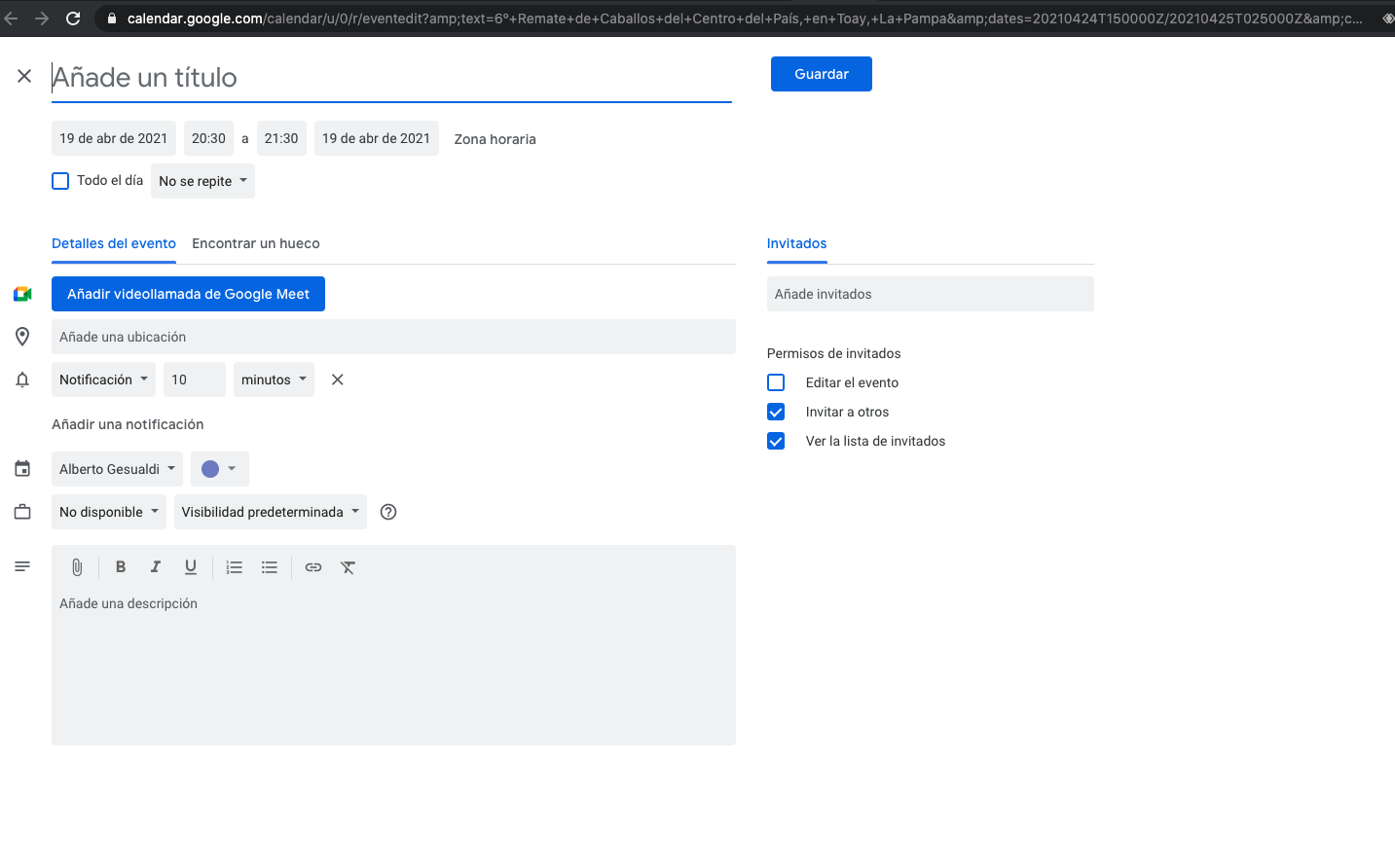
I add the screenshot of google calendar page on my desktop computer
Same issue on my phone.
yes okay it is working again
Ok, currently you can only make discounts on the cart and not on the product. Now, if the customer buys a $ 100 or $ 250 points package and I set a $ 30 discount, the customer can apply the $ 30 discount with the $ 100 or $ 250 package.
Ideally, the customer can apply the $ 30 discount only to the $ 100 points package and not to the $ 250 points (a discount of $ 50 could be applied to the latter package, for example).
Hi there,
We are moving away from a plugin for events and creating our own.
We will need a refund on this recently purchased invoice as we are not using it.
Thanks,
Shawn
Hello,
Points doesn’t have this level of compatibility with Woo. However, since in order to purchase customers need to go through the checkout process, it seems that you can apply the discount on Checkout.
Hello,
We released several version after 3.1.1. Could you please try updating to 3.1.5 and check if it helps?
To update eventon to latest version: If you are unable to do autoupdate, you can go to codecanyon your account > download and get the latest eventon version as zip file. Then you can go to your website, deactivate old eventon, activate (Do not delete eventon settings & data when EventON is uninstalled) from eventon settings, delete old eventon, install new one and activate. This link will further explain the process it. Also you can follow us on twitter to get real-time announcements on updates!
Could you turn off Autocomplete plugin and remove any code that completes orders automatically? Please make sure that your orders can only be completed manually from wp-admin > Woo > Orders > Edit > Status.