Hello,
Yearly events don’t show Event Top date. Please create a regular event and check Event Time and Date + Year by following https://docs.myeventon.com/documentations/how-to-show-various-information-in-eventtop/.
Replies for tickets on suppota
Hello,
Yearly events don’t show Event Top date. Please create a regular event and check Event Time and Date + Year by following https://docs.myeventon.com/documentations/how-to-show-various-information-in-eventtop/.
Could you show us a screenshot of the ticket?
I still cannot receive one. This is the only one I get:
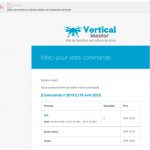
Plus every time I try to finish the purchase it finishes my order but doesn’t show Order Complete page and shows this empty error:
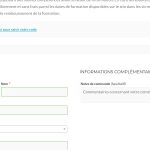
Also with disabled Autocomplete plugin it still terminates orders by defaults.
Hello,
Please add this CSS code to EventON > Styles (If you don’t see any change, EventON > Scripts & Styling > turn off Write styles to header > save settings > turn on Write styles to header):
.evo_metarow_virtual .evo_vir_access { padding: 0; background: none !important; display: block; } .evo_metarow_virtual .evo_vir_access .evo_vir_access_title span { color: black !important; }
It seems to be working for me.
The problem is that your server shows quite a lot of fatal errors:
[19-Apr-2021 10:11:26 UTC] PHP Fatal error: Allowed memory size of 134217728 bytes exhausted (tried to allocate 9437184 bytes) in /data/vhosts/namiorganic.com/httpdocs/wp-content/themes/bridge/includes/qode-related-posts.php on line 41
[19-Apr-2021 10:11:26 UTC] PHP Fatal error: Allowed memory size of 134217728 bytes exhausted (tried to allocate 9437184 bytes) in /data/vhosts/namiorganic.com/httpdocs/wp-content/plugins/polylang/include/query.php on line 11
Please try this test event: https://namiorganic.com/events/test/

As you can see everything is correct with no errors in Console.
Unfortunately, we didn’t receive the debug.log file. Could you upload it and send us a link?
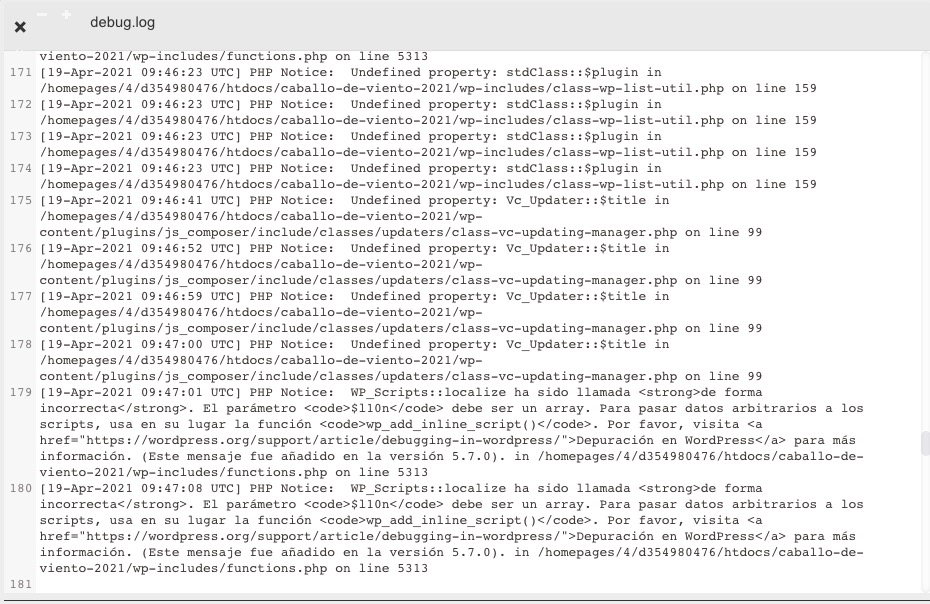
I also went to your website to check it and didn’t find any fatal errors:
Hello,
We are very sorry for the inconvenience.
Can we check your issues? There are no issues on our test or demo websites, so I quite sure we can fix everything.
Hello,
Please follow the instructions in this documentation to activate debug in your site to see any PHP errors recorded that can provide insight on to whats going on. Please reply with a link to debug.log file. If you are not able to do this please send us FTP access to your site so we can do this for you.
This plugin is already using /events slug: https://neuestadt.org/wp-admin/edit.php?post_type=mec-events
Please follow this guide https://docs.myeventon.com/documentations/change-events-slug/ to change EventON’s.
Hello,
They’ll get access to https://www.myeventon.com/my-account/, where everybody can download purchased add-ons with license codes.
Yes and we follow your instructions. Maybe in the PHP code is a small mistake, but I think if there could be a small mistake it would not come the error “not found”? So, I think the problem is at another place?