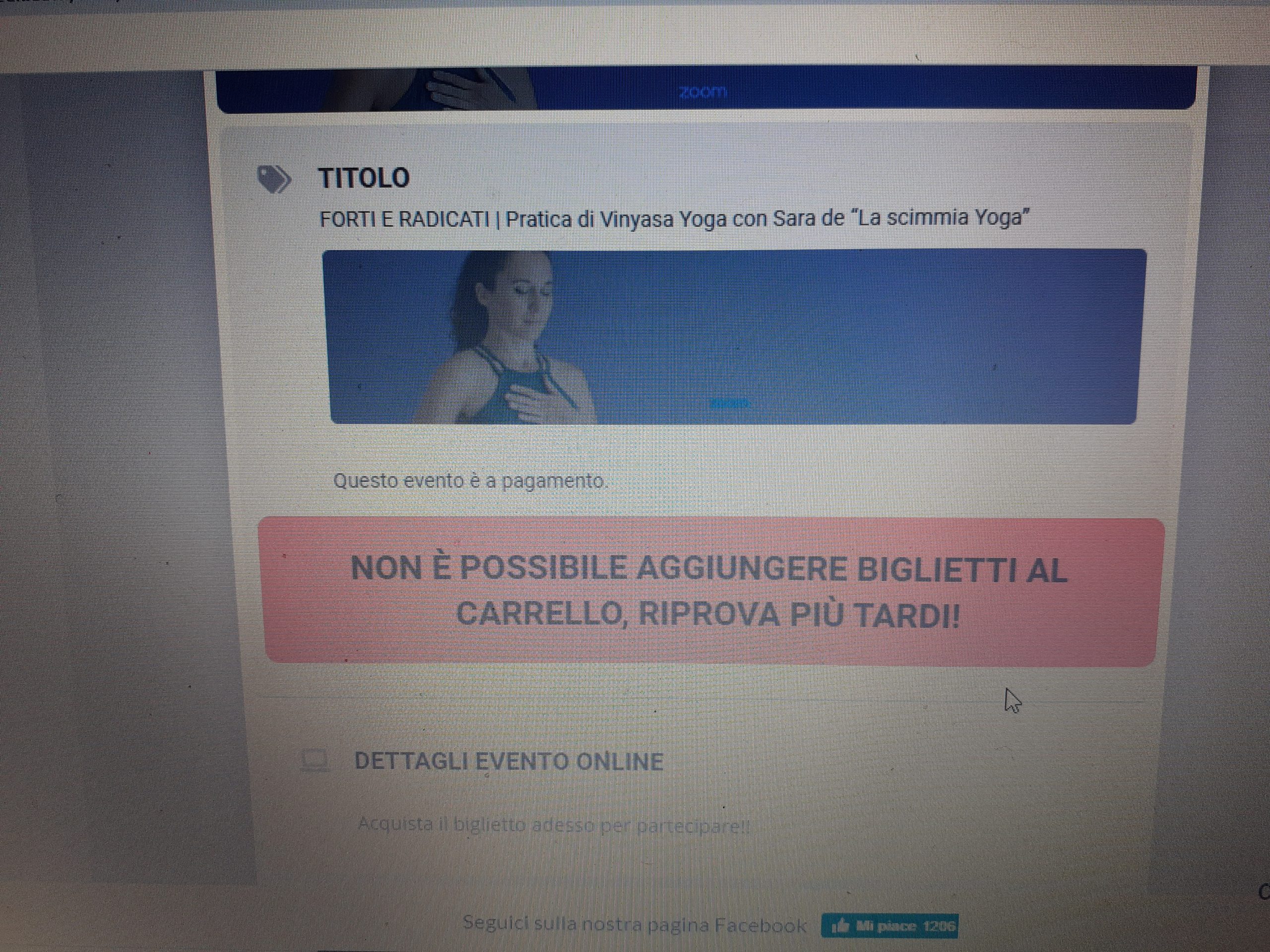
This is the screen that they send me 🙁
Replies for tickets on suppota
This is the screen that they send me 🙁
Hi,
forget the categories issue I have already solve it. Just let Ashan know about the croping at the event list bubbles style 3
best regards
JP
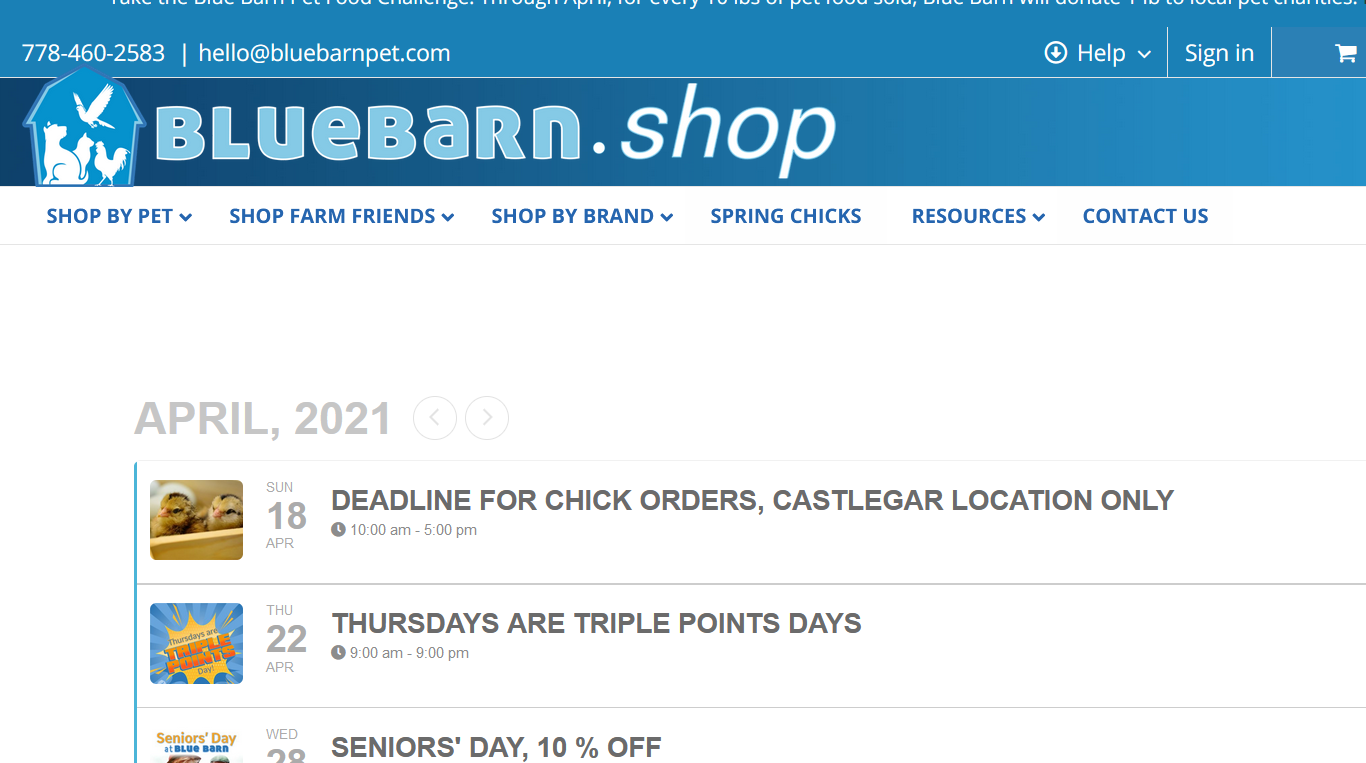
Yes- I activated that
basically Only the wp-admin can see it- people viewing the site cannot see it
when clicked it opens in a new window the edit event (makes it easy to edit the events)
See screenshot- this is what it looks like if you are not the admin
you can turn it off in Myeventon>>>>>settings>>>>>event top (enable the edit button)
but only you can see it and it makes editing events so much easier than trying to find it in the backend (once you have 40 events you’ll thank me)
Hey Cameron,
U have added a lot of new requirements, from the original one, price can’t be the same.
Hi Jacob,
Thanks for the additional details.
After checking this further, it appears that this is a limitation. This method will only work for standard custom fields assigned to events but will not work for event tickets since these are managed by WooCommerce.
In order to work around this, you’ll need to perform a Woo product import containing all the ticket data that you want to create and then manually assign these to events. I’d suggest starting off from a ticket export from WooCommerce to understand the format that the plugin expects.
Hi Kenneth,
Thank you for your answer 🙂
I will create a new ticket for Customization Request.
Kind regards,
Michaël.
HI Kimberley,
Sounds good!
Hi Michael,
I’m sorry for the confusion.
As my colleague mentioned, we don’t have an option to toggle the ticket event details that are displayed on the cart page.
You can send us a customization job request by creating a new ticket here and selecting Customization Request as the category.
https://www.staging9.lakecountybloom.com/eventon-test/
and see video below
as for the colors can you reply with the colors you want and I’ll hard code it in
yes – in myeventon>>>>>>>>>>>>>settings>>>>>>>>>>>>>>event top
you can choose the day and it appears above the large date number on the right