Please check your cache plugin or browser cache.
Archives: Replies
Replies for tickets on suppota
Reply to: tickets(231519)
Hello,
Please add this CSS code to EventON > Styles (If you don’t see any change, EventON > Scripts & Styling > turn off Write styles to header > save settings > turn on Write styles to header):
.eventon_events_list .eventon_list_event .event_description, .eventon_events_list .eventon_list_event .event_description .evcal_desc_top { border: none !important; } .evo_sin_page #evcal_list .eventon_list_event { border: none !important; } .eventon_events_list .eventon_list_event .evcal_list_a:after { content: none !important }
.evoTX_wc.tximg .evoTX_wc_section, .eventon_list_event .evo_metarow_tix .evoTX_wc { padding-top: 0 !important; }
Reply to: tickets(186555)
I am sorry, the access information you have provided did not work for us. Please check them and post the correct login information as a private message, thank you!
Reply to: tickets(231328)
We are glad your issue is resolved, if you have any further questions or concerns please create a new ticket.
If you have a moment, we would greatly appreciate if you could kindly leave us a review at codecanyon! from your account > downloads. Cheers!
Reply to: tickets(227922)
can we please get this completed. thanks.
Reply to: tickets(229908)
Hi. I may be misunderstanding.
It appears that the RSVP has only been separated into two shortcodes (RSVP YES) and (RSVP NO) and is still missing the functionality below. Please correct me if I’m wrong.
- When a user RSVPs “yes” to an event it needs to assign the user to the event Like in this screenshot: https://files.letsalloy.com/rBeewN
- Then when a user RSVPs “no” it needs to unassign them from that event.
Reply to: tickets(228551)
Ah, so I thought that was a feature of the Subscriber Add-on. I understand now. Thanks.
Reply to: tickets(225501)
I sent you a mail. Please check once.
Reply to: tickets(186555)
Hello, I allow myself to get back to you concerning this bug … Here is the information to be able to connect to my administration:
- WP User : ashanjay
Password : DB8 & I0e$6KZc86TRU!D6i7$0
Thank you in advance for your help.
Reply to: tickets(227773)
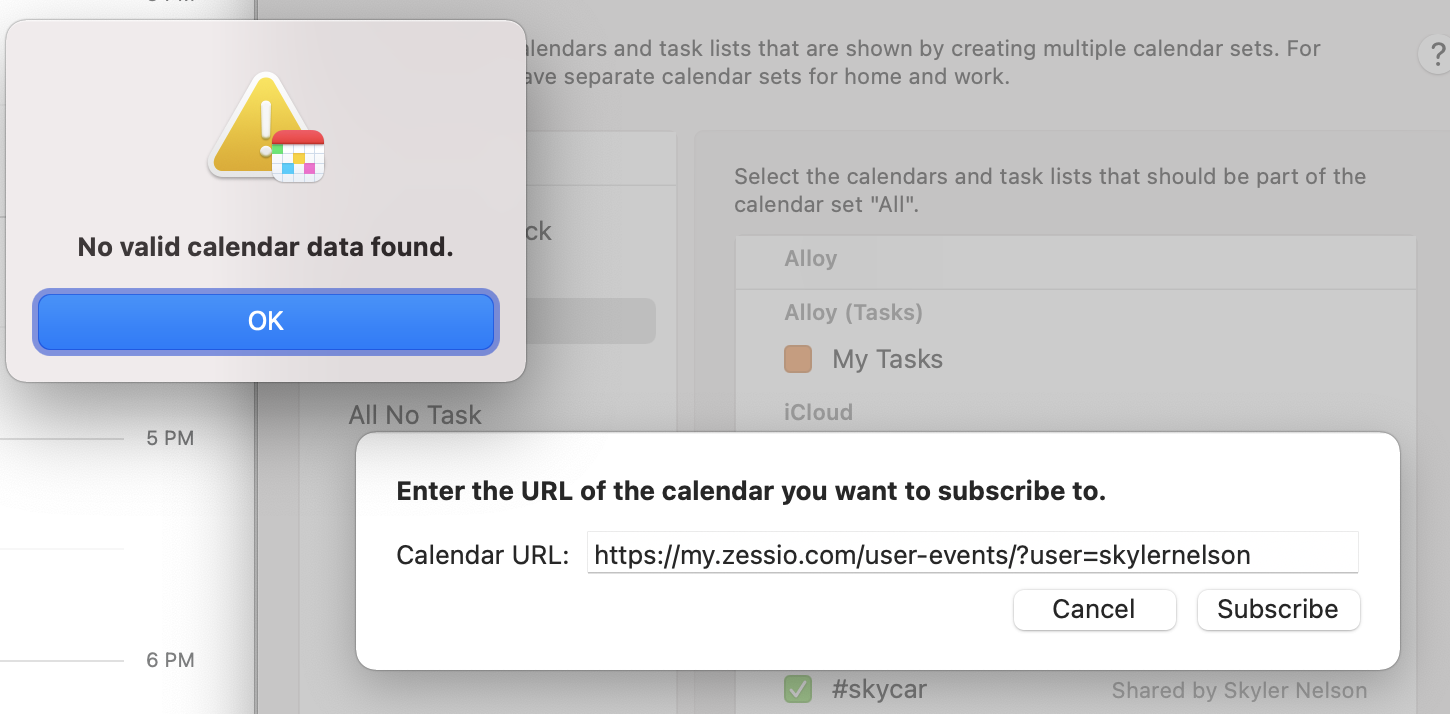
Thank you.
Your example works. However, I get the attached errors when I try to do it on our own URL.