there is an issue currently with updates- I was fixed for 3.1 and not working again for 3.12
To update eventon to latest version: If you are unable to do autoupdate, you can go to codecanyon your account > download and get the latest eventon version as zip file. Then you can go to your website, deactivate old eventon, activate (Do not delete eventon settings & data when EventON is uninstalled) from eventon settings, delete old eventon, install new one and activate. This link will further explain the process it. Also you can follow us on twitter to get real-time announcements on updates!
Thanks very much yes I will look over my settings and documentation again to make sure everything was done properly.
An issue people have after updating is You will need to clear your browser cache (the wordpress cache also helps) but this is caused by your browser- after clearing cache you should be able to use the toggles see video
We are glad your issue is resolved, if you have any further questions or concerns please create a new ticket.
If you have a moment, we would greatly appreciate if you could kindly leave us a review at codecanyon! from your account > downloads. Cheers!
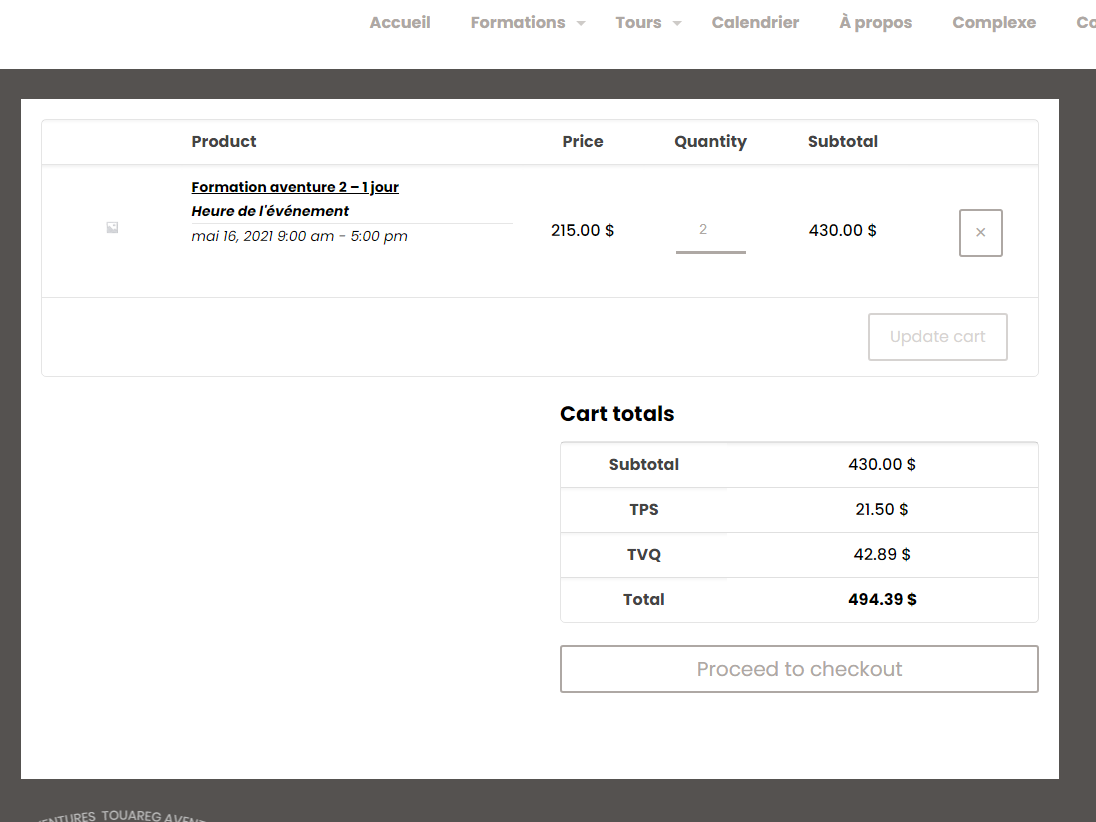
Hi I am not sure how you manage to get that but when I click on it it gives me
Mai 16th ticket. All the other event are okay.
Thank you so much! The video ist great! 🙂
You helped a lot. I will discuss the layout of the calender with the owner of the site.
Thanks again, fantastic support!
Regards,
René
I’ve updated the plugin to the latest and I got rid of the add ons because we don’t need them anymore. This sadly didn’t fix the issue.
When I went to deactivate the maps hoping that would fix the issue and I noticed something funny – it won’t let me change anything in the settings. None of the toggls work. I thought at first it was because I didn’t have the license activated (this is a staging site of the live site) so I went ahead and activated it but that still didn’t let me toggl anything.
Hmm but now the trailer and shortcode for the logos aren’t rendering….
Have a look now
also if you add this to
appearance>>>customize>>>>>additonal css
.entry-content h4, h4 {
line-height: 1;
}
If that fails try this instead
.entry-content h4, h4 {
line-height: 1 !important;
}
That will make that blue h4 heading closer together