Great, yeah no caching – seems to be an issue with the plugin. Thanks!
Archives: Replies
Replies for tickets on suppota
Reply to: tickets(229064)
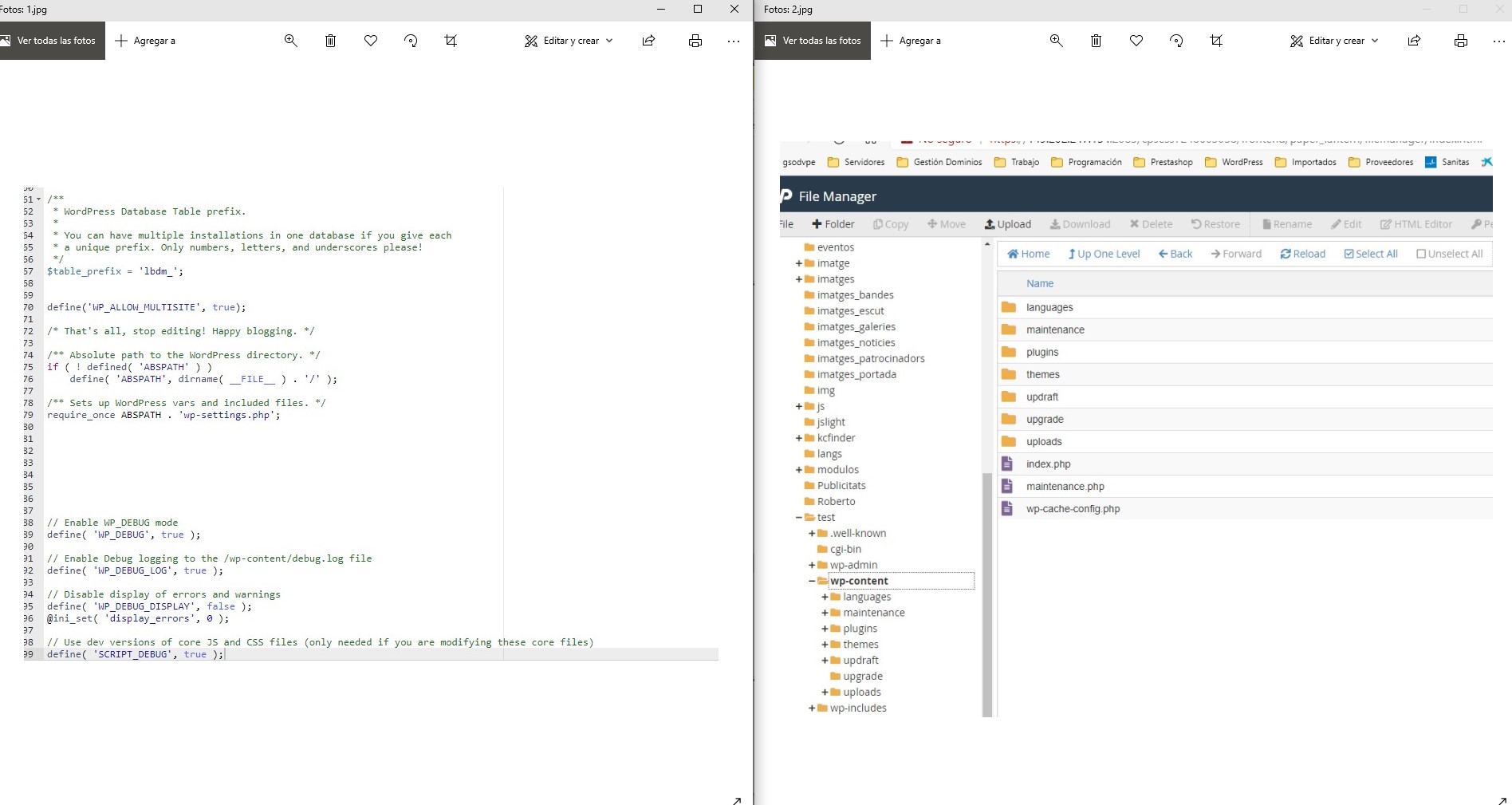
Hello, we have followed the DEBUG instructions indicated, but we do not skip the corresponding file, I am attaching screens so you can see. We have deactivated and activated the component. All we have left is to delete it and reinstall it.
Reply to: tickets(226095)
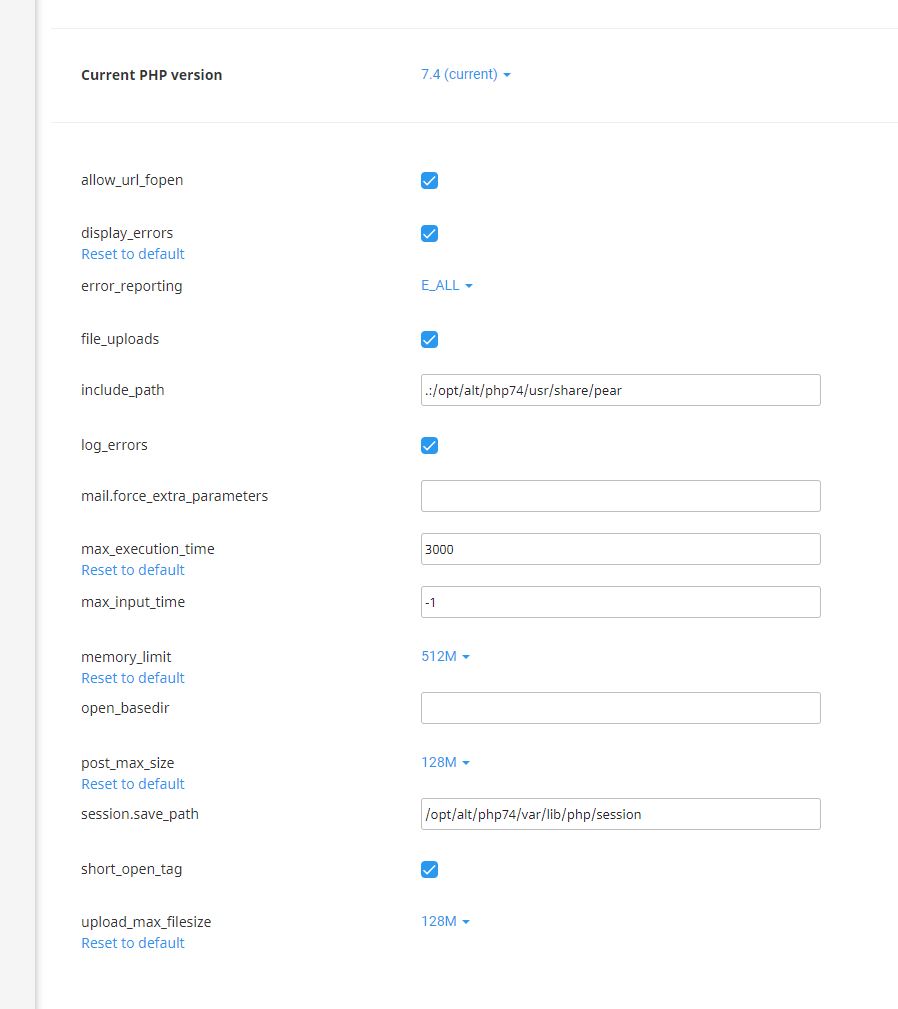
No limits. What are the requirments
Reply to: tickets(229131)
Hi Elise,
Could you please try the instructions mentioned in this documentation to make sure your issue is indeed coming from eventon.
Reply to: tickets(229064)
Hi there,
Thanks for the clarification.
Could you please try the instructions mentioned in this documentation to make sure your issue is indeed coming from eventon.
Reply to: tickets(229042)
Hi there,
Could you please try the instructions mentioned in this documentation to make sure your issue is indeed coming from eventon.
Also, please check for latest version of your addons from here Your issue might be related to an older version you are running and we might have resolved this already in the newer version update.
Reply to: tickets(228995)
Deactivate them. We will need to to that with both set of icons.
Reply to: tickets(229064)
Reply to: tickets(229064)
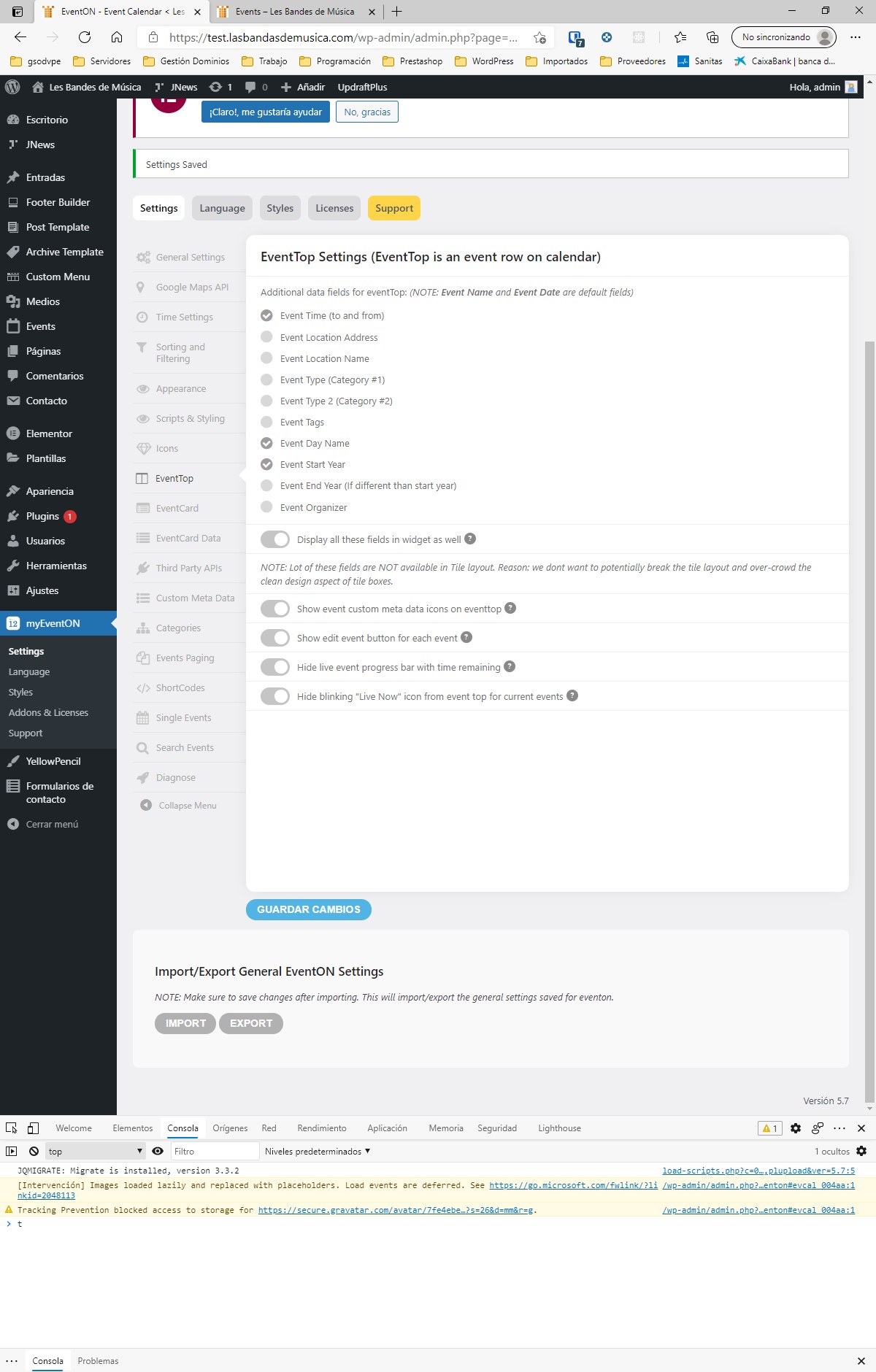
Sorry, I forgot to attach an image
Reply to: tickets(229064)
Hello
Perhaps I have not explained well, indeed the bar is not showing, I want to show it, I have verified the option that it indicates, and if it is activated to show, but as you can see it does not appear in the calendar events.
Thanks