Please check this guide: https://docs.myeventon.com/documentations/how-to-add-additional-fields-at-checkout/
Archives: Replies
Replies for tickets on suppota
Reply to: tickets(230246)
It seems that the issue is in your theme: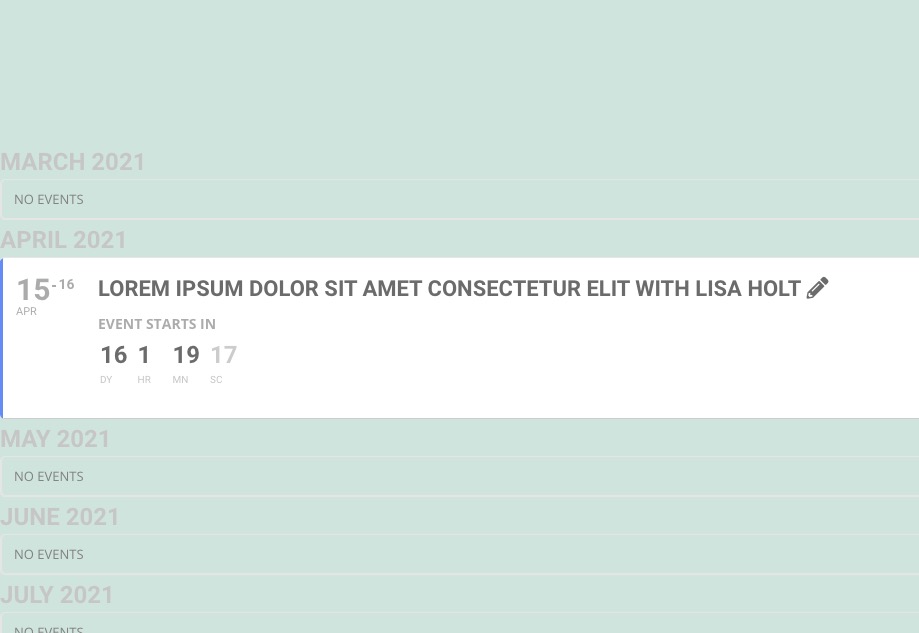
Please contact the theme developer and ask about the issue.
Reply to: tickets(230330)
Great! If you have any further questions or concerns please create a new ticket.
Reply to: tickets(228282)
Reply to: tickets(228282)
Thank you for your messages, I am going to assign this ticket to Ashan and he will be able to take it from here and find you a solution. Please allow some time for him to get back to you, we greatly appreciate your patience and thank you for being a eventon customer! Also please disable any IP blocking on your site if there are any.
Reply to: tickets(230305)
Hello,
Could you update EventON to 3.1.2 and check once?
To update eventon to latest version: If you are unable to do autoupdate, you can go to codecanyon your account > download and get the latest eventon version as zip file. Then you can go to your website, deactivate old eventon, activate (Do not delete eventon settings & data when EventON is uninstalled) from eventon settings, delete old eventon, install new one and activate. This link will further explain the process it. Also you can follow us on twitter to get real-time announcements on updates!
Reply to: tickets(230135)
Great! If you have any further questions or concerns please create a new ticket.
Reply to: tickets(222108)
There should be an edit icon on the [evo_event_manager] page which is not showing in your page. It should be a conflict caused by one of the other plugins you are using or the theme.
So, do the test once as instructed in the link.
Reply to: tickets(229761)
Thank you for your answer.
I have updated plugin to the latest version and this bug returned. Now again all my repeating events display “Monday” instead of Sunday in Front end.
I again opened the file: includes -> admin -> post_types class-meta_boxes-timedate.php lines 372 and 435 and changed _0 to 0. Now sundays events display correctly.
Please, check this bug?
Reply to: tickets(224382)
Jordan,
The work is a separate plugin which works in similar way to a child theme. It will not be affected by minor updates. However, if there is a unexpected major updates, it may stop working. IN that case, I will need to charge you for the fix.
Thanks