Reply to: tickets(391771)

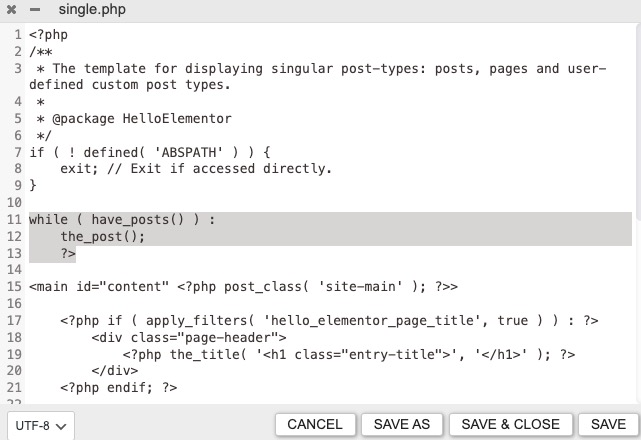
Are you sure this will not lead to some kind of issues? By default this is how get all posts:

I took it from this theme:

https://wordpress.org/themes/hello-elementor/

And the same is for all WordPress’s default themes. You don’t need to set global $wp_query for the main loop to work.

Is it the same for posts and pages in your theme?

Reply to: tickets(392799)

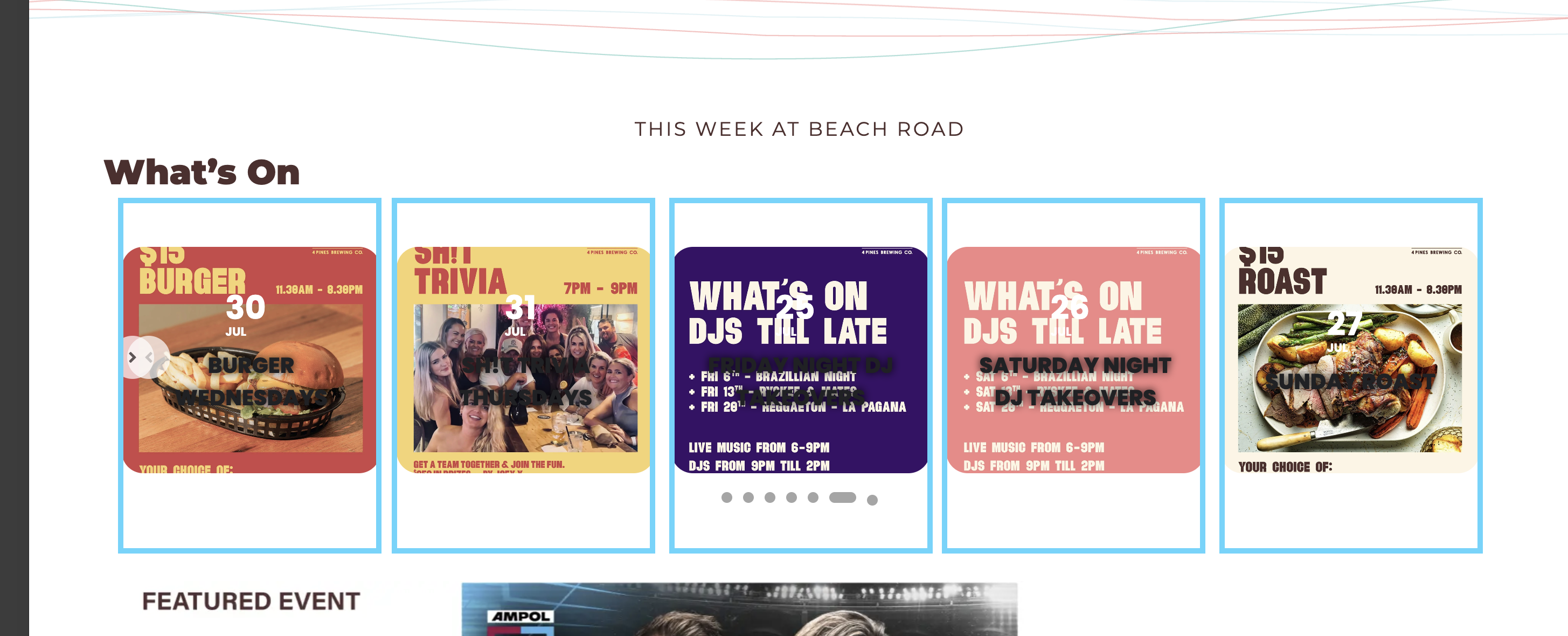
Yes, you can change the height easily

.evoslider .eventon_events_list {

  1. display: flex;
  2. height: 300px;}

Reply to: tickets(392561)

1. EventON uses it’s own template for /events page and it can be customized by following:

https://docs.myeventon.com/documentations/how-to-customize-events-archive-page/

However, the easiest solution would be

PROTIP: If the /events page does not work due to theme/plugin conflicts, create a new page, call it “Events Directory” Insert eventon shortcode and use that as your main events page which will have a URL ending like /events-directory. This would be a perfect solution if you have conflicts with /events slug.

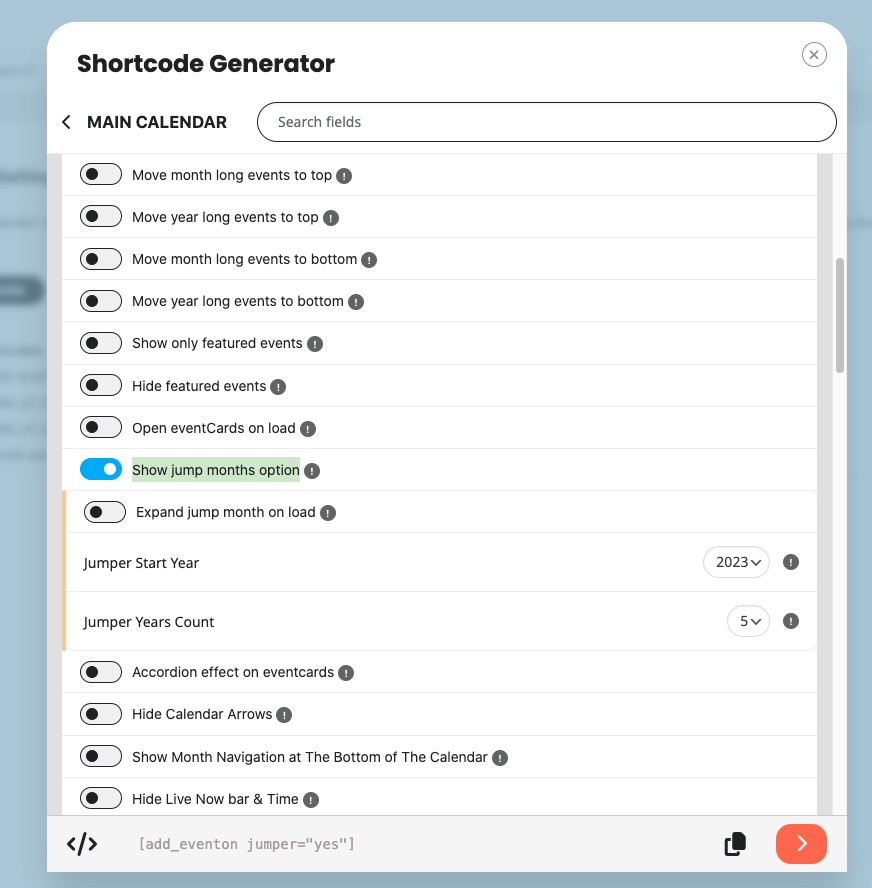
2. Please enable “Show jump months option” by adding jumper=”yes” to your shortcode:

Reply to: tickets(392935)

Hey, 

No Thanks, please refund the Amount. 

I did cancel the subscription, thanks for the hint!

Regards!

Reply to: tickets(391276)

If you didn’t put it there, please remove, because adding raw HTML around shortcode causes issues. Please try and let me know.

Reply to: tickets(391589)

We are glad your issue is resolved, if you have any further questions or concerns please create a new ticket. If you have a moment, we would greatly appreciate if you could kindly leave us a review at EventON WordPress Page OR Codecanyon. Your review helps us a lot in continuing EventON improvements!

Reply to: tickets(392742)

login information is shared, that redirect only happens when paying with applepay. when paid using cc redirect is to order confirmation and that is okay but apple pay redirects to profile.
Reply to: tickets(392799)

hey just to update you.

We changed around the JS code on the theme and the EventOn slider now works.

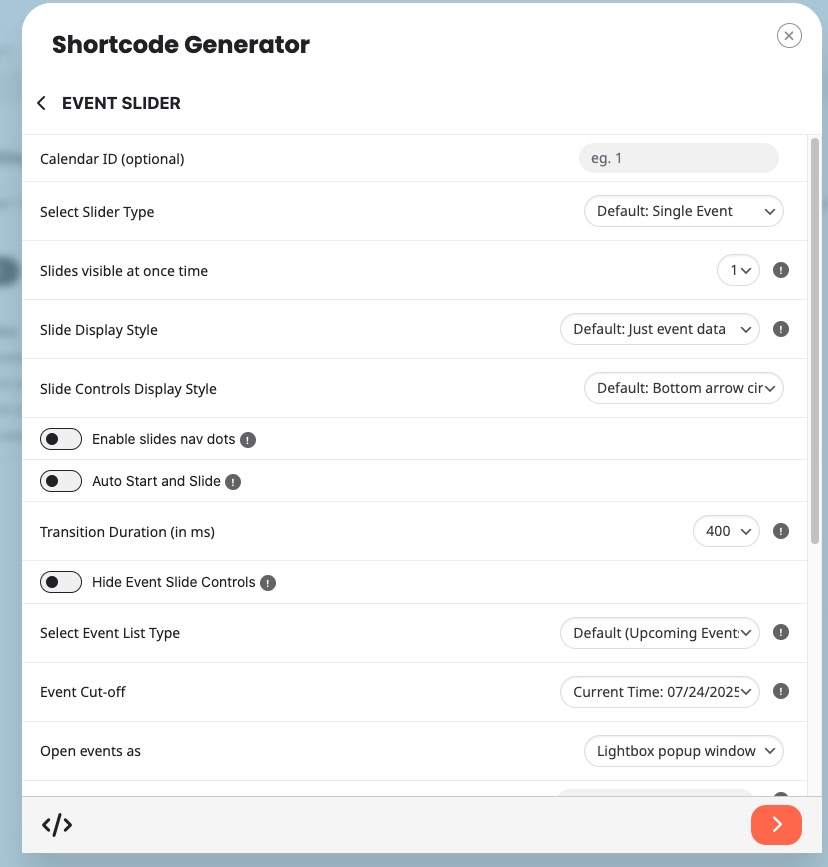
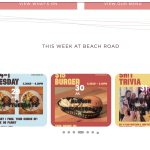
Can you point me in the direction of documentation on how I can change the style of the slider? I need to create it so 

What I want to do it create each card to be this size (same size of the Instagram post)