Hi Scott,
It seems that to access https://app2.rt66ug.com/app-access/wp-login.php some other credentials are needed as well. Please send in the credentials in a private message so that we can proceed to troubleshoot your issue.
Replies for tickets on suppota
Hi Scott,
It seems that to access https://app2.rt66ug.com/app-access/wp-login.php some other credentials are needed as well. Please send in the credentials in a private message so that we can proceed to troubleshoot your issue.
Hi Christalie,
In that case, Please follow the instructions in this documentation to activate debug in your site to see any PHP errors recorded that can provide insight on to what’s going on. Please reply with a link to debug.log file. If you are not able to do this please send us FTP access to your site so we can do this for you.
Hi there,
You can minimize the space by using the custom CSS code below:
.single-ajde_events .evo_page_content{margin-top:-10em;}
Please add this CSS code to EventON > Styles (If you don’t see any change, EventON > Scripts & Styling > turn off Write styles to header > save settings > turn on Write styles to header):
Hi Cyndie,
I have looked at your site and it seems you do not have the EventON main plugin installed. You will need to install that plugin in order for the ActionUser addon to work.
To install the EventON plugin, you can go to codecanyon your account > download and get the latest eventon version as zip file. Then you can go to your website and install the newly downloaded plugin.
Thank you, got the event to display however how do I fix this extra space (see screenshot link below):
https://www.screencast.com/t/xLnRhFmOhLx
Thank you,
SW
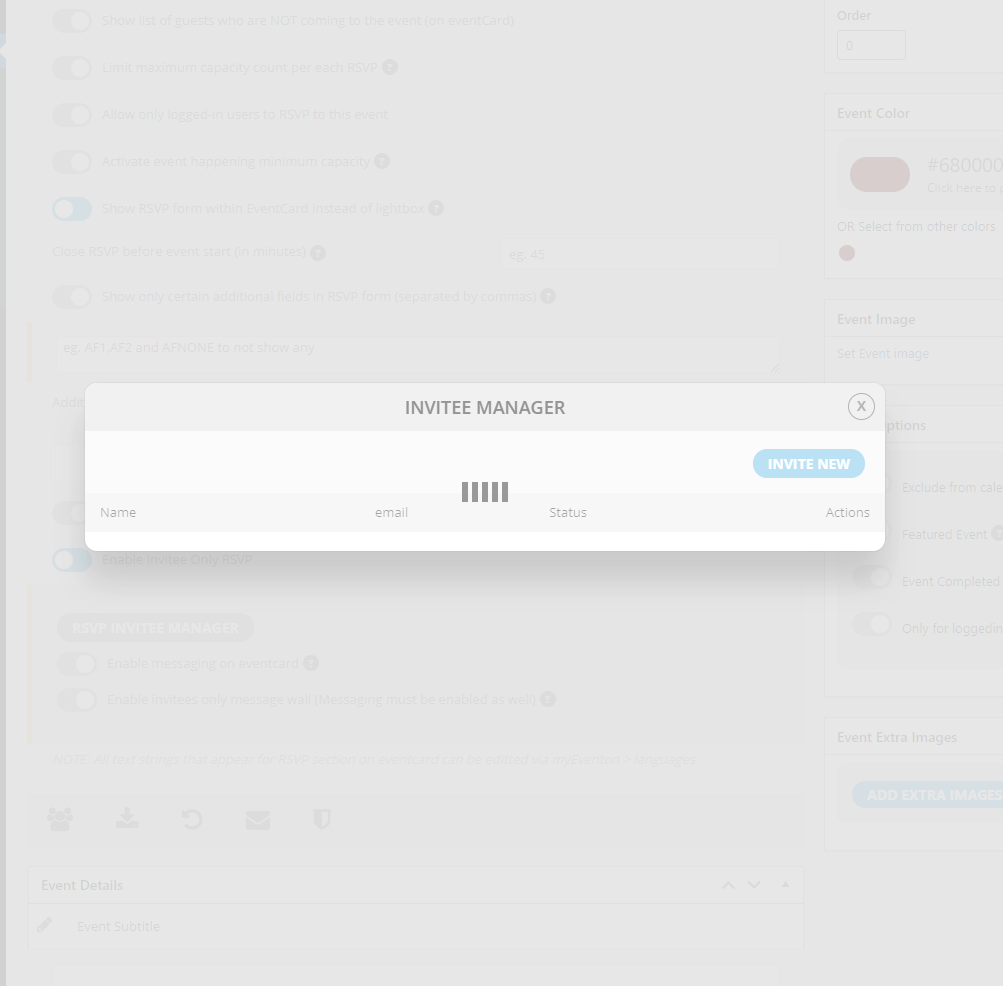
I did. I tried everything. I even tried installing it on another website. It does not work! Please help.
I’ve cleared my cache and tried multiple browsers. Same results. FYI
https://app2.rt66ug.com/app-access/wp-login.php
Username: eventon
Password: 4$TuB2
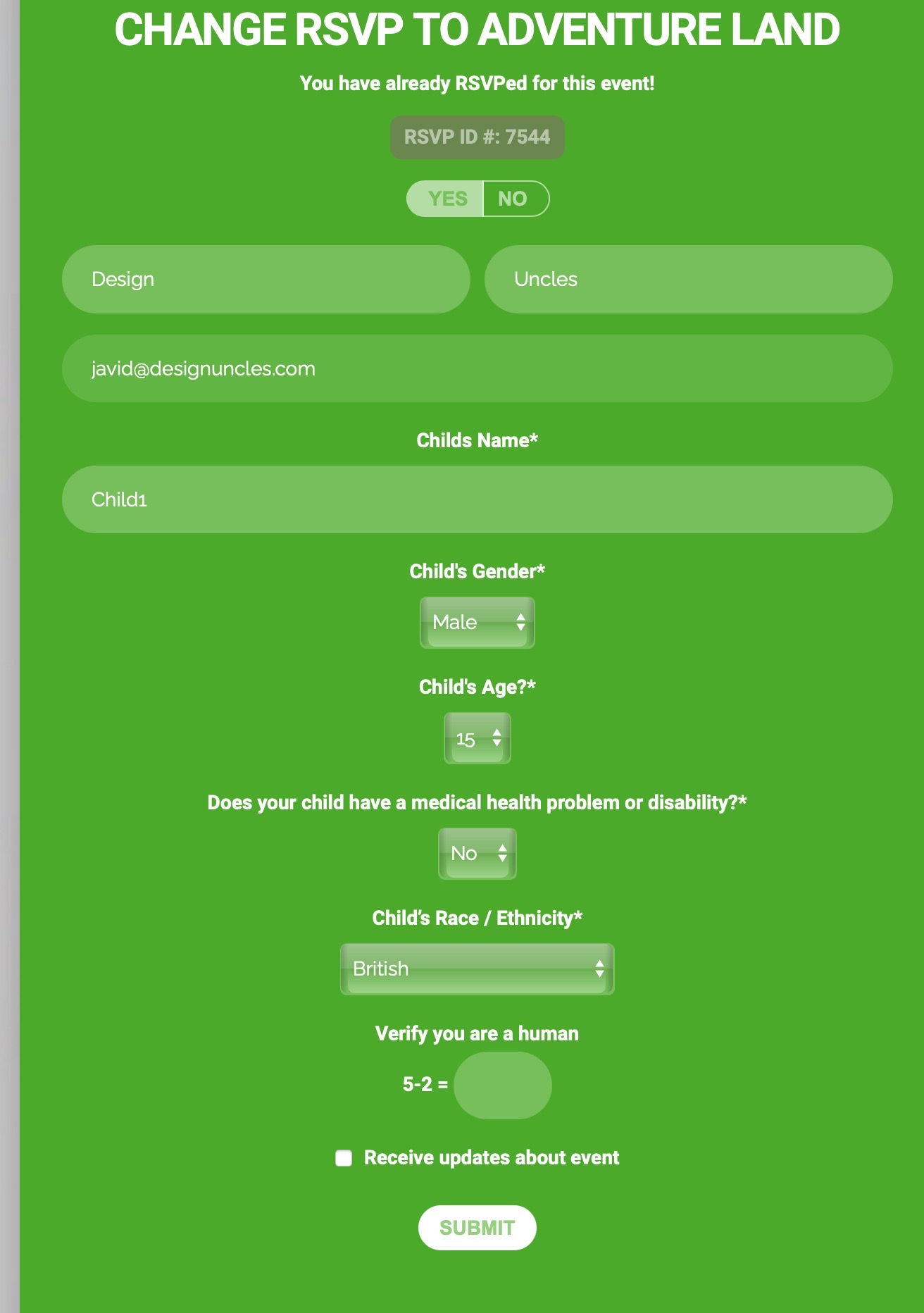
Hi
Do I need to turn on “How many people are in your party?” field?
When I make a change to the RSVP it does not show this.
Thanks
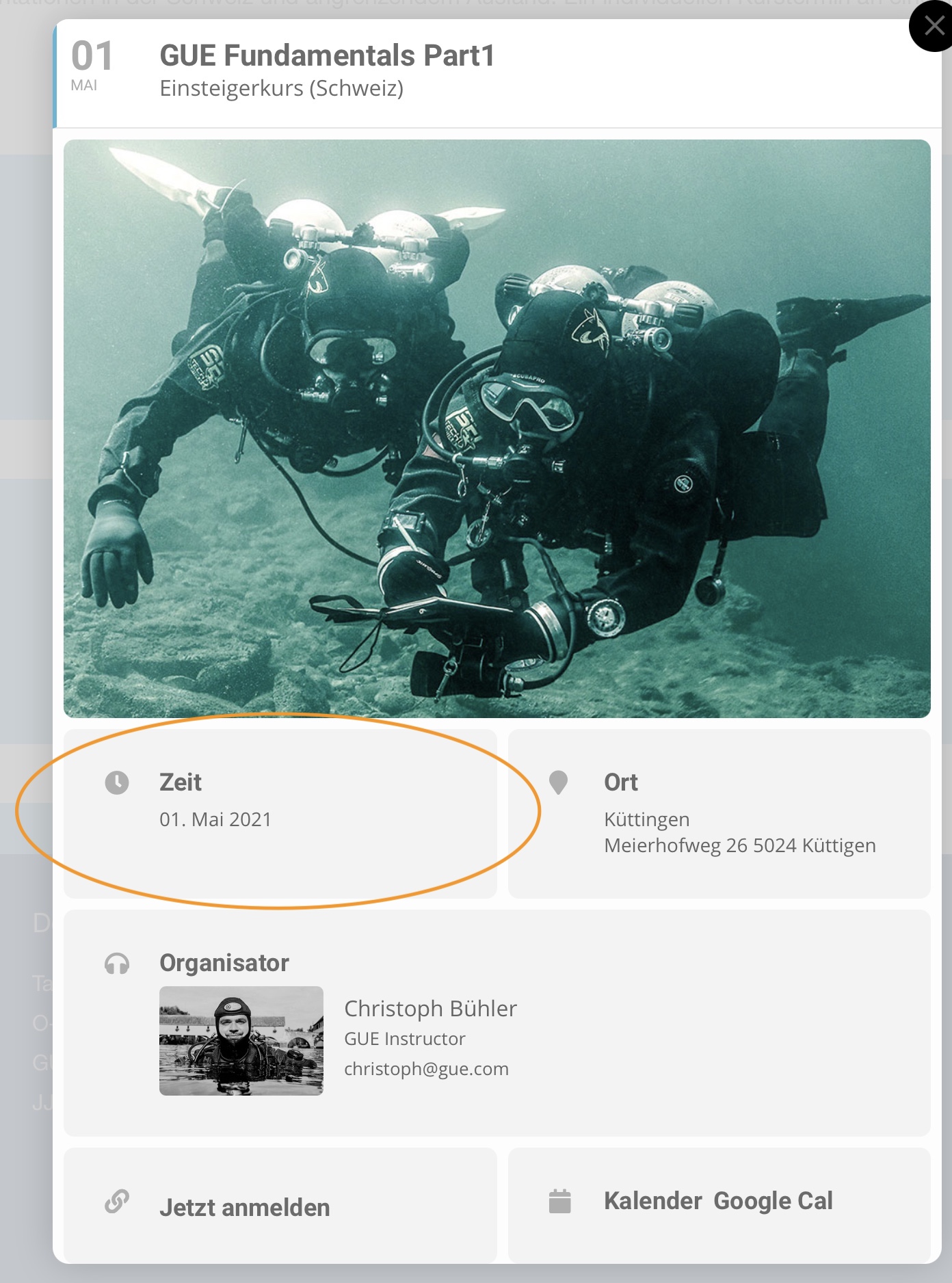
Hi Artem. Thank you for your feedback. Ive set the settings to universal event time format, but dont get it, what i have to insert there… Ive insert d. F Y. But now its just the starting date and not from … to.
Same on the overview. Here i also have only the starting date.
https://gue-fundi.ch/tauchkurs-termine/
What im doing wrong?
Best regards