I can login now but the system keeps logging me out everytime I click on something.
Please check
Replies for tickets on suppota
I can login now but the system keeps logging me out everytime I click on something.
Please check
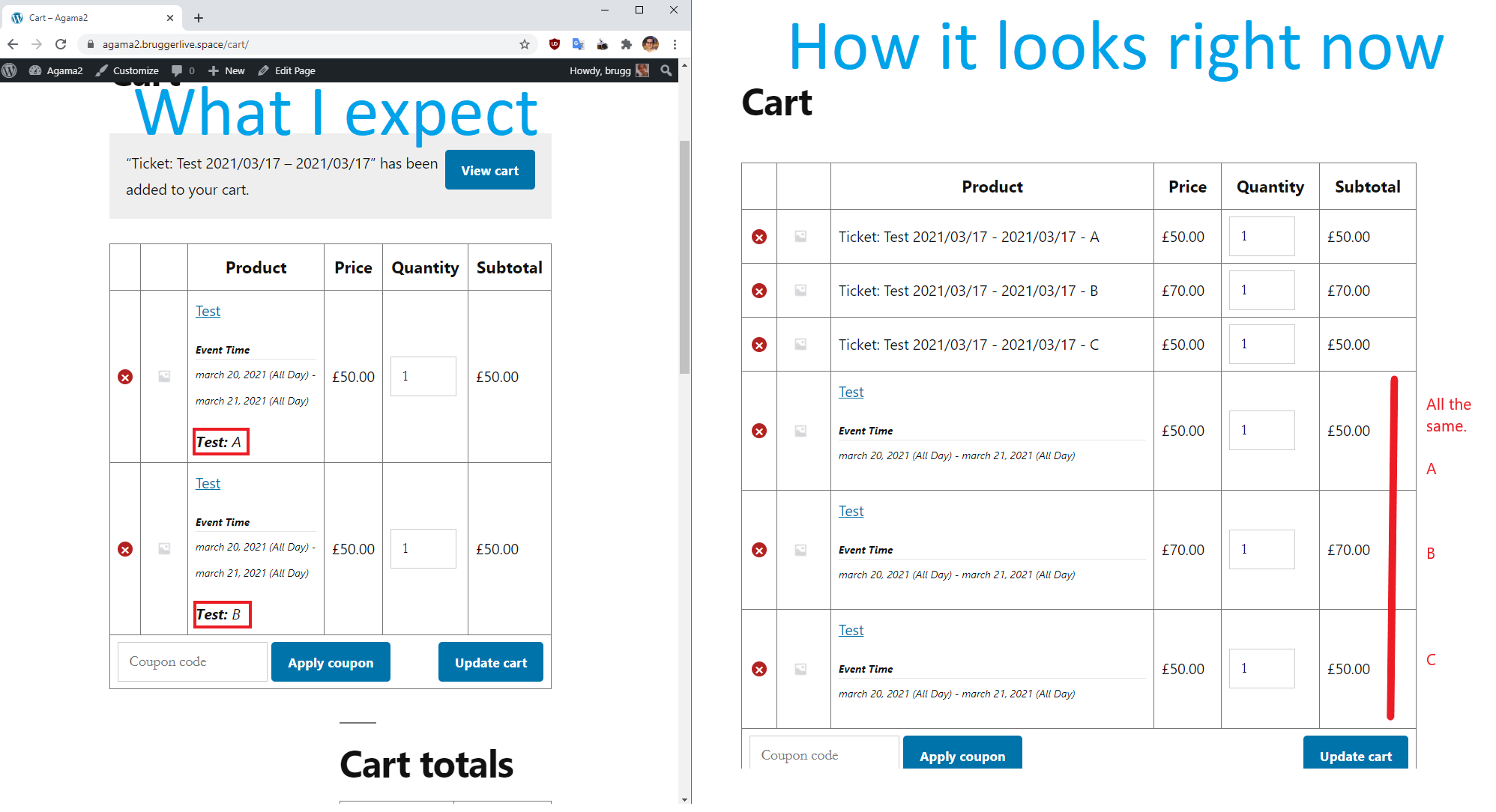
Here is a picture showing how it is now and what I expect.
Problem: Currently there is no way one knows from the checkout / confirmation which option one has booked.
Think of the example:
Concert:
Seats:
(Using attribute “Seats” for variation in WooCommerce Product)
One does not see if one books left row or right row as one only sees the price being 10 EUR.
I want it too look like in the second picture. Having a field during checkout / paypal / confirmation that says:
“Test: A”
“<Attribute name>: <Selected Variation Name>”
Such a field is not displayed in the simple case of having one attribute that I show in the video.
Does that make sense?
Much better, I will leave the new option activated even if it is in BETA and I will try it, thanks
I’ve also logged into my GoDaddy account and cleared the cache through my security settings.
You should have admin access:
https://myheartcheck.org/wp-login.php
username: Eventon (or Eventon@gmail.com)
Pass: Event2018on
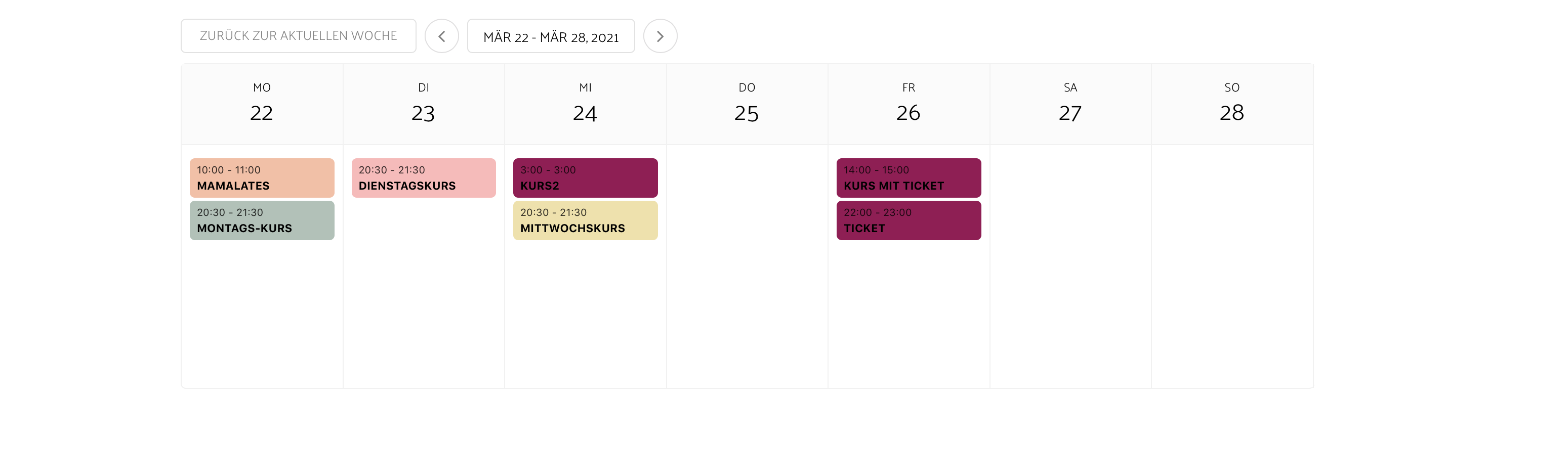
And here what it is supposed to look like and is only visible when switching weeks
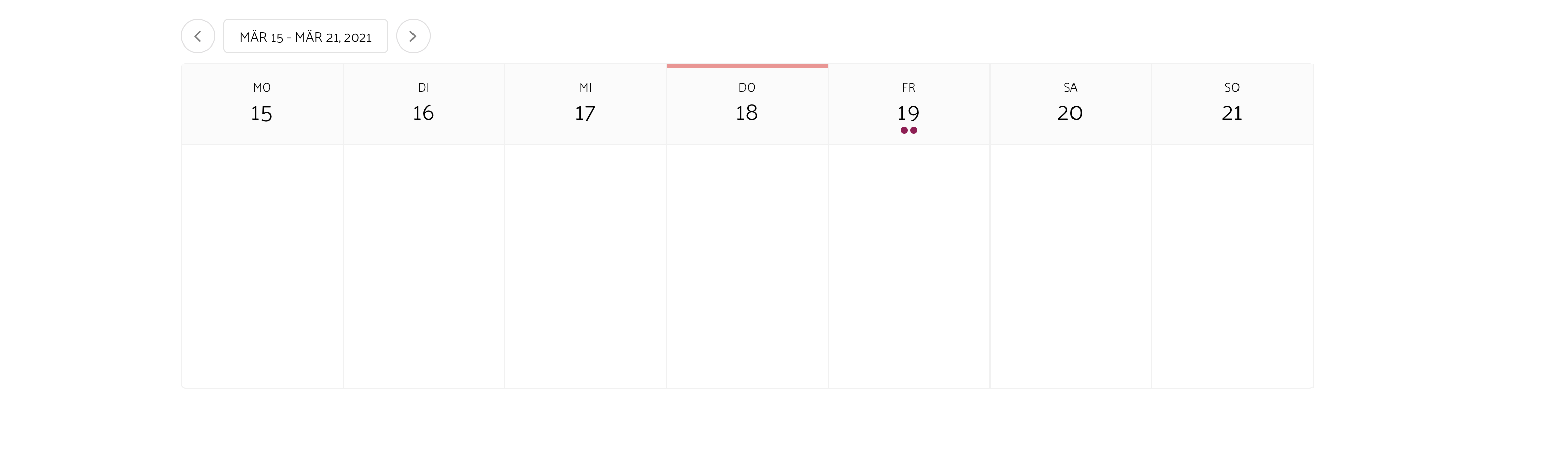
Here is the screenshot of what is visible
Ah, ok. I thought it sold for all, because like in my reply #227007 above I described how after buying one ticket all events show the virtual event details after buying a specific date. Looking forward to the update this week!
Done !
3 mails forwarded to info@myeventon.com