Hello,
Could you try going to EventON Settings > Time Settings > enable Use WP default Date format in eventON calendar (Excluding eventCard event date format) > save > disable the option > save again?
Replies for tickets on suppota
Hello,
Could you try going to EventON Settings > Time Settings > enable Use WP default Date format in eventON calendar (Excluding eventCard event date format) > save > disable the option > save again?
Sorry for the delay. I have uploaded the work now. Please check.
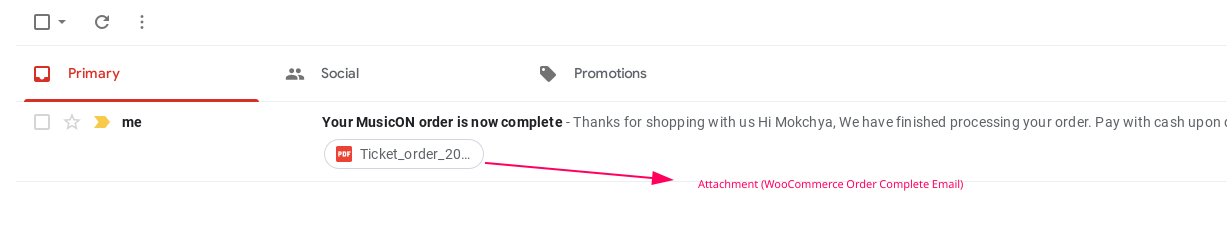
Ticket attached to WooCommerce ( Completed Order ) email
if Enable PDF tickets for event tickets is enabled and
if Stop auto sending ticket confirmation email to customers is enabled
Hey Jordan, do not worry repluing to the ticket 😉
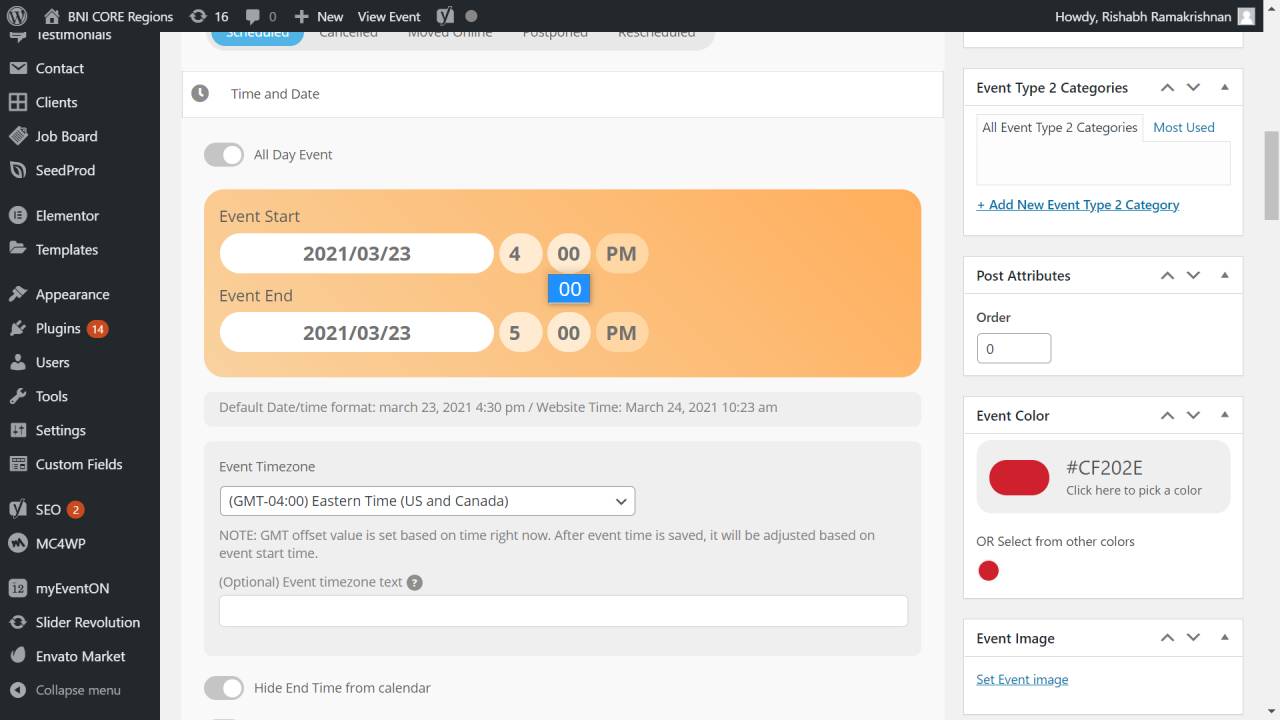
Hi Team,
Thanks for your response,
I won’t be able to share the wp-admin access I can show you a screenshot of the backend.
Tell me if u did now
Basilis has accepted the job for 80
Hi Linda,
Thank you reaching out.
I am going to assign this ticket to Ashan and he will be able to take it from here. Please allow some time for him to get back to you, we greatly appreciate your patience and thank you for being a eventon customer!
Hi, just wanted to check this is still on track to be done this week? Many thanks.
Maybe. Our events are free of charge. Is there a way NOT to use WooCommerce? Except RSVP Add-on, because it doesn’t work with times lots as you should know;-)
P.S. We bought it and are still waiting for a refund…
Hello,
Please, make a review of the code. We have plenty of bugs related to MyEventOn plugin basic functions.
Here are all the bugs founded by us and our client when checking:
• RSVP mode (when enabled) is often bypassed after saving an event
• NEW : RSVP mode (when enabled without timeslots) is displayed twice on front-end.
• Custom fields (AF) are not working in RSVP mode! Also when timeslots are activated.
• Timeslots : when creating a time slot, remove the date selector and leave hours and minutes.
• When a timeslot is subscribed by an attendee in the front-end, informations about the timeslot selected is not showing in admin nor in the CSV. Its a simple common sense according to the customization request…
• When editing an event with timeslots, we do not see which timeslots are available.
Example: if a user selects and subscribes to a timeslot in front-end, admin don’t see which timeslot is available and can deletes it by mistake…
• RSVP attendees counter (on events list and when editing an event) is not updated properly when an attendee unsubscribes or when admin deletes it.
• When a user in front-end subscribes to a timeslot, how can he unsubscribes??
We must have the same behavior that native RSVP function offers (user must be able to click on an unsubscribe button, search its phone number or e-mail and unsubscribes). It is also a simple common sense according to RSVP native functionality…
NEW REQUESTS (please, make us an estimate):
• On events list in admin, order the events by chronological date (from the next event date happening to the further)
• MyEventon functionality request: when a user subscribes to an event, how to not record its subscription on the PC (cookie issue?). MyEventOn Agenda is available in a public area on different PCs.
Best,