tickets uses woocomerce, so whatever payment gateways that work in woo will do
Archives: Replies
Replies for tickets on suppota
Reply to: tickets(229266)
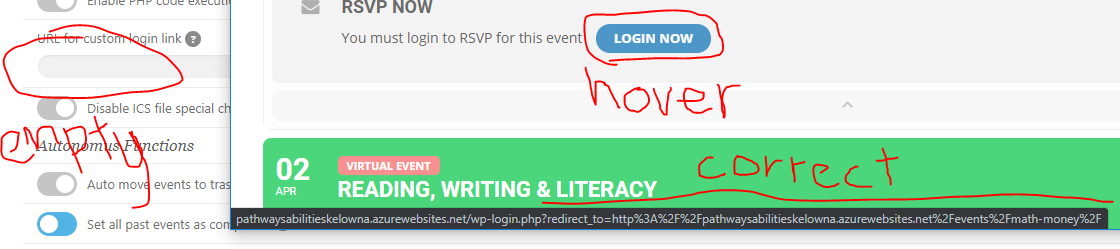
If I remove the login field and use the default one from WordPress, the redirect_to is correctly added. Screenshot attached.
This is the behaviour I’d like to do (dynamically add redirect_to) but with a custom login url
Reply to: tickets(229266)
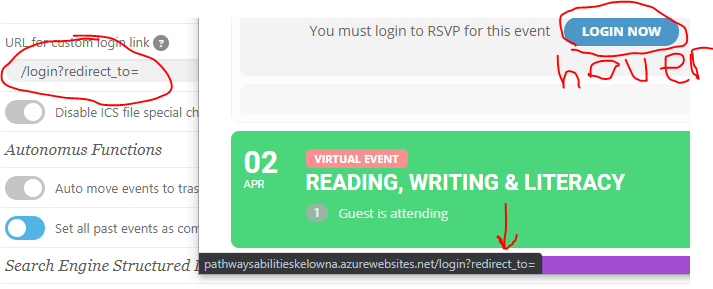
I tried your solution, but all that did was add an empty redirect_to. I can’t hard code it in, because it’s a dynamic field based on the event page the user is currently on. I’ve attached a screenshot to show you what it does
Reply to: tickets(229237)
go into myeventon>>>>settings>>>>>event top and activate the things you want to appear
now not everything appears on the tile view but most do
Reply to: tickets(229160)
Thank you!
Reply to: tickets(229237)
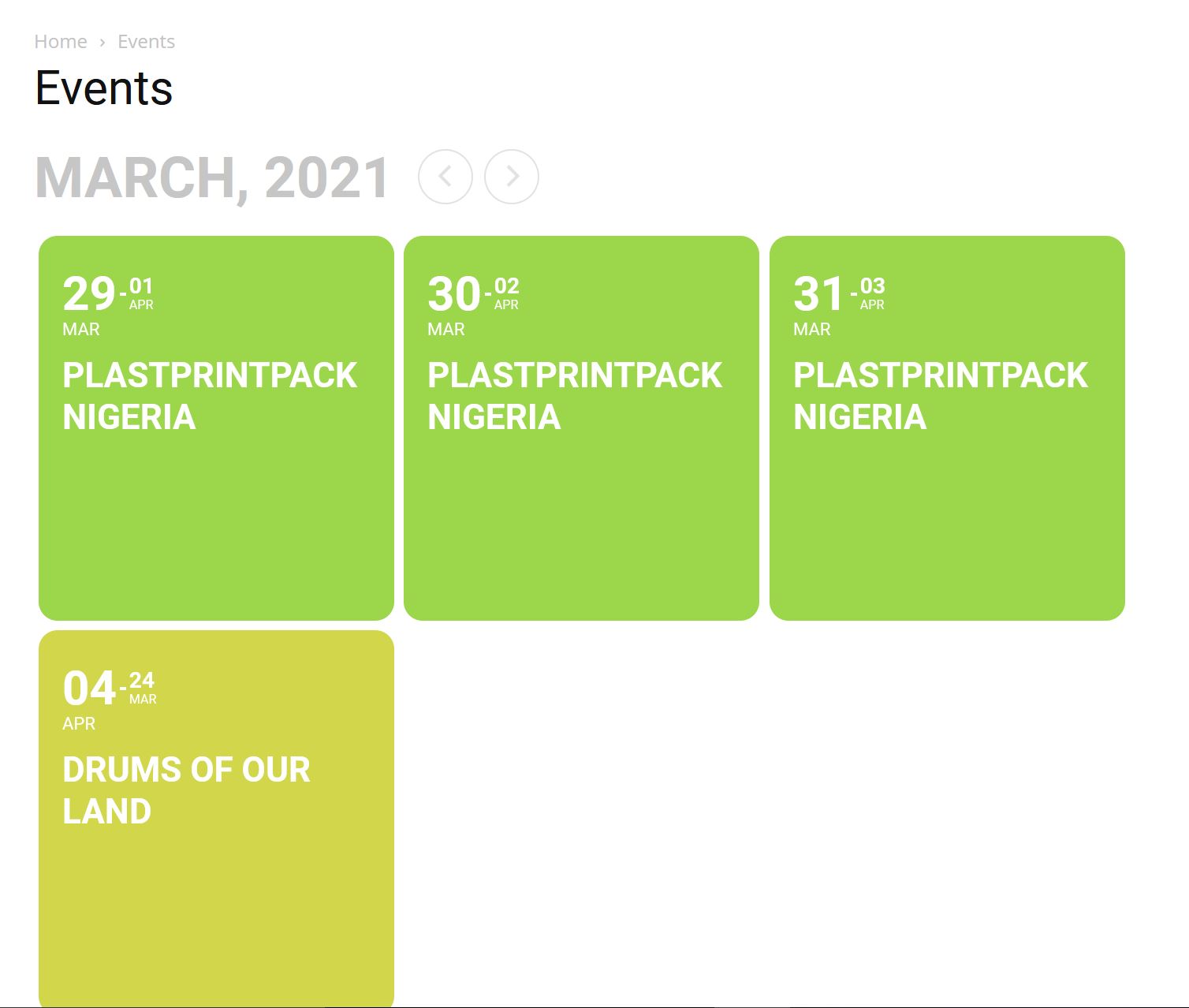
You can see that it is not showing the date, time and address on the event. Your demo is showing that
Reply to: tickets(229237)
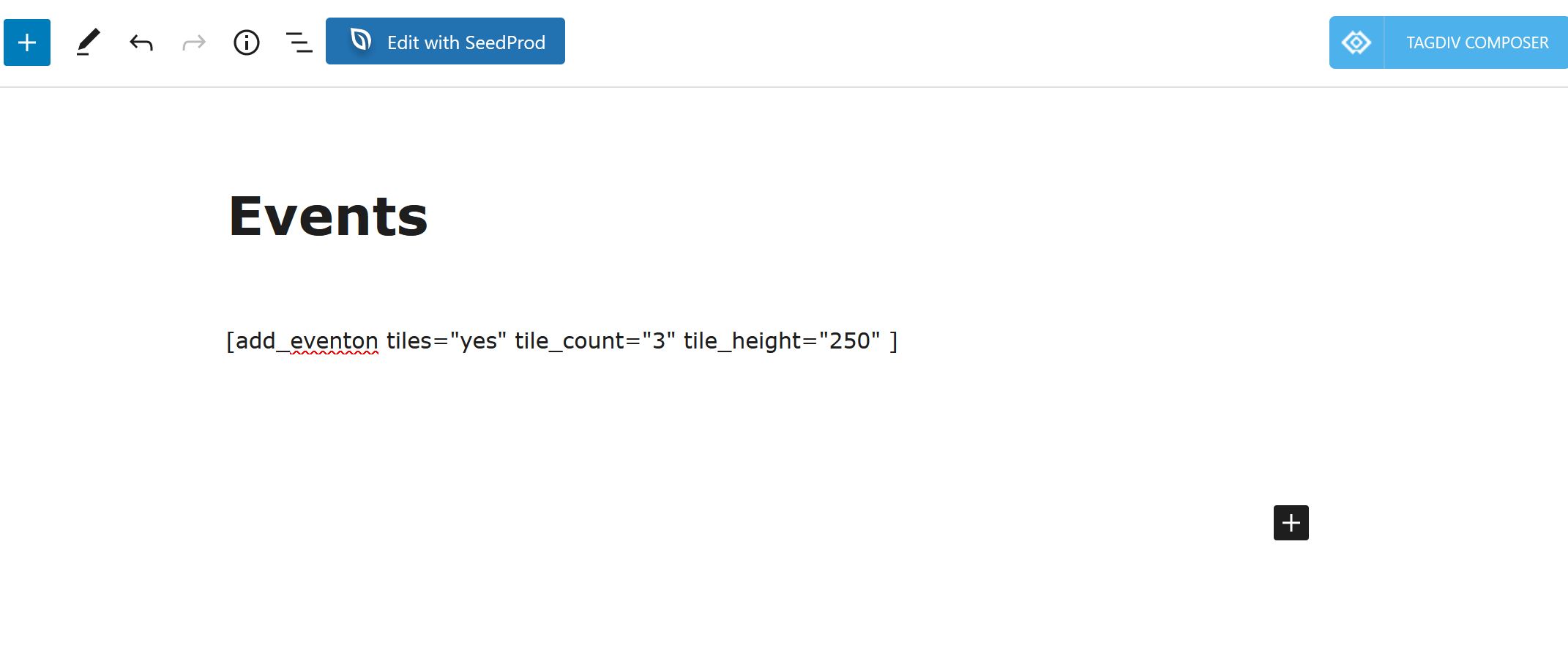
Thanks, that is the same code i used, since you have the login. Please can you help me check?
Not showing the date and time as in your demo refer to attached image
Reply to: tickets(229237)
[add_eventon tiles=”yes” tile_count=”3″ tile_height=”250″ ]
Reply to: tickets(229237)
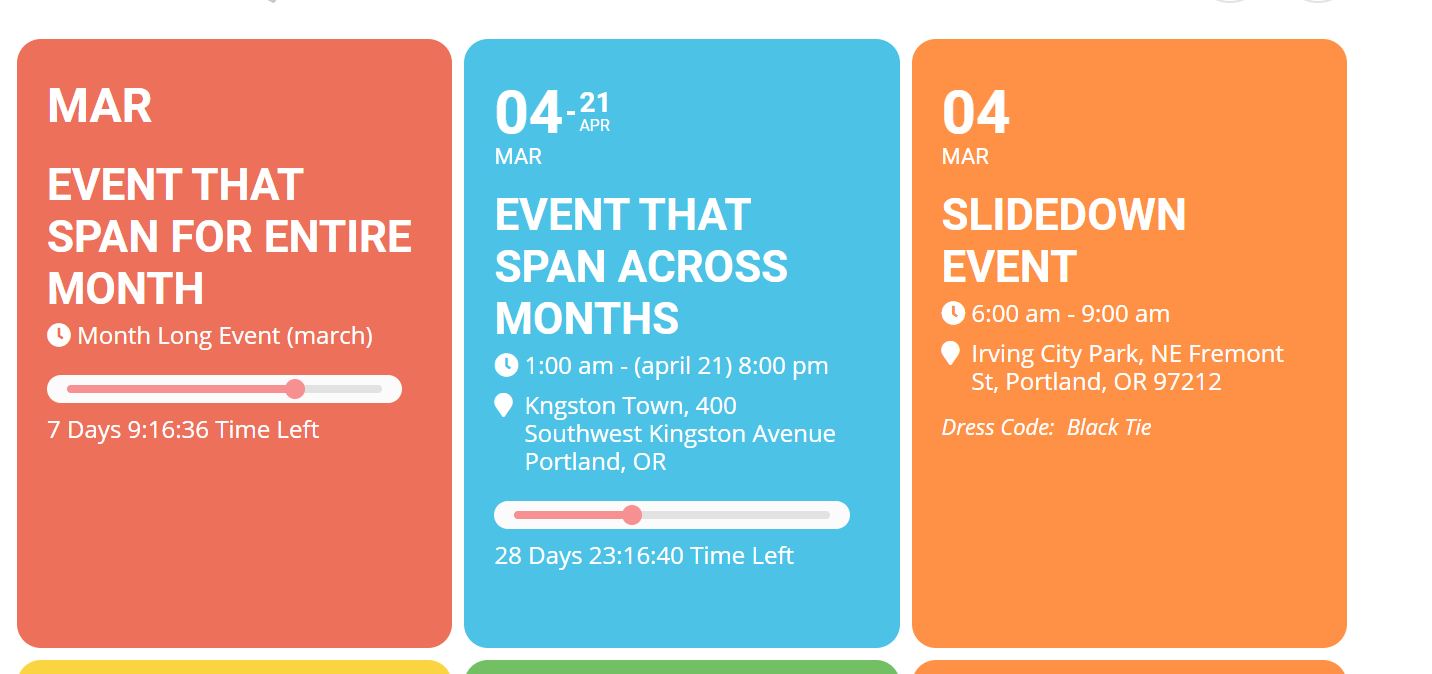
Yes, thanks please can you help me check i don’t know how to make the following show as in your demo
Time, date and address (refer to attached image)
Reply to: tickets(203355)
You have only provided links to your staging site which is what we are looking at- not the live site
please provide wp-admin access to the live site you are looking at http://aqal.wpengine.com/calendar/
we are looking into http://aqal.staging.wpengine.com/calendar/
the login for that staging site does not work anymore but please rpovide wp-admin access for the live site