Thank you for your messages, I am going to assign this ticket to Ashan and he will be able to take it from here and find you a solution. Please allow some time for him to get back to you, we greatly appreciate your patience and thank you for being a eventon customer! Also please disable any IP blocking on your site if there are any.
Archives: Replies
Replies for tickets on suppota
Reply to: tickets(222108)
Hi,
Are you saying that I am looking in the right place? I don’t think it’s a bug, I just don’t know where the answers to the new fields you created get posted so that I can see them. I see all the default fields that come with EventOn – just not the new ones you worked on.
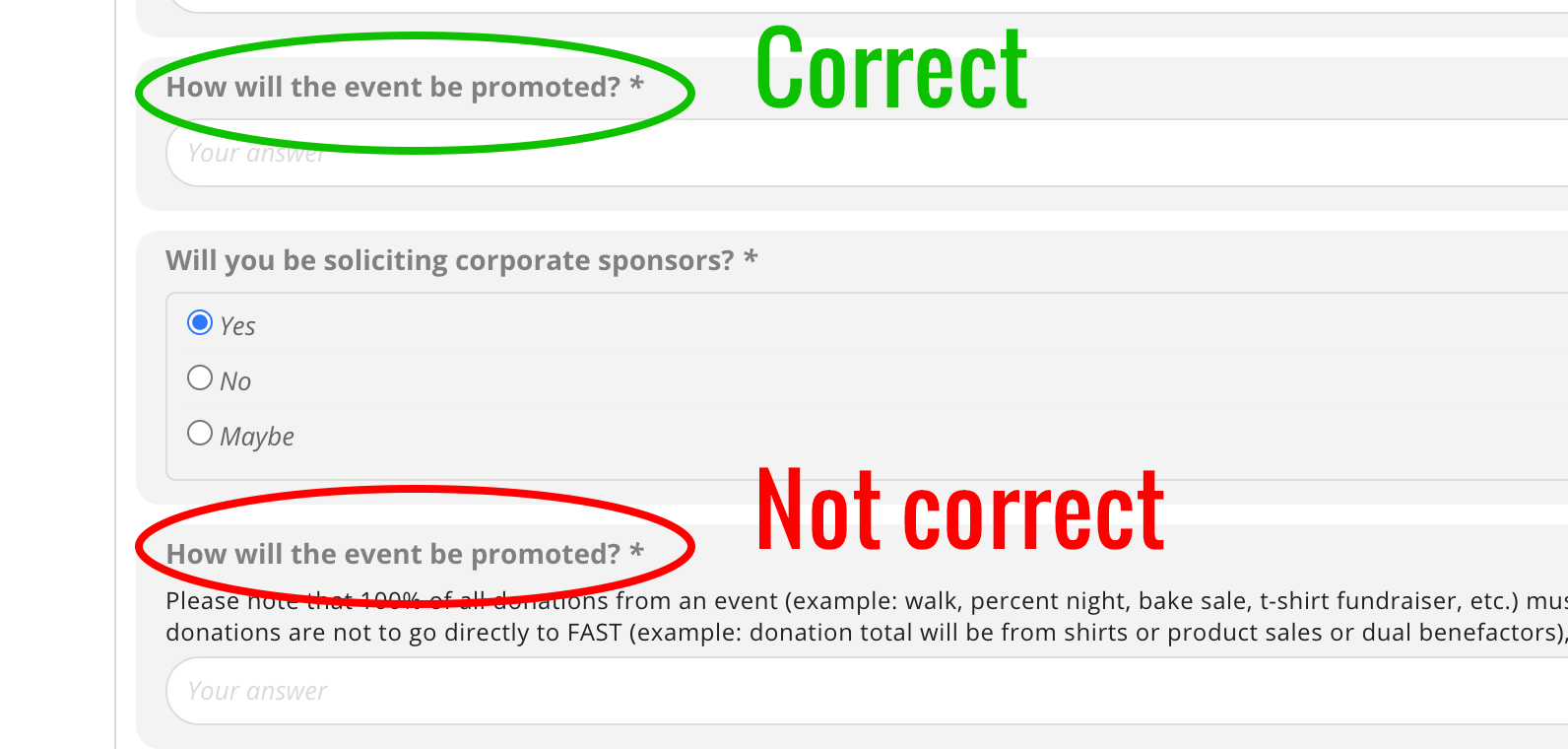
I also found an error – there is a new field that is a duplicated question. Please see the screenshot. It should read, “How and when will proceeds be distributed to FAST?” – just like the google form I provided.
Reply to: tickets(229177)
sorry …
Reply to: tickets(229177)
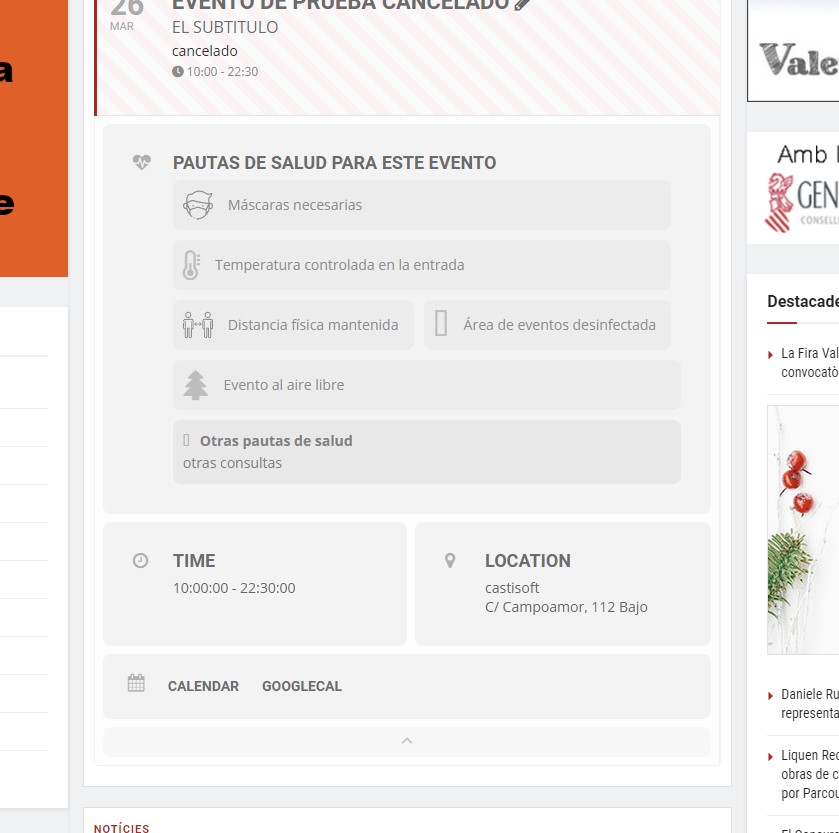
can you upload the screenshot
Reply to: tickets(229064)
I understand, that bar tells us what is missing for the event to end, we thought it was the time until the beginning of it …
Thank you very much for your help.
Reply to: tickets(225515)
Per the article you included:
https://docs.myeventon.com/documentations/why-my-site-and-eventon-page-loading-slow/
I have completed items 1 to 3. I already had the following in place:
– Cache plugin: We have CLOUDFLARE.COM service integrated. We attempted to use WP ROCKET as well, but there was issues. This setup is the same as it was prior to having issues with editing events.
– Optimize database: We actually have this scheduled to run weekly already. I ran this and tested again. No improvement.
– Delete inactive plugins: I have deactivated the few plugins which the website doesn’t need to run properly, and deleted a few ones that were already deactivated. No improvement.
The upgrade hosting is not an option right now, and honestly I don’t see where it should be necessary considering the fact that this site was running with max of 128MB memory since launch, then per your advise I raised this limit up to 512MB and it still continues to run out of memory when editing an event from admin tools.
Please advise what other options or suggestions you have.
Reply to: tickets(224126)
Hello Ashish,
can you please contact me?
I haven’t heard from you since March 9!
Reply to: tickets(227922)
Hi. Checking in to see when I can expect the implementation. Thanks.
Reply to: tickets(227891)
https://myheartcheck.org/wp-login.php
login: Eventon@gmail.com
Pass: Event2018on
FTP Username: Eventon@myheartcheck.org
FTP server: ftp.myheartcheck.org
FTP & explicit FTPS port: 21
Pass: Event2018on