hi, any news?
Archives: Replies
Replies for tickets on suppota
Reply to: tickets(229057)
Hey Nick,
Yes, but that does not matter.
Google keys can only be used on specific domains added from google console.
Reply to: tickets(228995)
Hello, thank you. I saw there, but I can just change them between your set, but not deactivated them all. And the health icons are not there too.
Reply to: tickets(229057)

Reply to: tickets(229041)
Hey Jay,
Yes maybe some of those missing it is true.
It can cost $800 to add it.
Reply to: tickets(227288)
When you say “for free events use rsvp and they get the link after they RSVP/Register”, how do they get that link? Do you mean that I would have to manually email the registration link? Or, are you saying that I can set up RSVP so that after they submit the RSVP they automatically get the registration link?
Reply to: tickets(227847)
Ashan,
Please check 1. & 3.
1. This one doesn’t show anything at all: https://dev2.myeventon.com/wp-admin/post.php?post=25866&action=edit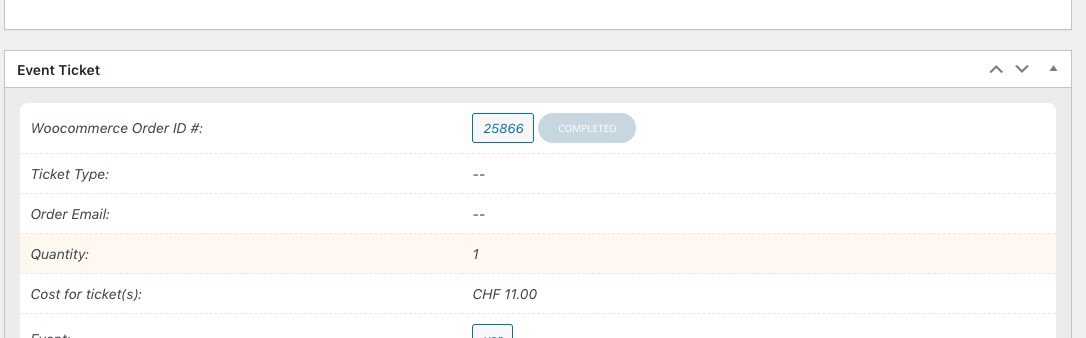
3. https://dev2.myeventon.com/wp-admin/post.php?post=25869&action=edit
Reply to: tickets(227847)
1. & 3. Thank you for your messages, I am going to assign this ticket to Ashan and he will be able to take it from here and find you a solution. Please allow some time for him to get back to you, we greatly appreciate your patience and thank you for being a eventon customer! Also please disable any IP blocking on your site if there are any.
2. Please go to EventON Settings > Tickets > Checkout > enable Email Address.
Reply to: tickets(229042)
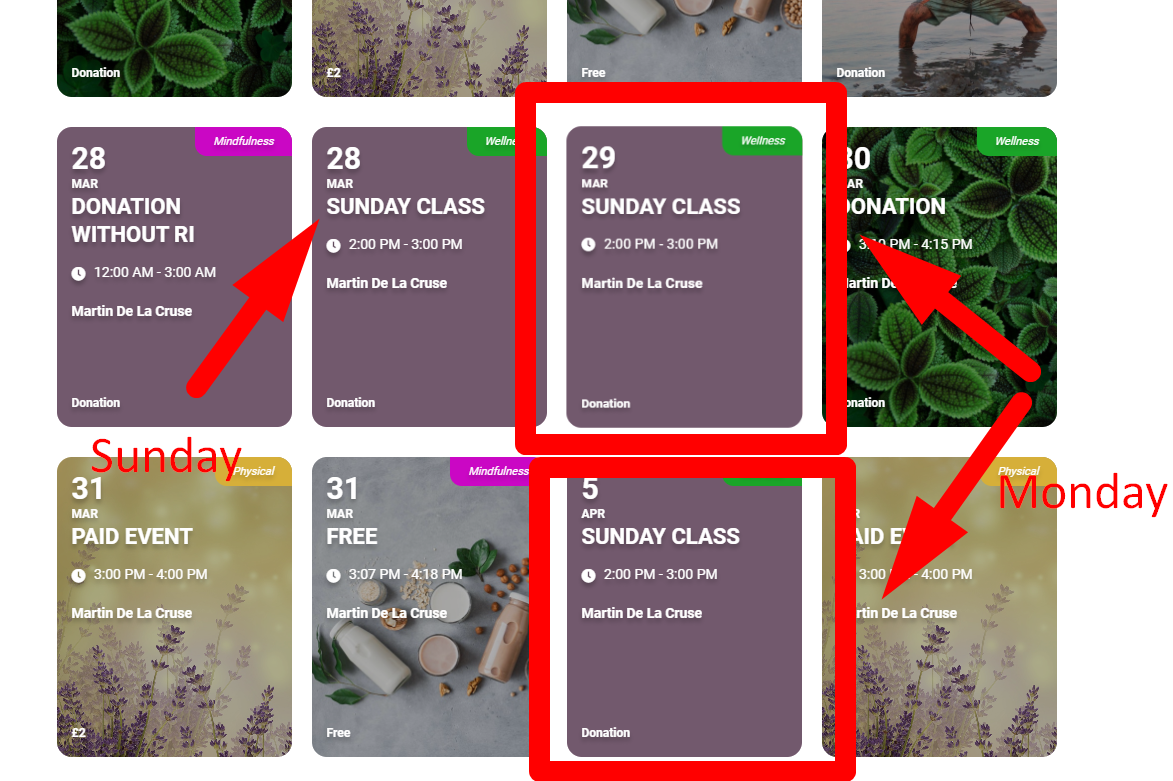
Reply to: tickets(228964)
Hello,
Unfortunately, you cannot filter through URL. However, please check https://docs.myeventon.com/documentations/confused-event-type-categories/ or https://docs.myeventon.com/documentations/how-to-use-event-types-to-do-more/. Maybe you could create a shortcode with included types and then send a link to the page?