Hey Joao,
Have you guys managed to solve this? Would love to learn more, so we can see how we can make that happen.
Replies for tickets on suppota
Hey Joao,
Have you guys managed to solve this? Would love to learn more, so we can see how we can make that happen.
Hye Maribel,
Any update?
Hello,
Could you send us a screenshot?
It seems that you need to use this shortcode with added “Colorful with gap between events: EventTop Design Style”:
[add_eventon eventtop_style=”2″]
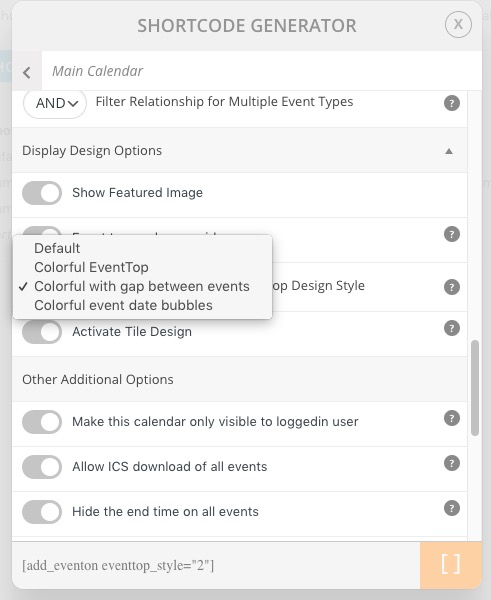
OR with enabled Tile Design: [add_eventon eventtop_style=”2″ tiles=”yes”]
In order to show various info in Event Top please follow https://docs.myeventon.com/documentations/how-to-show-various-information-in-eventtop/
Hello,
You can either change their type to Custom https://docs.myeventon.com/documentations/setting-up-repeating-events/ and delete unwanted repeats.
OR Use Repeat Customizer https://www.myeventon.com/addons/repeat-customizer/ and then cancel repeats.
Thank you Artem for looking into this. I see two problems with this. We now have already added our events, so we can’t add the in the correct order. And also in the future more events will come and it would be quite inconvenient to need to delete them all and add them again in the right order.
We want to keep the order by date. And only for events where the dates & times are exactly the same, we want a different sort order. Best would be by title. But even that currently does not work, as it is puts 10 before 2. It would be a number aware sorting.
Hello,
EventON Tickets only allows you to download the attendees info from Edit Event > Tickets > Download (CSV).
If you want to add more fields please follow this guide: https://docs.myeventon.com/documentations/how-to-add-additional-fields-to-download-attendees-csv-file/
For the rest please send us a customization job request by creating a new ticket in here and selecting Customization Request as the category.
Hello,
It seems to be working on my end:
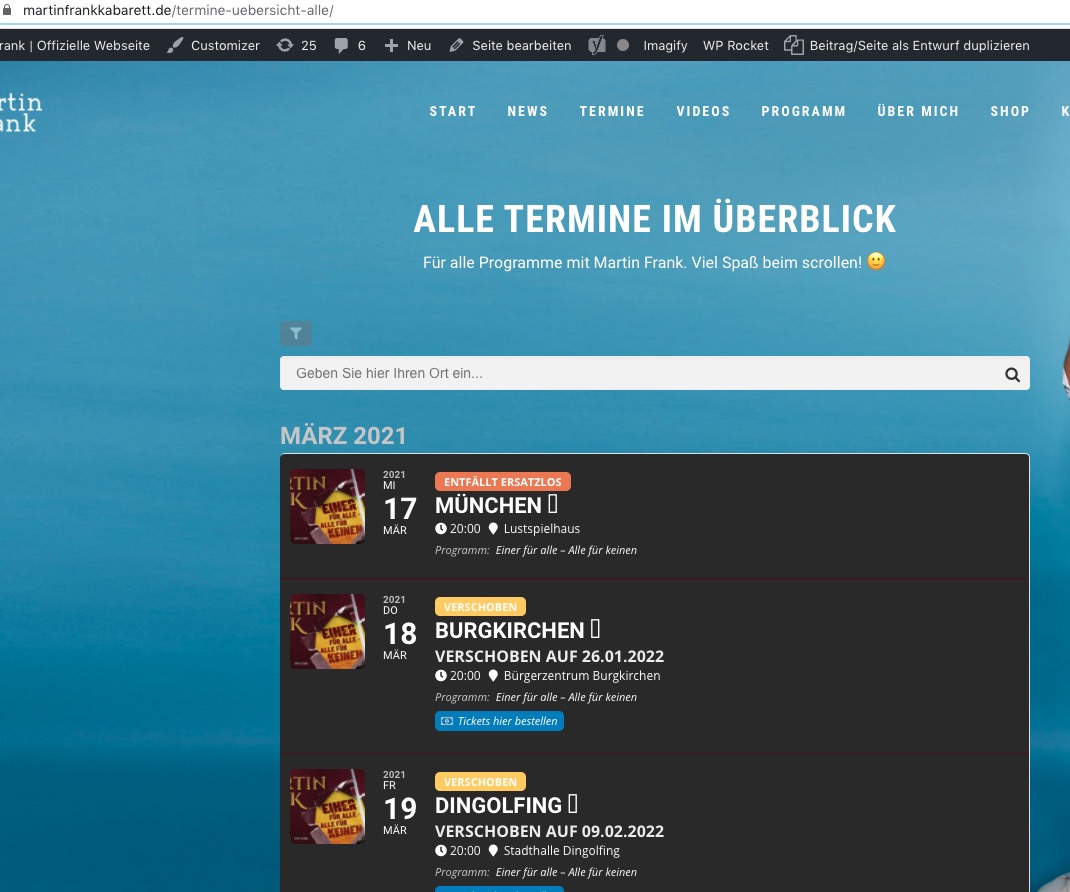
Since “Write dynamic styles to header” is already enabled, please try EventON > Scripts & Styling > turn off Write styles to header > save settings > turn on Write styles to header.
Hello,
Please install and activate Event Lists: Ext add-on and then use this shortcode:
[add_eventon_el el_type=”pe” number_of_months=”24″ event_past_future=”past”]
OR Follow this guide: https://docs.myeventon.com/documentations/how-to-show-past-events/
Please go to https://cachestage.wpengine.com/wp-admin/admin.php?page=eventon#evcal_001a and enable Event Type and Event Type 2.
RSVP 2.7.1 fixes this issue: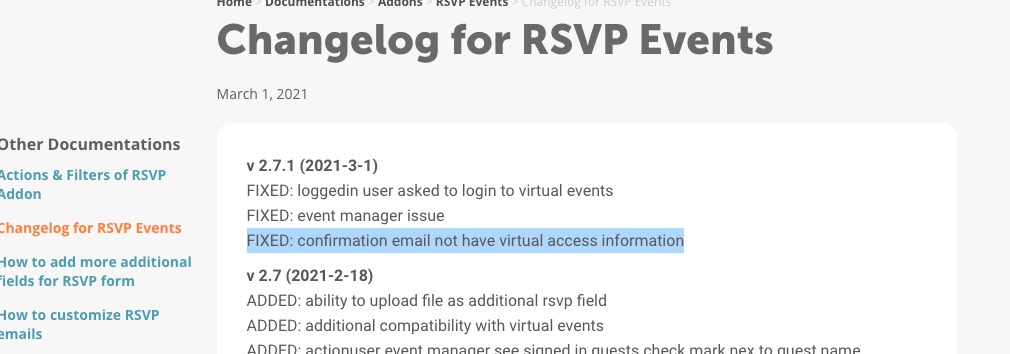
Are you sure that you don’t have a customized email template in your theme folder?