Reply to: tickets(219750)

Om Ashish,

One more thing.
I’m missing merge tokens in the email body.

Can we add these merge token in the email body for the Reminders for the recurring events ?

{client-first-name}                                (ex. : Ashish)
{client-last-name}                                 (ex. : Ray)
{client-email}                                      (ex. : reply50@gmail.com)

{event-day-numbers}                            (ex. : 31-09-2021)
{event-day-one-word}                          (ex. : thursday)
{event-time}                                         (ex. : 9h30)
{event-time-ending}                             (ex. : 11h)

{event-location-name}                          (ex. : online, live}
{event-location-address}                      (ex. : 1234 Peace Street, Normandie 14130)
{event-location-description}                 (ex. : the actual event location description)

{event-color}                                         (the actual color of the event)
{event-image-url}                                (the actual top image in Event Card)

{event-organizer-email}                       (ex. : Marc St-Arnaud)
{event-organizer-title}                          (ex. : yoga teacher)
{event-organizer-email}                       (ex. : organizer@gmail.com)
{event-organizer-photo-url}                  (the actual image of organizer)

{event-virtual-method}                          (ex. : Zoom)
{event-virtual-url}                                   (the actual full link)
{event-virtual-password}                       (the actual password)
{event-virtual-videocode}                      (the actual embed link)
{event-virtual-accessdetails}                 (the actual Additional Event Access Details)

Can you do this for 100us$ ?
Can you please send me a payment link ?
Reply to: tickets(228534)

PS: is there also a way to format it like this i.e “21. März” instead “March 21” in Germany this would be the correct way 🙂

Reply to: tickets(219750)

Om Ashish,

I feel grateful for the plugin
you’re simply a magician
It works perfectly
Thank you very much

I have tested again the credentials I gave you (FTP+wp-admin)
they both work
Next time, make sure to go on www.mieux-etre.tv, and on the top right corner, click on “me connecter”

Best,
Marc


Reply to: tickets(228534)

Hey there,

Thanks for getting back to me, i tried to apply the steps above, but sadly its still in english, eventough i have added L1,L2 and L3 🙁

Do you think you can check?

http://summer-academy.d4dcloud.com/wp-admin/

maintenance

Gl6roTqUDQvVFbvH@KoulCIs

Many thanks in advance!!

Tim

Reply to: tickets(228070)

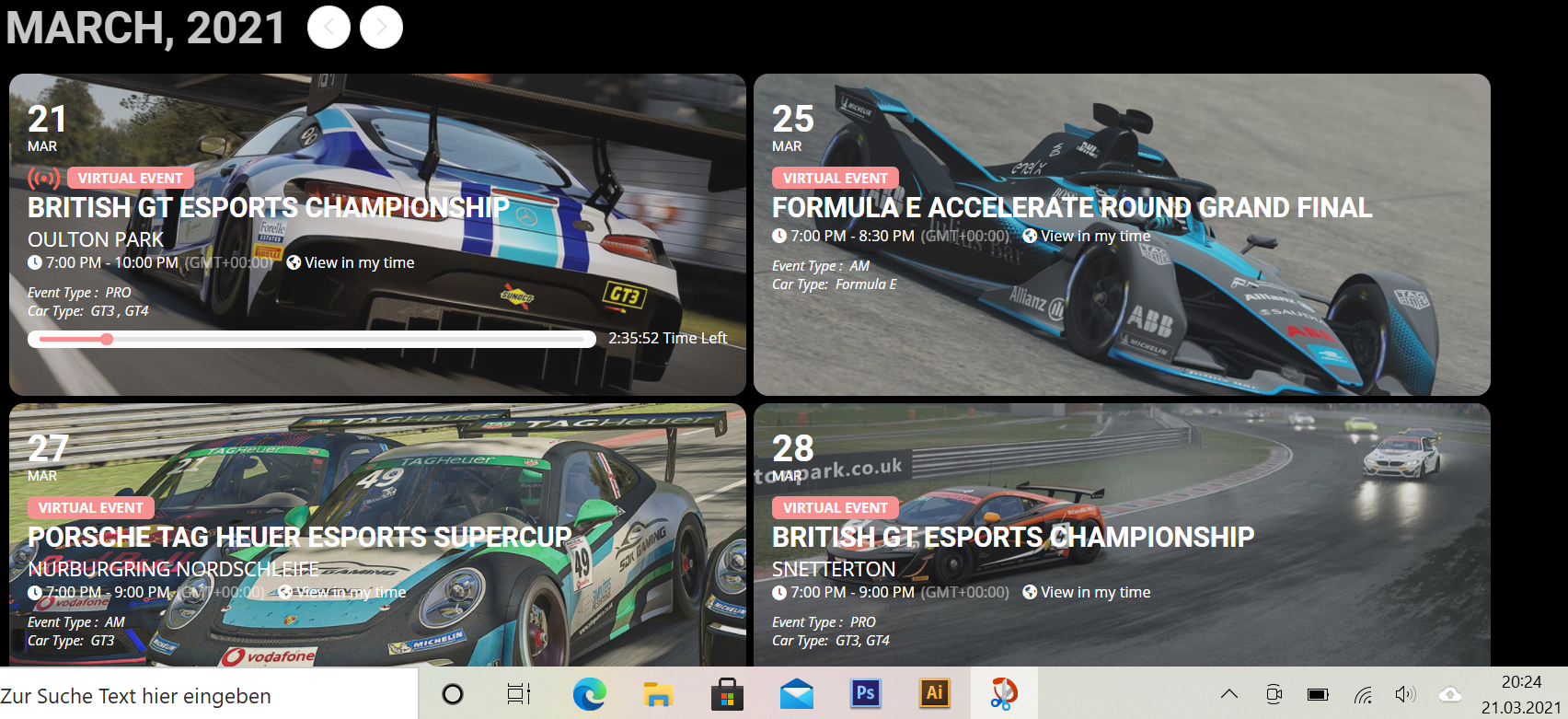
OK, as far as I could see in another test, the event will no longer be displayed when there’s less than one hour of the event left. See attached image, the event disappeared when there was less than an hour left. Apart from that, everything seems to work fine.

Is there a way to adjust the time before the event (countdown and blinking icon)? I’d prefer to shorten it. And is there a way to adjust how long a event is being displayed after it started?

Reply to: tickets(225363)

So you want me to update the plugin now? This is starting to confuse me. Can you please explain what I need to do every time there is an update?

I use ftp for the updates. So how do you want me to do this?

the insights work at the moment but I am not on the latest tickets version.

Reply to: tickets(228658)

Hi how are things,

I am reviewing the calendar and the icons are already visible, however, by giving it the option to share it will redirect me to the page to publish the event or share it, but it does not work.