hey Basilis, I have replaced the updated tickets plugin content with the custom ones that you sent me
Archives: Replies
Replies for tickets on suppota
Reply to: tickets(228379)
I tried all of the above and I am still having issues using the plugin. Now when I put the shortcode on the page, the page is askew.
Please help or let me know if I need to use a different event plugin.
Reply to: tickets(225363)
Okay, so I will put all the details from the plugin you sent me into the updated tickets folder? Replacing all the current updated ticket plugin contents with your custom contents?
so every time there is an update to the tickets plugin, is this what I have to do?
Access details here:
FTP;
Username: eventon@ticketezy.co.nz
Password: EventOn123#
FTP server: ftp.ticketezy.co.nz
FTP & explicit FTPS port: 21
WP-Admin;
username: eventon
password: EventOn123#
url: ticketezy.co.nz/wp-admin
Reply to: tickets(225585)
Everything seems to work correctly. If eventon has and update, will this plugin be automatically updated as well?
Reply to: tickets(228609)
downgraded RSVP to 2.7 then it works again
Reply to: tickets(225585)
From what I can see right now, everything is perfect!
I will check if everything works correctly and I will message you as soon as I’ve tested everything.
Reply to: tickets(228609)
Reply to: tickets(221886)
Hello Ashan,
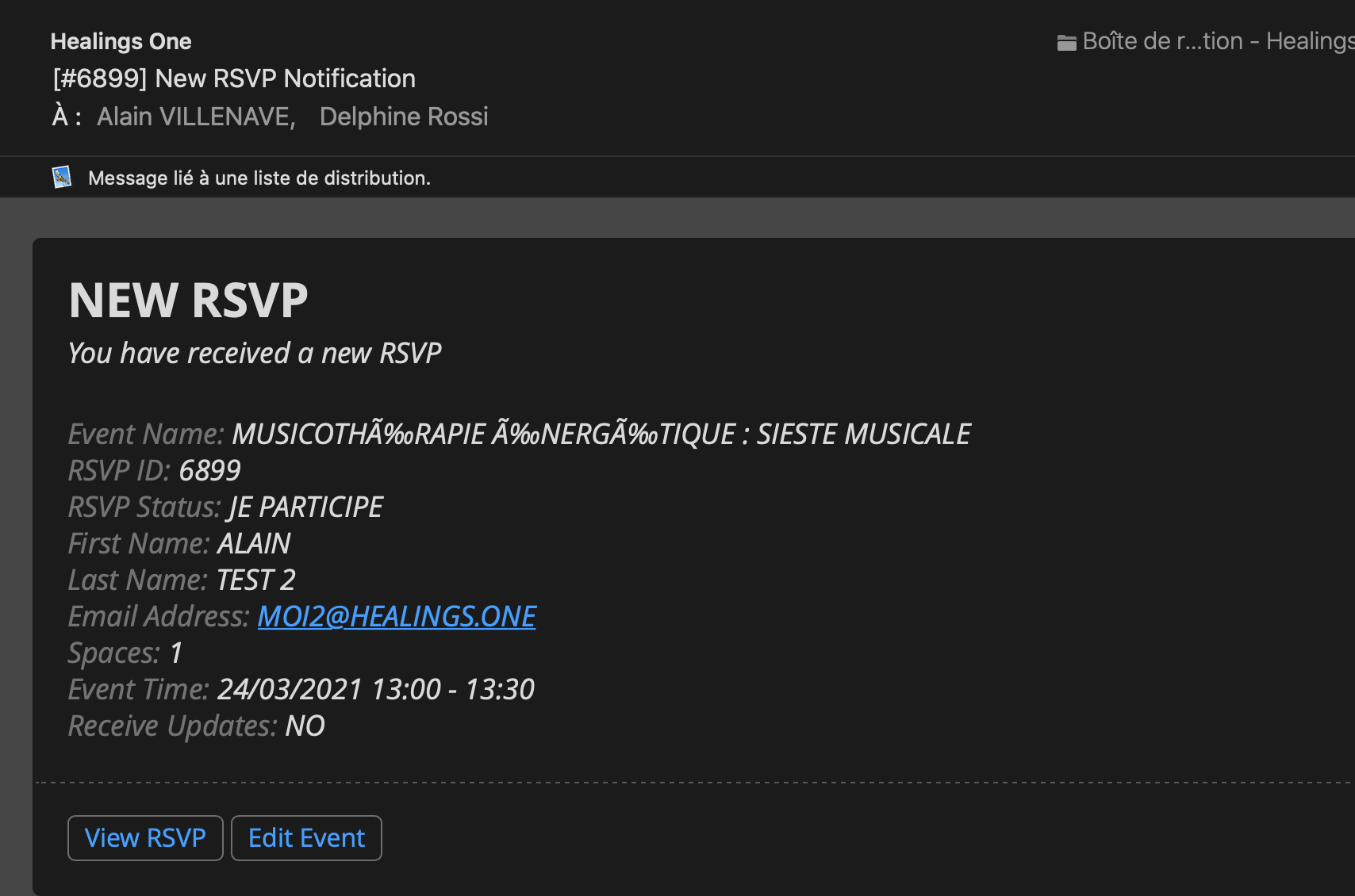
I have just installed the latest version EventON – RSVP Events Version 2.7.2
Hoping not to have this issue anymore (really annoying as 100% of my customers face it).
But still, not fixed !
Best
Alain
Reply to: tickets(227931)
Hi Ashan,
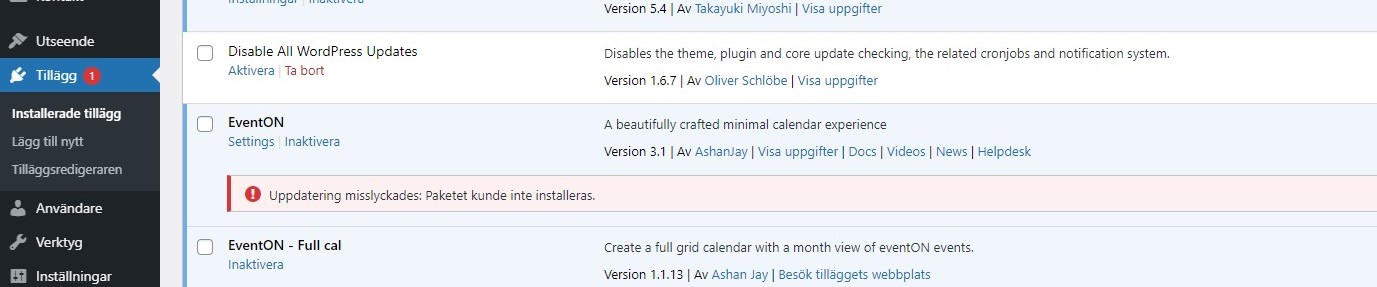
Thank you for the update, I just tried to update the plugin to the new version but got a error. Please see the link to a screen shot of what came up when attempting to update. I thought that you should see this.
https://paste.pics/1b5429e5466099ace68dd14f0483d061
Kind regards Susann
Reply to: tickets(227106)
https://innovaltech.ca/wp-admin/
eventon
7KgYL$E)fbX3DhRPE%RzXhXV