Hello, unfortunately, it doesn’t. Below pls. find the WP login details (I created a copy of our home page as a test environment):
https://www.zd-bb.de/?page_id=13943
Login: dinkelacker
PW: Eventon_Support
Replies for tickets on suppota
Hello, unfortunately, it doesn’t. Below pls. find the WP login details (I created a copy of our home page as a test environment):
https://www.zd-bb.de/?page_id=13943
Login: dinkelacker
PW: Eventon_Support
Thank you for your reply Artem.
My example is, I have 20 places on a course. If someone brings a friend their friend gets 25% discount (ticket price variation). I need to set the total number available to 20.
If 20 people bring 0 friends there are 20 tickets available (great).
If 15 people bring 1 friend this will be 30 tickets (oversold).
If 5 people (tickets) bring 4 friends this will be 25 tickets (oversold).
Is there a solution?
Thanks again,
Zak
Determining RSVP-ability per role per event! would require customization
You can send us a customization job request by creating a new ticket in here and selecting Customization Request as the category.
as for the rest:
you may want to look at https://www.myeventon.com/addons/virtual-plus/
which you can demo here: https://dev.myeventon.com/wp-admin/
among other things like pre and post show content it has:
I tried it. Yes. But it only appears in „dark“ if you‘re logged into the wordpress dashboard. If you are logged out it keeps in the standard-colors in any other browsers (cache and datas deleted everytime before). 🙁
what can i do?
thank you!
david
please add this to
apperance>>>>customize>>>>additional CSS
.ajde_evcal_calendar .calendar_header .evcal_arrows:before, .evo_footer_nav .evcal_arrows:before {
border-color: #ffffff;
}
try
[add_eventon_el number_of_months=”6″ event_count=”10″ event_count_list=”yes” hide_empty_months=”yes” show_et_ft_img=”yes” ux_val=”3″]
All good now. I was able to figure it out.
possibly go into myeventon>>>>settings>>>>.event top
and activate it.
if you are good at css you may be able to place it better but that would require stuffing around with all individual parts of the event top (title, times etc)
Hello Kenneth,
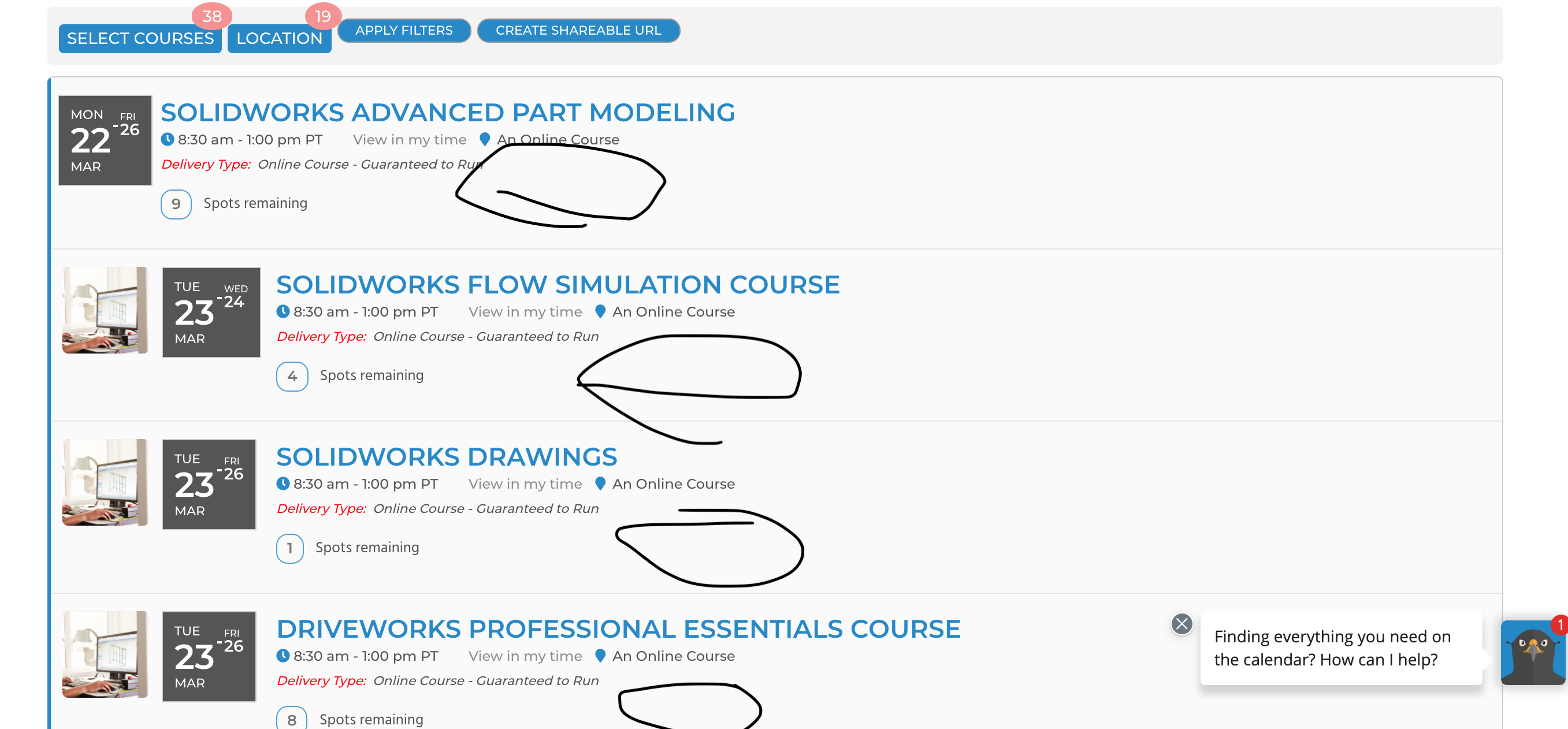
no – I didn’t solve the issue. I’d like to show the next 10 events on our home page, but currently, it shows all March and April events (so all March events + 2 events in April).
Hello, no I dont, tell me how to fix then if it come from there