Please go to https://cachestage.wpengine.com/wp-admin/admin.php?page=eventon#evcal_001a and enable Event Type and Event Type 2.
Archives: Replies
Replies for tickets on suppota
Reply to: tickets(226780)
RSVP 2.7.1 fixes this issue: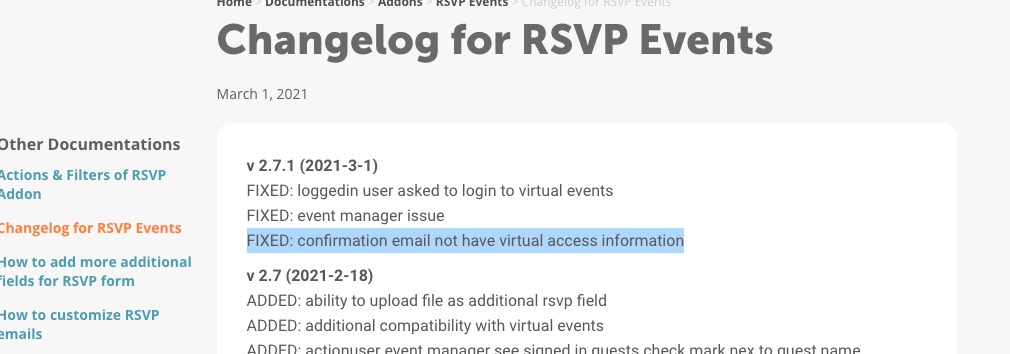
Are you sure that you don’t have a customized email template in your theme folder?
Reply to: tickets(227189)
Hello,
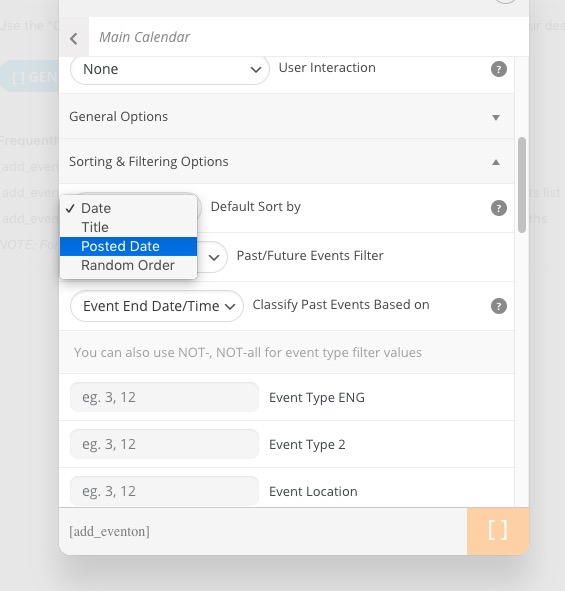
Please add your events in the order you want and then enable Default Sort by Posted Date:
Reply to: tickets(192497)
Hello Xuan Hoang,
The CSS code only hides 6th and 7th evo_wv_day element. If someone looks it on Saturday those days will still be hidden.
Reply to: tickets(226095)
i debugged. And with de plugin disable gutenberg it works. But can you not fix it with our current theme?
Reply to: tickets(227194)
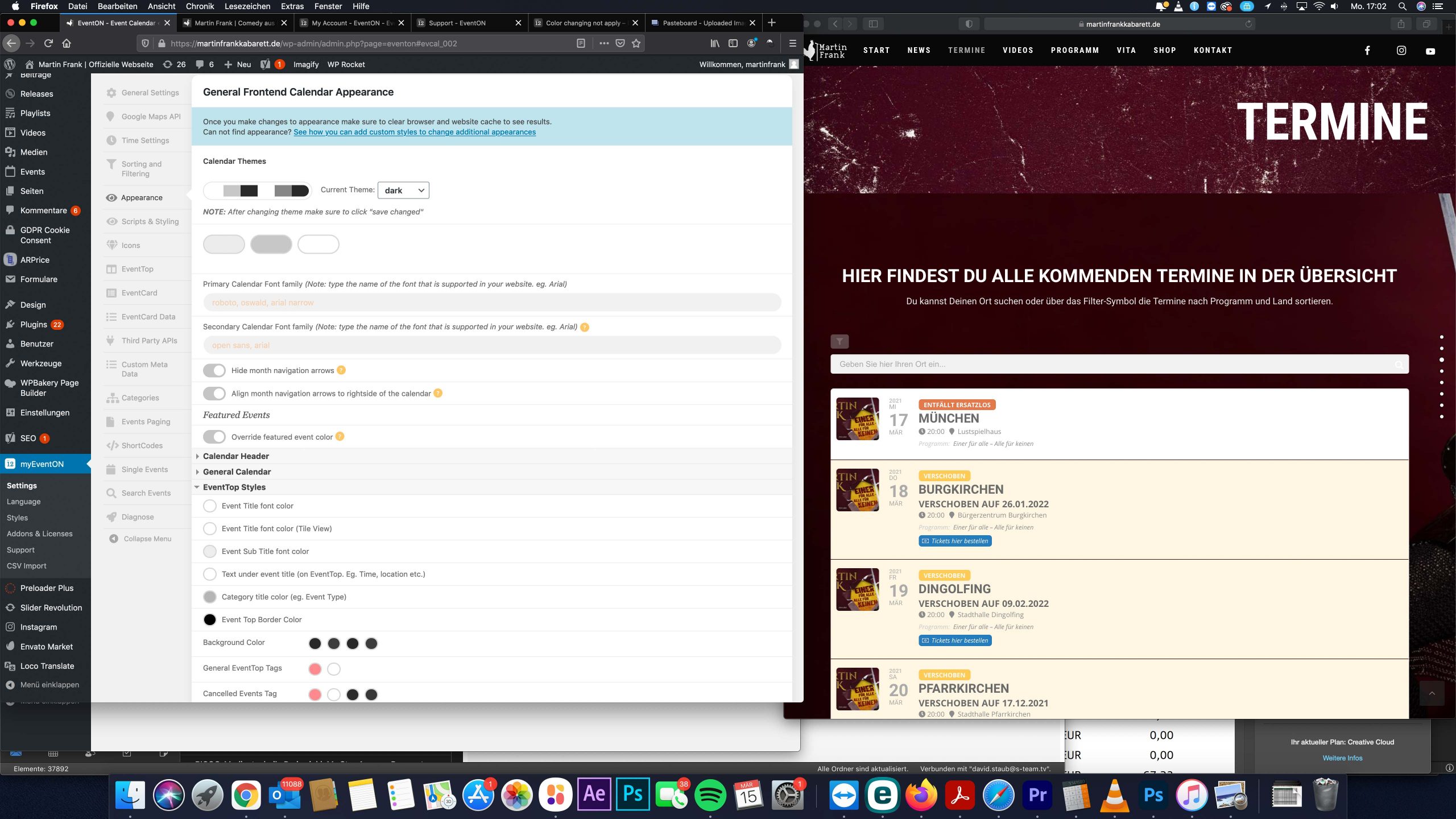
Yes, but i choosed for example the “dark theme” and made my settings… and it’s still white/yellow. also on mobile version. See my screenshot on attachment.
thank you.
david
Reply to: tickets(222108)
Hi,
The team is reviewing and testing. Will get back to you soon.
Thank you!
Reply to: tickets(227004)
I have deactivated the plugin to be able to work and make changes to it. Can you use the ftp without the plugin being activated?
Reply to: tickets(227188)
Hi,
Excuse me, but my english is very poor and I am not sure how can i explain. But I will try it…
I have recurrent events in my calendar, ej: all mondays at 15:00. But there are a monday specially in a date specific, that this event was canceled or not it is possible. If I can not indicate in any place that this date of the event what not occure, in the calendar of the web this will be show for the clients. There are a place in the event configuration that may be possible for me to make an exception for a concrete date in a recurrent event??
Reply to: tickets(227214)
I would also like to have the same solution! Very important for most users I believe.
@Philip: How did you manage to restrict it by code in the backend? Could you help me with that for now?