Thanks, Ashan, that fixed it!
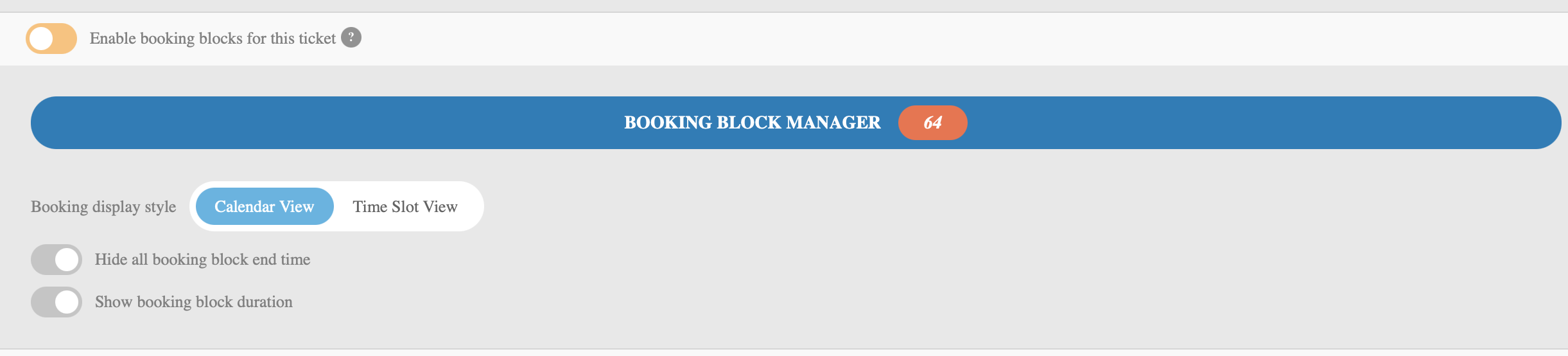
I noticed that when you use the “delete all” button, the number of events doesn’t update; as you can see in the image, it shows 64, but I just deleted them all (updated the post). After refreshing the entire page, it shows correctly.
Hi,
I’m using a Astra child theme, do you suggest to contact them to solve the problem? I will try and I’ll came back.
Kind regards
JP

Okay, now something very weird is happening while I try to debug. I set up 2 events to compare the virtual details-visibility.
The first one (monday):
>virtual details only visible when user buys ticket. These ticket purchase is only for logged in users.
! It’s very weird that here the messages show: “Please RSVP to join this event.” even though RSVP is not activated and even after the user bought a ticket!
> User clicks Login
> User gets redirected to WP-Login page
> after login he gets redirected to single event page where he now is allowed to purchase
> he purchases, but cannot access the details because the ticket order is still marked as “processing” instead of “complete”. Shop-Manager now needs to set order to “completed” manually, although this ticket is a virtual product that should be “completed” right away.
> when user goes back to event card, he sees the info “You have purchased a ticket for this event!” but he sees it on ALL recurring events now although he only bought a ticket for one event.
Second event scenario (wednesday):
>virtual details only visible when user RSVPs to event. The RSVP is only for logged in users.
! It’s very weird that here the messages show: “Purchase ticket now to join!” although ticketing is not active for this event!
> User clicks Login
> User gets redirected to WP-Login page
> After login in, the user gets redirected to the single event page of that event series. Also this single event page is the first event of the recurring event, not the event date the user wanted to rsvp to.
> he RSVPs on the date he wants, but needs to reload the page to see the virtual events. (Also when refreshing, the calendar jumps back to the current day, so the user needs to find his desired date back again.)
It’s kinda frustrating because it seems like there are a couple of things linked to each other that should not. Can you help?
Hi
It’s shared hosting, I think called “Charity Solo” which is discounted plan for charities. They’re usually very helpful if you think it’s a hosting issue?
Chris
I see you are hosting with https://www.kualo.co.uk/
what plan do you have?
Xuan Hoang please create a seperate ticket
Hey Jordan
I think we are done, can u take a look and validate?
Thank you
Hello, I wanted to achieve the same thing. But for me, the RSVP count changes for every recurring event. Is there a bug or something I am missing?