There is still styling that affects EventON:
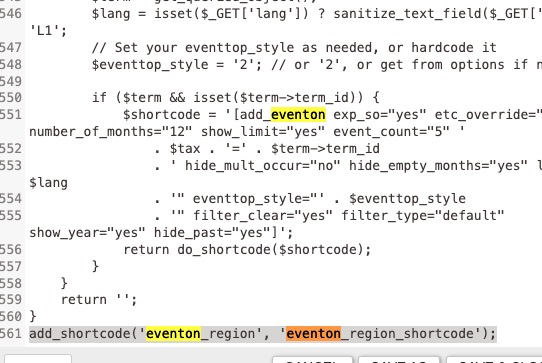
If you replace your custom functions.php with the default one from twentytwentyfour, will it work?
Maybe it’ll be easier if you downgrade to the working for your version of EvenON? Which one did you have?
Replies for tickets on suppota
There is still styling that affects EventON:
If you replace your custom functions.php with the default one from twentytwentyfour, will it work?
Maybe it’ll be easier if you downgrade to the working for your version of EvenON? Which one did you have?
Hello,
I believe that it’s hidden at the moment. Cache issue it seems like.
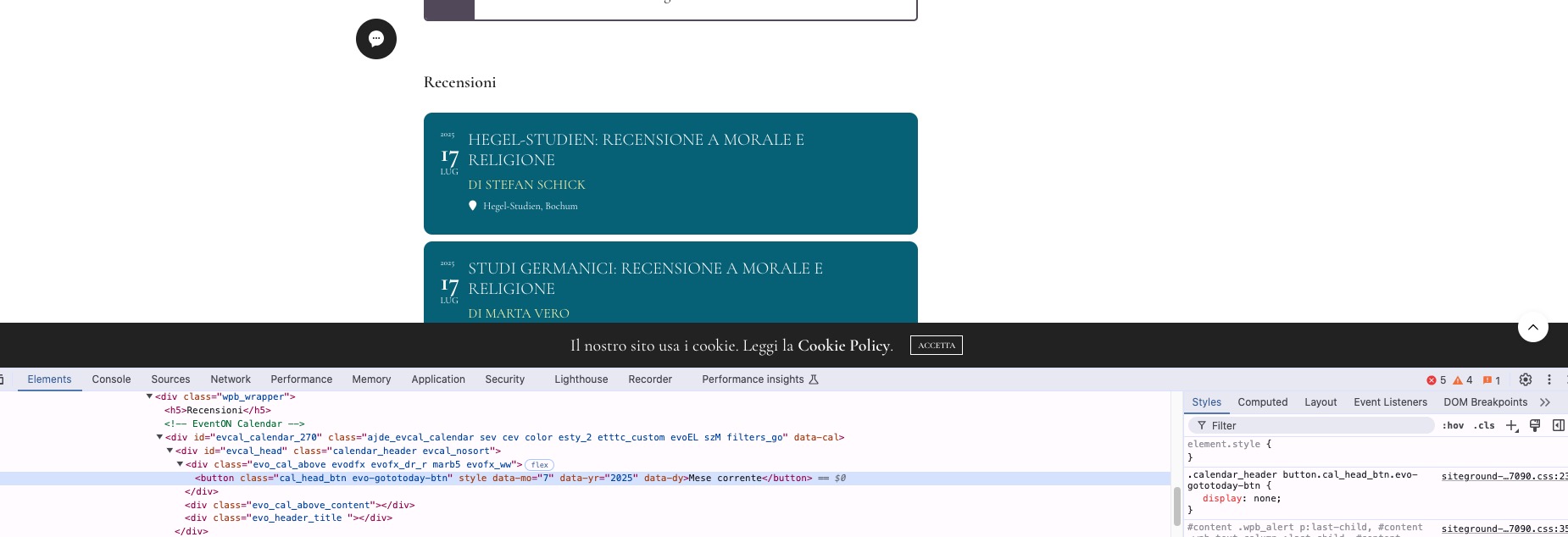
Could you try clearing website’s cache plugin?
Also try EventON > Scripts & Styling > turn off Write dynamic styles to header > save settings > turn on Write dynamic styles to header.
Hello,
Seems to be working on our test site:
https://dev2.myeventon.com/events/test-45/
Could you try refreshing permalinks:
https://docs.myeventon.com/documentations/single-events-page-not-working-404-error/
You can also go to EventON > EventCard > set Select which options to show for add to your calendar: Only ICS download event.
Thank you for your messages, I am going to assign this ticket to Ashan. Please allow some time for him to get back to you, we greatly appreciate your patience and thank you for being a eventon customer!
Hello,
Perfect! If you have any further questions or concerns please create a new ticket.
Never mind. Figured it out. Cheers
Hi Artem,
I don’t know much about coding, but I am learning through the course.
Before I read your message, I took the liberty of using AI and modified Ashan’s ICS Importer, which, in basics, now works as I expected.
(For my personal use ONLY!) -> Imports and updates EventON events from a remote ICS file (merge-calendars.php), with enhanced handling for dates, time zones, and automatic assignment of Event Type Categories based on ICS CATEGORIES. Supports importing from merged Apple Calendar ICS feeds with category auto-tagging. So each calendar can now have its colour.
I am still testing it, but if desired, I can send the modified files: eventon-ics-importer.php and class-functions.php
I am thinking of a plugin that would be able to remove events in WP that are deleted from the source, since I am only using Apple Calendar to add/modify events, and nothing on the EventON side.
AI also made a script for the past (not _el) calendar to show events as I expected (only Past Events!!!). And I would like to mention a bug that I am (the AI is) trying to fix with a script, where the cal_head_btn evo-sort-btn won’t open a menu. And also other bug(s) with menu in search, where I use a script which waits for EventON search results to load, opens the Sort menu, and auto-selects the “Sort by Date” option, otherwise, it won’t show the cal_head_btn evo-filter-btn show vis. Right now, I am struggling with the logic in the past calendar menu -> filter, sort and jumper menus and their icon states.
I had a hard time arranging the view of calendars with YellowPencil. Elements are connected strangely. But I learned A LOT!
Thnx.
Regards,
Roger
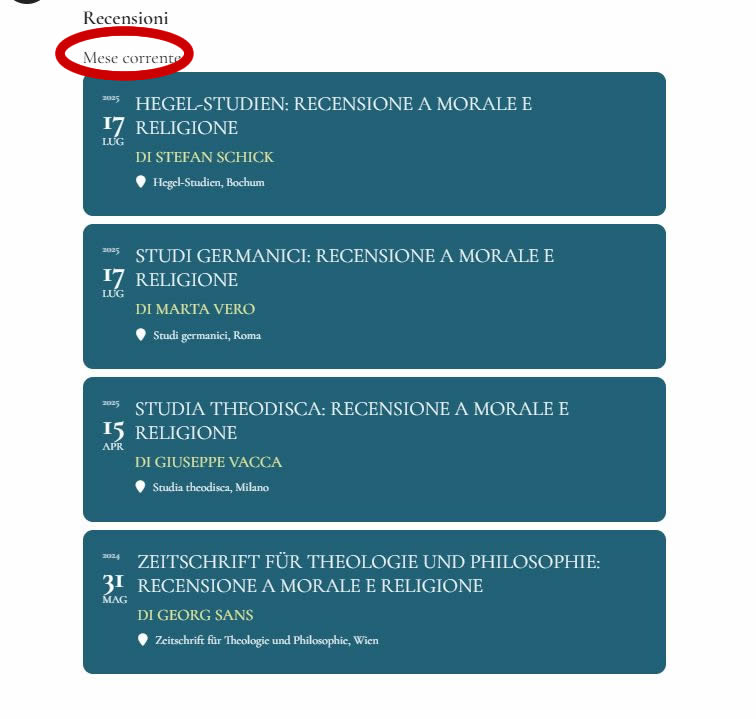
I commented that code as you requested.