It seems that if you go to an event, click “Text”, put something to the textarea: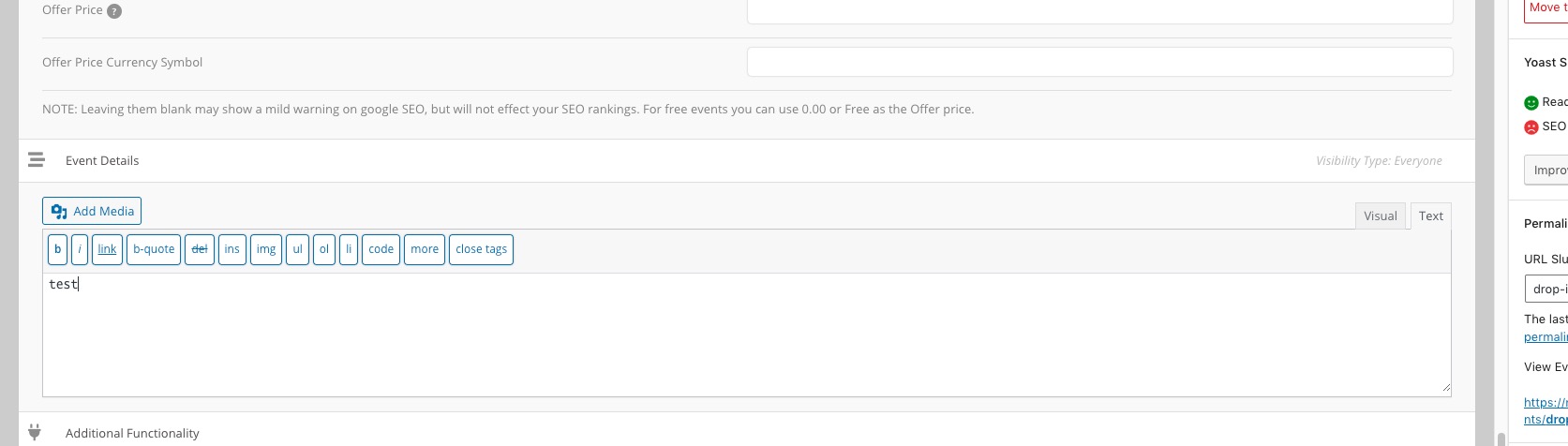
Update and refresh the window it starts working:
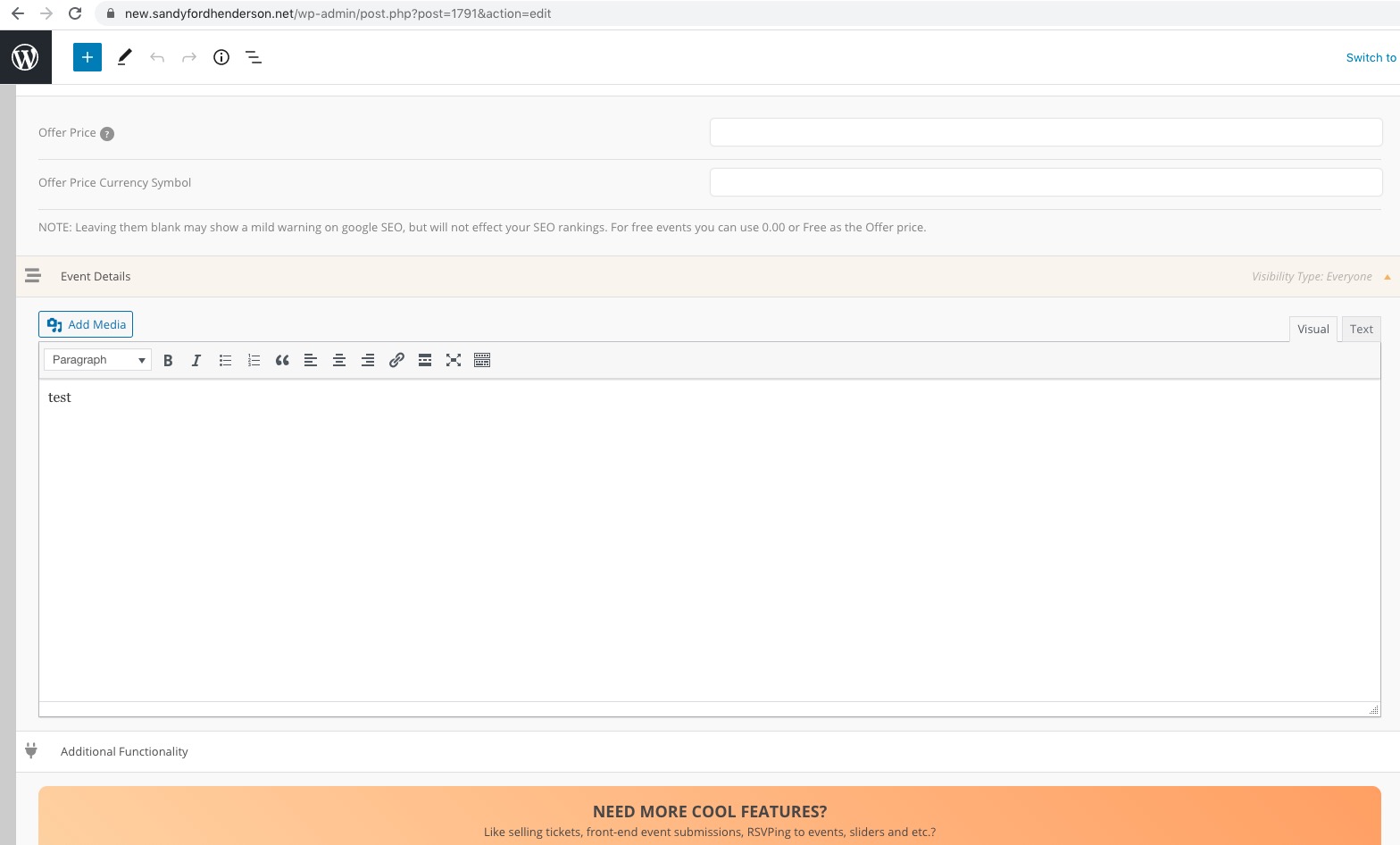
Could you try and let us know?
Replies for tickets on suppota
It seems that if you go to an event, click “Text”, put something to the textarea:
Update and refresh the window it starts working:
Could you try and let us know?
Only when using Event Lists or Lists: Ext add-on.
When I press Further Edit it redirects me to https://lucidclass.com/wp-admin/admin.php?page=wpml-wcml&tab=products&prid=4163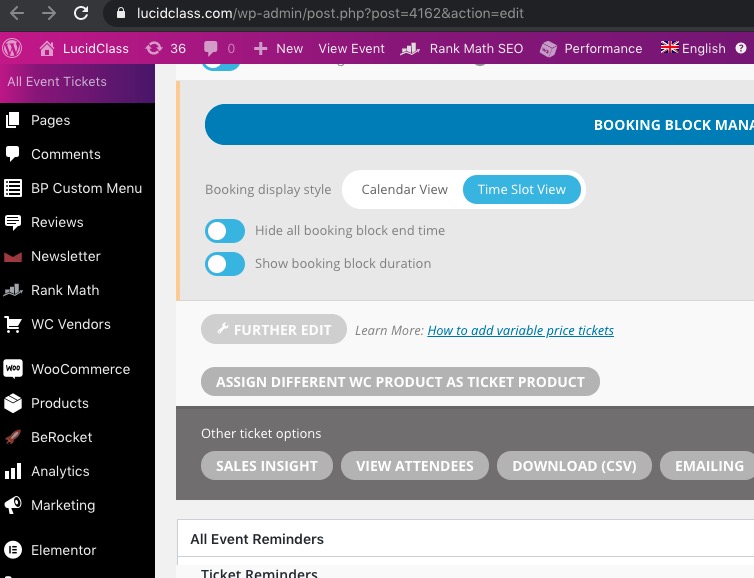
But it suppose to redirect me to Woo’s product associated with the event:
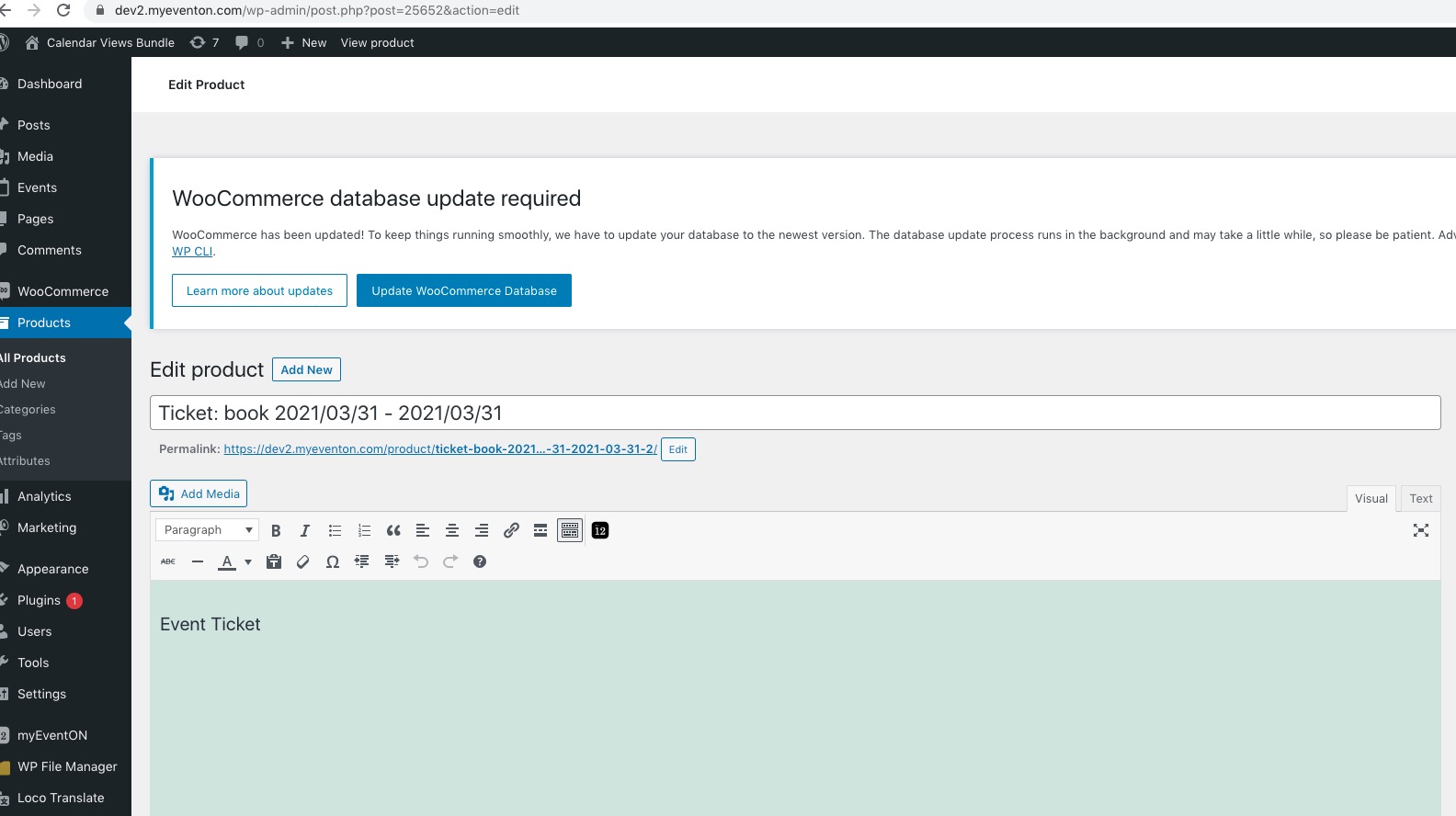
Could you try disabling Woo Multilingual and try to create a new event and make sure that associated product is also created?
Hello,
Thanks for answering.
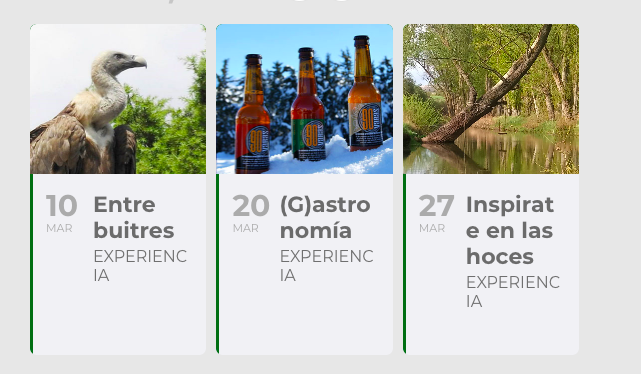
I mean if there is a way to show past and future events in this way, like the attached image.
Hello,
Please go to EventON Settings > Tickets > set Default event ticket stop selling time base to When Event Ends.
We are sorry for the inconvenience. We did check everything and toggles do work on our side: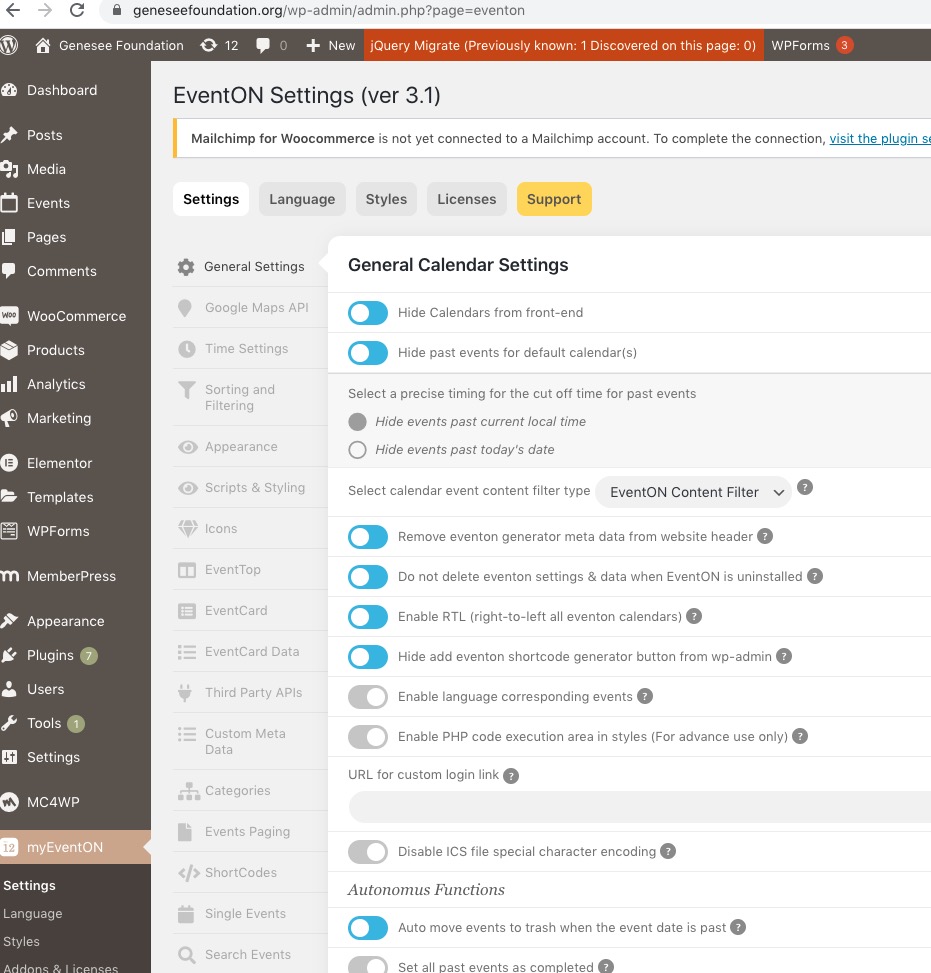
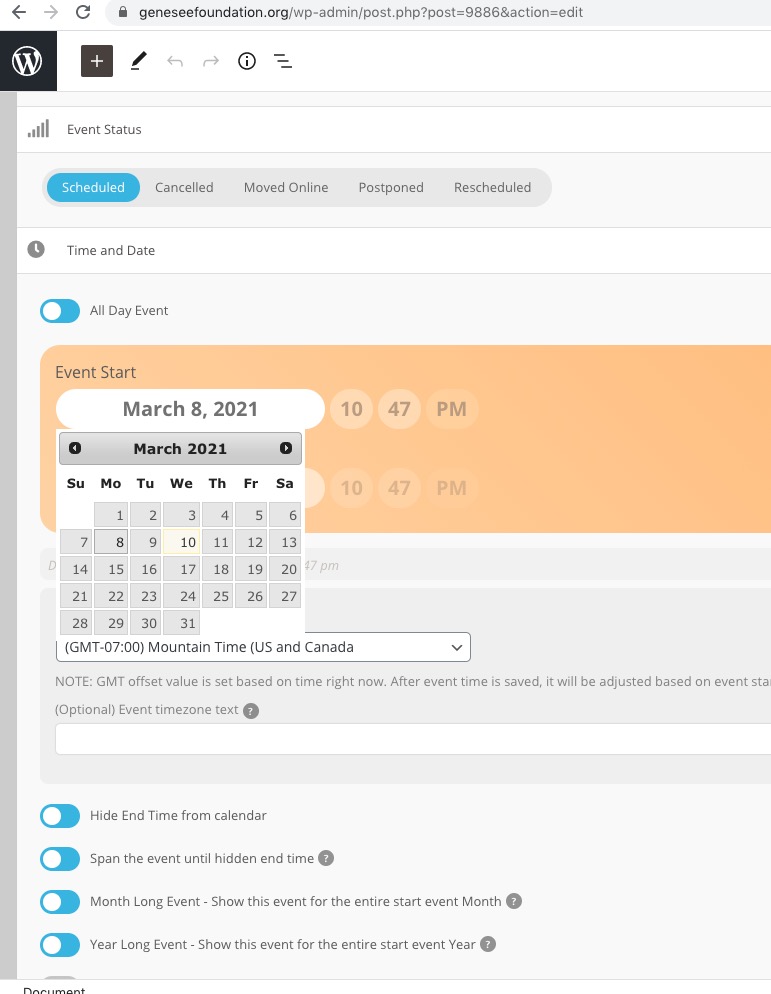
Please make sure that your browser cache is clean, please also make sure that your server cache is clean (if it has one).
Unfortunately, we only provide support on this helpdesk. Could you make a video and send it to us so we can check? Please note that quite a lot of customers have had similar issue and cleaning the cache has always helped.
Sure, it’s a dev site and I’ve just done a backup of files and database just in case.
I tried this on another site that I use eventON with and had the same issue – just out of interest.
Whoa! I just did the update to the newest version and it completely threw our entire website over the edge. Our settings, formatting, colours are all mangled and I have to back things up. Do you know why it would do this? Your plugin is the only thing that changed on the website so I can only assume that is what made it go all messed up
Hello,
In order to update correctly and not to lose any settings and events please follow this guide:
To update eventon to latest version: If you are unable to do autoupdate, you can go to codecanyon your account > download and get the latest eventon version as zip file. Then you can go to your website, deactivate old eventon, activate (Do not delete eventon settings & data when EventON is uninstalled) from eventon settings, delete old eventon, install new one and activate. This link will further explain the process it. Also you can follow us on twitter to get real-time announcements on updates!
As you can see the most important thing is to go to EventON Settings and enable “Do not delete eventon settings & data when EventON is uninstalled”. Could you also tell us your previous version of EventON (the one you updated from)?
Hello,
…is it possible to do it in event card?
Could you elaborate more?
If you want to show events from multiple months the only solution is to use Event Lists or Event Lists: Ext add-on (https://www.myeventon.com/addons/event-lists-extended/). Try on https://dev.myeventon.com/wp-admin/