Could you send us a screenshot of the email you received?
Archives: Replies
Replies for tickets on suppota
Reply to: tickets(222646)
Can we please try the instructions mentioned in this documentation?
Reply to: tickets(222646)
Hello,
Login info stopped working. Could you re-send it?
Reply to: tickets(221955)
Ok many thanks for your answer!
I have now a new question related to RSVP and Form Assembly webhook:
We are trying to create an RSVP to an event through a PHP script (the confirmations comes from a webhook from an external API we are using) but we cannot find informations about it in the documentation. Is there a possibility to achieve this using perhaps PHP classes from your plugin and if so could you please point us towards resources explaining it.
Thanks in advance,
Kind regards
Reply to: tickets(224474)
Hello,
Please clean your browser cache and check once. How it looks on our test server with EventON 3.1:
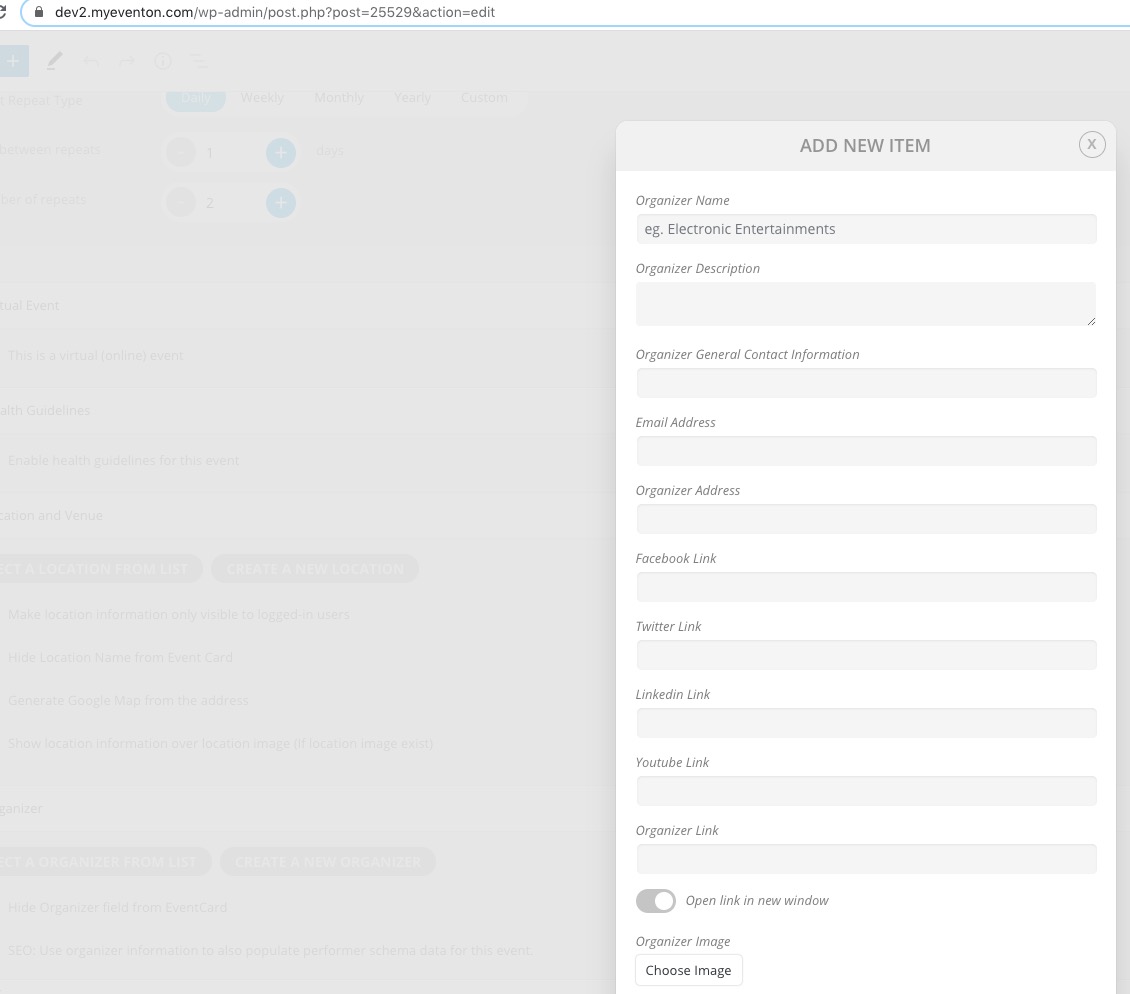 To update eventon to latest version: If you are unable to do autoupdate, you can go to codecanyon your account > download and get the latest eventon version as zip file. Then you can go to your website, deactivate old eventon, activate (Do not delete eventon settings & data when EventON is uninstalled) from eventon settings, delete old eventon, install new one and activate. This link will further explain the process it. Also you can follow us on twitter to get real-time announcements on updates!
Reply to: tickets(224464)
Hello,
Please clean your browser cache and check again.
Reply to: tickets(224121)
Ashan,
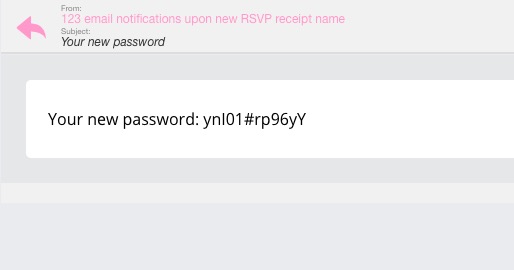
1. Is it possible to disable this email:
2. Didn’t we have Virtual Info in RSVP confirmation email by default? Because right now it’s just this:
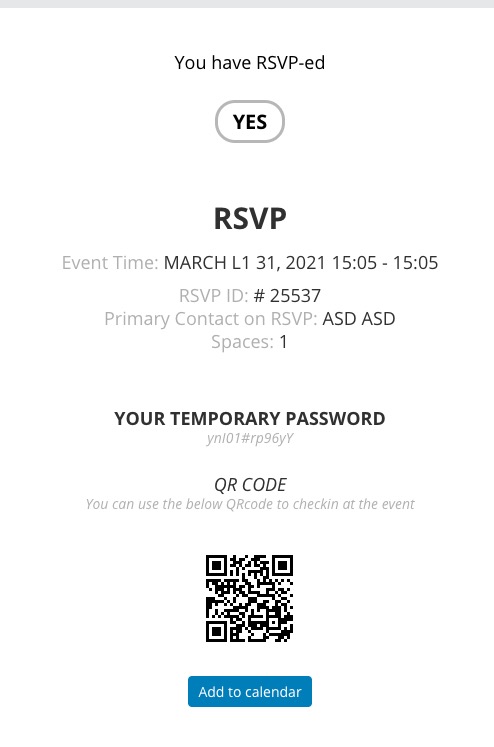
Could you check?
Reply to: tickets(224121)
Hello,
1. You are referring to this email, correct?

2. Thank you for your messages, I am going to contact Ashan about this. However, it seems that the only solution is to customize email template by following https://docs.myeventon.com/documentations/customize-rsvp-emails/
If we can’t get the Virtual Event Button information to go in the confirmation email, is there a way to format the content in this box?
You can edit RSVP confirmation email template by following https://docs.myeventon.com/documentations/customize-rsvp-emails/
Reply to: tickets(223088)
Dear Ashan,
I did some further testing and the issue is NOT related to Buddypress:
I have setup a barebones test environment with no plugins activated and the Twenty TwentOne theme. To test the issue, I created two blog entries:
One where I include another blog entry of the test page inside another post: http://test.fslci.org/uncategorized/eventon-test-link/
= No errors in the console
One where I include a link to your demo single page:
http://test.fslci.org/uncategorized/test-link-of-eventon-single-page-embed/
= Instead of the preview snippet based on the metadata, a whole website snapshot is displayed and I have tons of errors in the console
Now, I did some further digging and the moment I activate EventOn and share a link from my test page – really any link, like the simple blog entry above, the console throws an error which says: “Failed to parse URL parameter value: vItLETwCqd
SyntaxError: JSON Parse error: Unexpected identifier “vItLETwCqd” It still loads the preview as it should, but it also shows the error in the console which slows down the loading of the page.
So somehow, Eventon does interfere on some level with the parsing of any URLs of my page as long as Eventon is active and installed. That points to me to an even bigger issue, because that means that whenever I post a link to a WP Site which has EventOn installed, an error is thrown in the console, which then also causes my timeline of user activities to slow down!
And because I can replicate this behavior on a blank WP install, something in EventOn is causing this issue! You should be able to verify my observations easily yourself, but I can also give you access to my stage env if need be.
Kind regards, Philip
Reply to: tickets(224430)
Hello
Fixed.
thanks
egbar