Oh, sorry… I deactivated the country block you should now be able to login. Indeed, I checked for Updates – nothing found – and the problem occurs since last Update ran on March 5th… for all virtual events.
Archives: Replies
Replies for tickets on suppota
Reply to: tickets(225598)
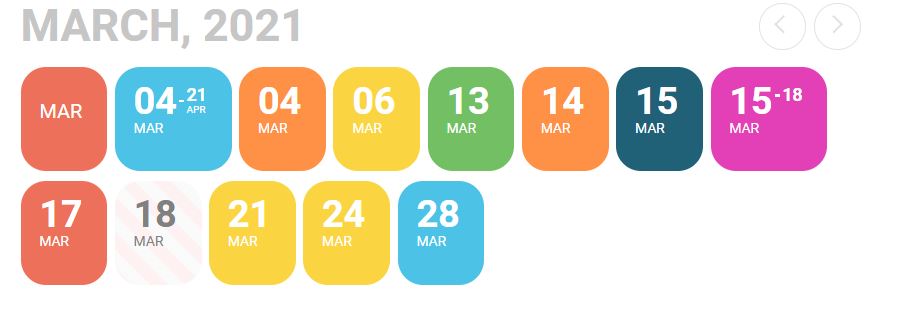
The way you suggest is the way that I have already found, but it lacks a essential part, the month and year!
The question I ask is if it’s possible to get this or should I give up?
kind regards
JP
Reply to: tickets(226026)
Thank you for your great suggestion, at the moment it is not supported. However please create a new ticket and select Feature Request as category so others can vote on your idea and get it moved into development faster. OR You can send us a customization job request by creating a new ticket in here and selecting Customization Request as the category.
If you have a moment, we would greatly appreciate if you could kindly leave us a review at codecanyon! from your account > downloads. Cheers!
Reply to: tickets(225858)
Hello,
You cannot change the amount of tickets in Cart or Checkout by default:
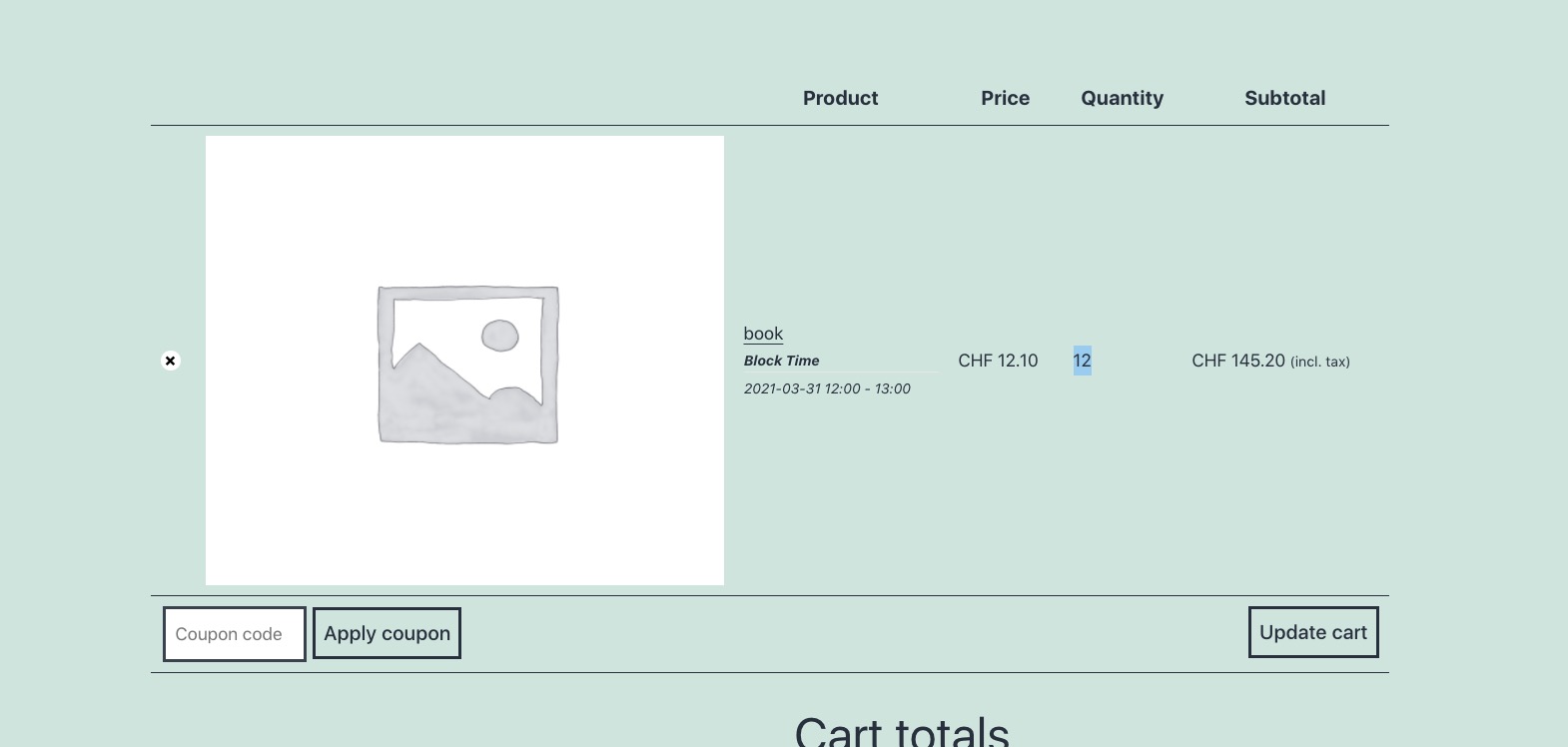
Try on our test server: https://dev2.myeventon.com/events/book-4/
I cannot find events on your website. Could you send us a link?
Reply to: tickets(226026)
Perfect!
Thank you for that and sorry for bothering.
I checked it on some other events and it worked fine after updating the event and refreshing the page!
Is there a way to use bookings addon with action user? It does not seem to show in the frontend editor?
thank you again for your quick answer, cheers
Reply to: tickets(226055)
Hello,
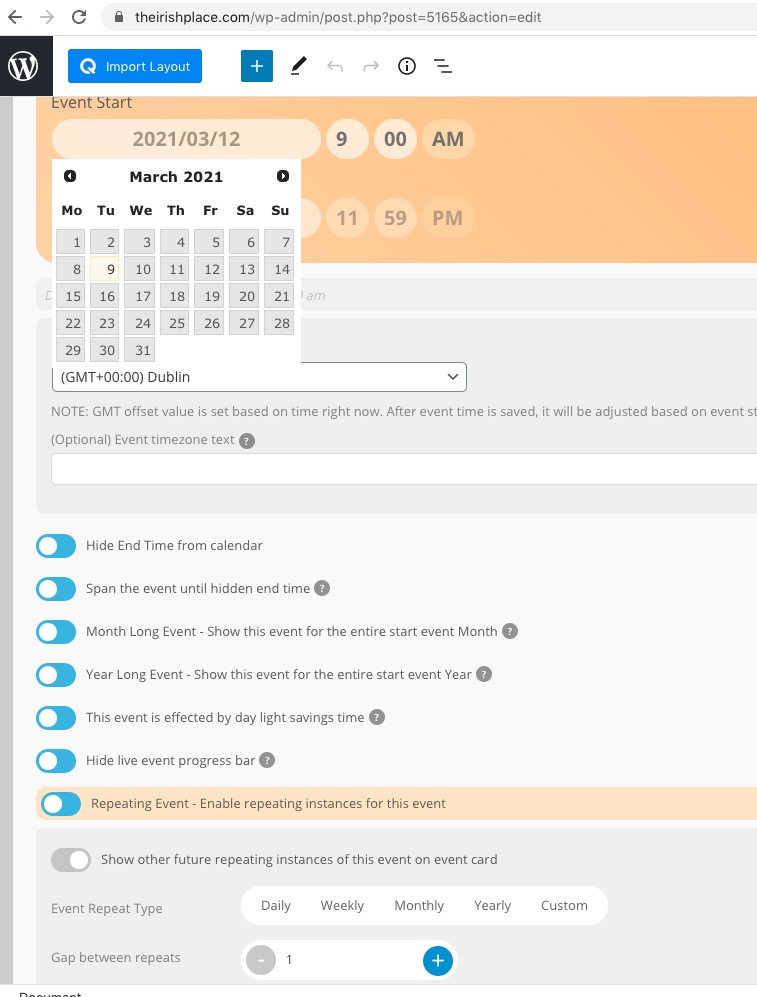
Please clean your browser cache and check again. It works on my side:
Reply to: tickets(226056)
Hello,
I cannot access your website:
WE´RE AVAILABLE TO VISITORS FROM GERMANY, AUSTRIA AND SWITZERLAND ONLY
Please check for latest versions of your add-ons from here. Your issue might be related to an older version you are running and we might have resolved this already in the newer version update. If you are on latest version of our software and the issue still persist please let us know.
Reply to: tickets(226057)
Hello,
Please send us wp-admin access to your site as a private message for us to further assist your situation.
Reply to: tickets(225598)
Event Lists doesn’t support this kind of styling by default (you can see that this option is not available in the shortcode generator).
However, you if you add hide_month_headers=”yes” and show_year=”no”:
[add_eventon_list eventtop_style=”3″ hide_month_headers=”yes” hide_empty_months=”yes” show_year=”no” accord=”no” number_of_months=”12″ event_count=”6″ event_past_future=”future” event_type_2=”12,” tiles=”no” etc_override=”no” show_et_ft_img=”no”]
It will work:

Please check and let me know: http://culturalkids.pt/1416-2/
Reply to: tickets(225140)
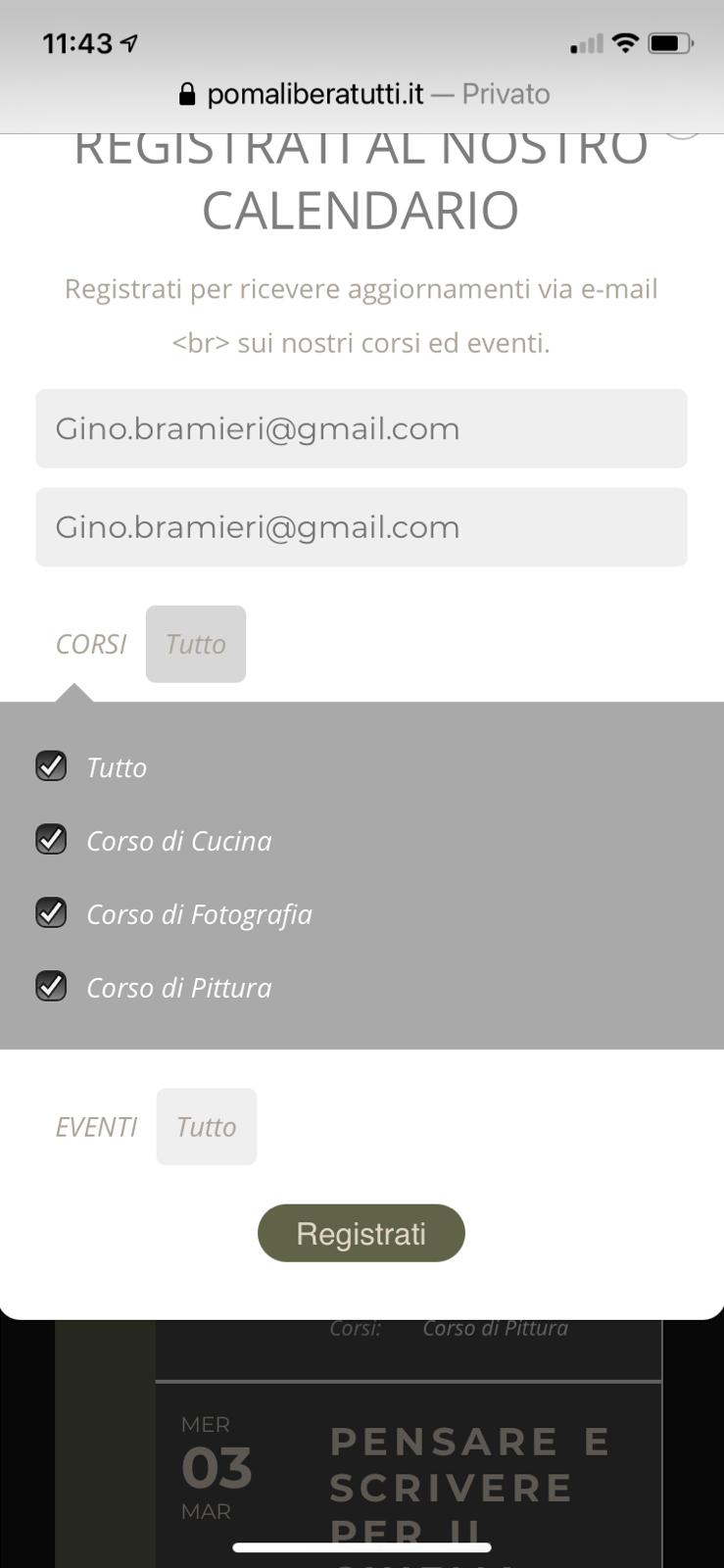
“4. EventON uses a scrollbar that is available in your browser by default. Could you send us a screenshot?”
The required screenshots are attached.
You do not see the scrollbar at the beginning and it is not clear that the list of events is longer than what you see.
“here is the patch fix to resolve the cancellation reason not working.
Sorry, I’m not a programmer. I didn’t understand the screenshot you sent me. What do I have to do?
Thanks