Hi,
Thank you for providing this to us.
We have asked our CEO to review the ticket and he will be with you soon!
Replies for tickets on suppota
Hi,
Thank you for providing this to us.
We have asked our CEO to review the ticket and he will be with you soon!
Hey Todd,
The value that I have added, is getting pulled to the functions.php, where we have a function that adds this ( please check the functions.php as you know about code ).
So basically, we are triggering the hook there.
I tested just now and it is working, you can share my how you test so I can confirm for you?
Sure thing mate 🙂 Are you adding this custom because that is not how it is in eventON?
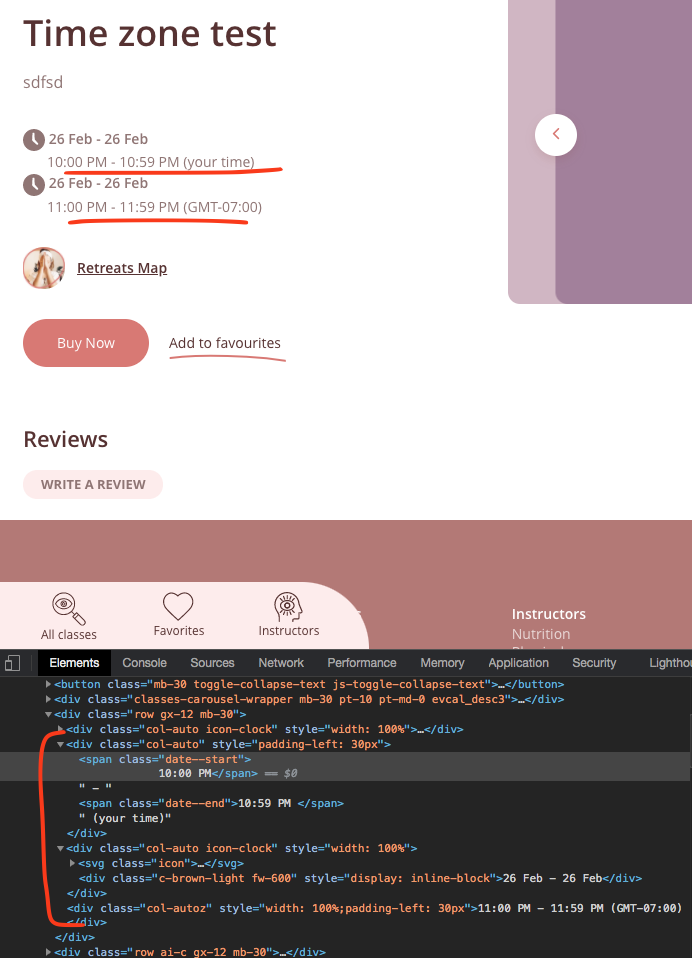
Hi Ashan, thank you for the update. This really made my day!
Hello,
Please go to Edit Event > RSVP > disable Show RSVP count for the event on EventCard.
Please also make sure that you are using the latest version of RSVP add-on – 2.7.
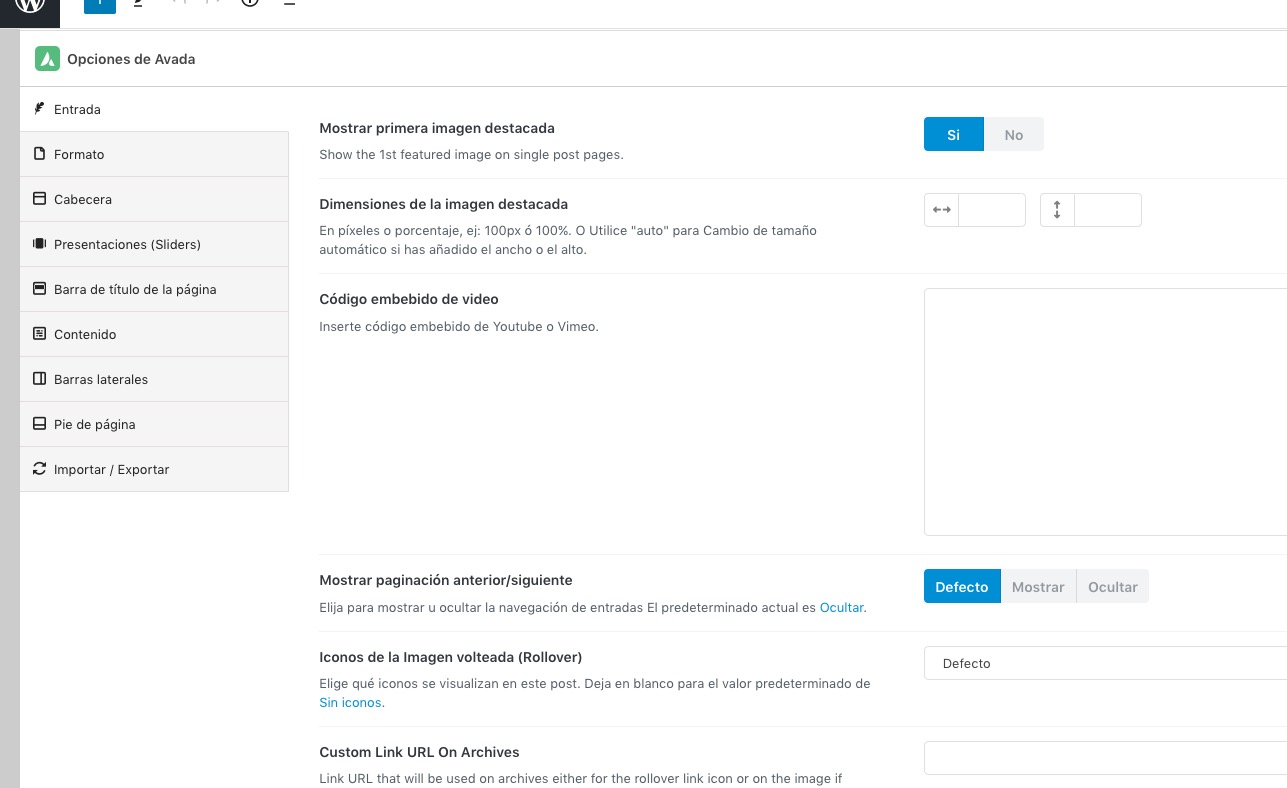
“Opciones de Avada” on Edit Event pages: https://helpdeskx.s3.amazonaws.com/wp-content/uploads/2021/02/25164029/Screenshot-2021-02-26-at-00.40.12.jpg
Action User doesn’t register users so, in general, you need to allow them to be able to register. Please check if basic WP Registration is enough: https://www.wpbeginner.com/beginners-guide/how-to-allow-user-registration-on-your-wordpress-site/
In most cases, if you just need to allow users to submit/view events from the front-end, I don’t think that you need a membership plugin. However, please make sure to test everything before the purchase on our demo site: https://dev.myeventon.com/wp-admin/
Hello,
Please follow this instruction:
To update eventon to latest version: If you are unable to do autoupdate, you can go to codecanyon your account > download and get the latest eventon version as zip file. Then you can go to your website, deactivate old eventon, activate (Do not delete eventon settings & data when EventON is uninstalled) from eventon settings, delete old eventon, install new one and activate. This link will further explain the process it. Also you can follow us on twitter to get real-time announcements on updates!
What do you mean by gone? Could you elaborate? Here’s how it looks on my side: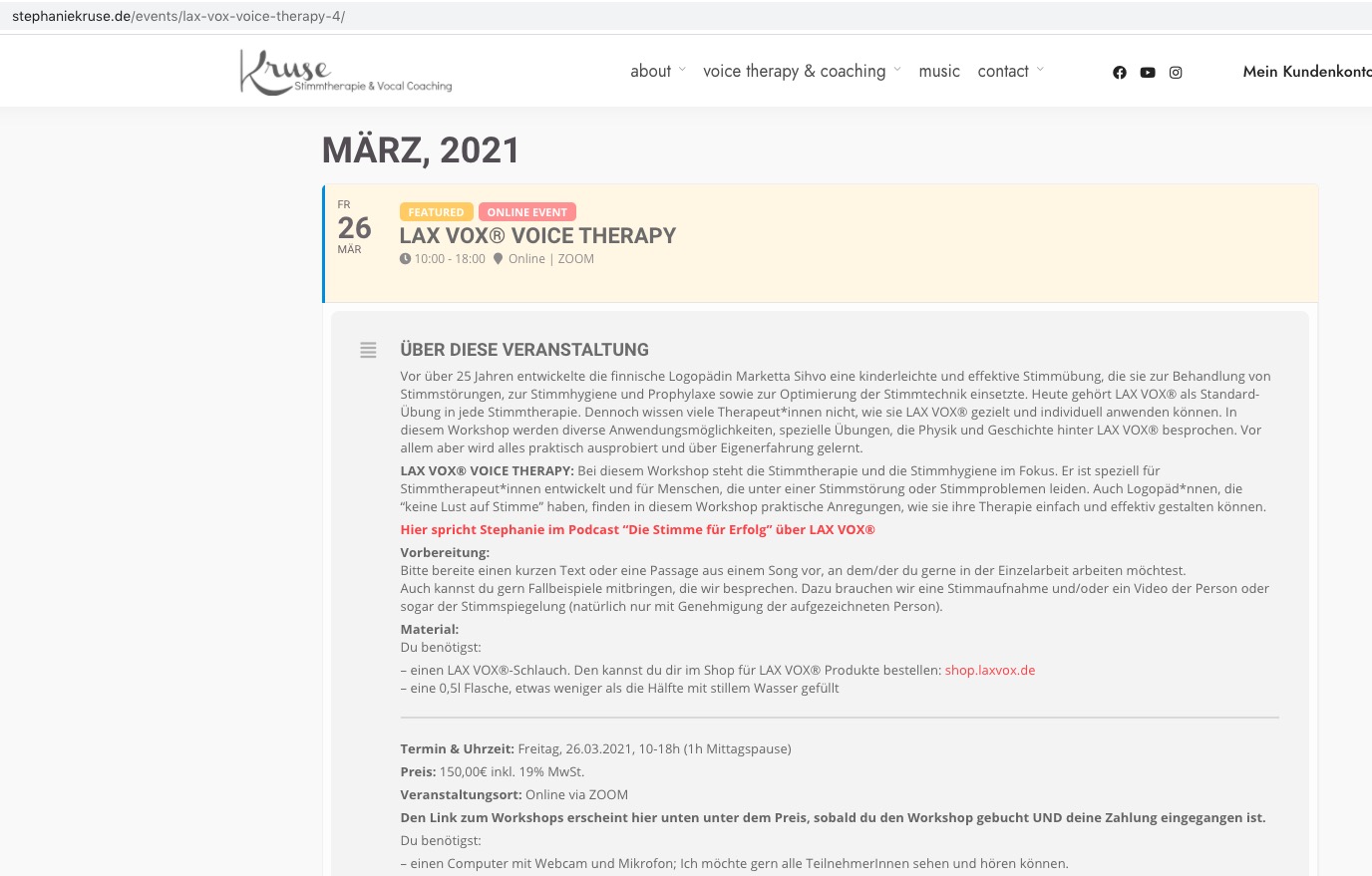
It seems that the only option is to use Edit Event > Tickets > Emailing:
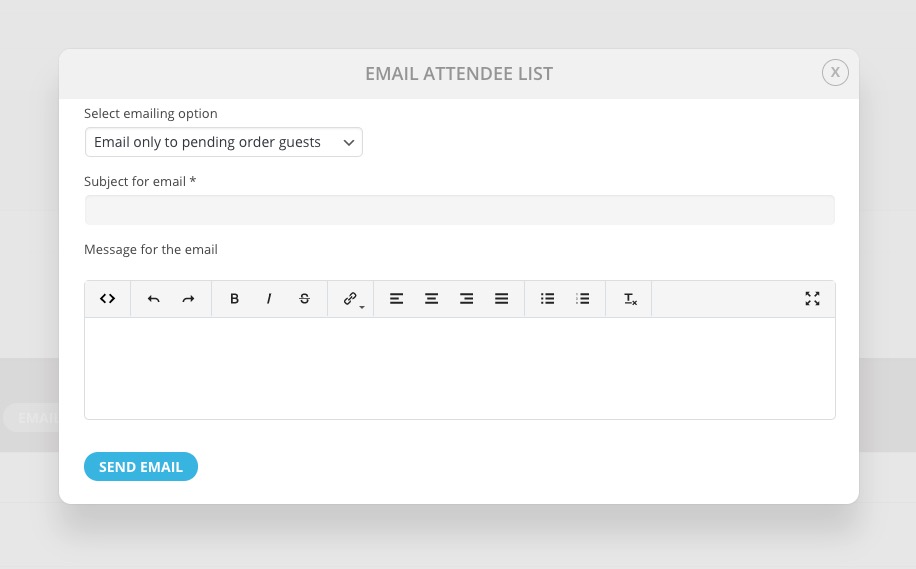
And just copy > send link.
We set up a copy of the site here:
https://hbt2020.wpengine.com/wp-admin
U: adminEventon
P: 3I9@*hz9FRvPLar2
Pages with Issues
– Home page
– https://holyblossom.org/schedule/
— any page you put a regular calendar on
Yes we really like the plugin and are hoping it works. Thank you again.
Hello Michaela Feudtner,
Guto Aaron is exactly right. Could you please try cleaning your browser cache and check?