Hi Christian,
Thank you for all the suggestions they are much appreciated!
If you have a moment, we would greatly appreciate if you could kindly leave us a review at codecanyon! from your account > downloads. Cheers!
Replies for tickets on suppota
Hi Christian,
Thank you for all the suggestions they are much appreciated!
If you have a moment, we would greatly appreciate if you could kindly leave us a review at codecanyon! from your account > downloads. Cheers!
Hi Kevin,
Are you intrested on this one?
Sure, let us know when to start
Thank you very much for the explanation and the screencast!
I did send in a customization request now and paid the cost right away. How long do these usually take to implement? Or where could I ask for an estimated completion date?
Thanks!
Best,
-Benedikt
I would be really happy, if you could provide me some timeslots within the next couple of days to get the plugin up and running. I am willing to pay for your support.
Furthermore I need some support to setup the sales process for tickets to my events. And even more, I need assistance to select the right addons.
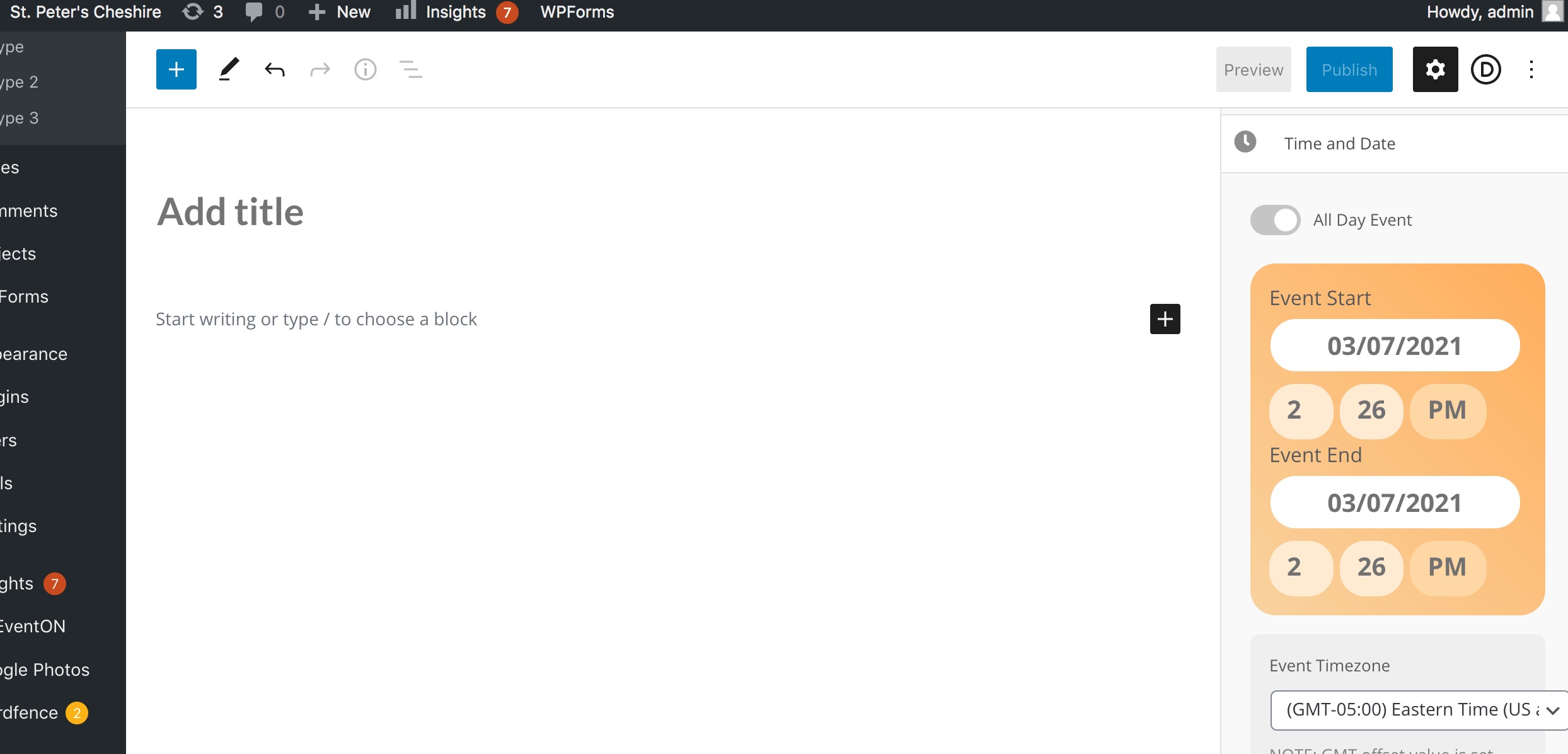
Hi – many thanks for that awesome video! I’m using Firefox on a Mac but, ironically – the church administrator is using a PC, and I’m not sure of the browser, but she also sees the block information on right sidebar only. I’ve added a screen shot of what it looks like when creating a new event (which is the same for any event whether new or edited).
I can’t figure out what would even “call” to the plug in to put the content in the sidebar. Cache has been cleared, no change. Many thanks for your help.
Please send us wp-admin access to your site as a private message for us to further assist your situation.
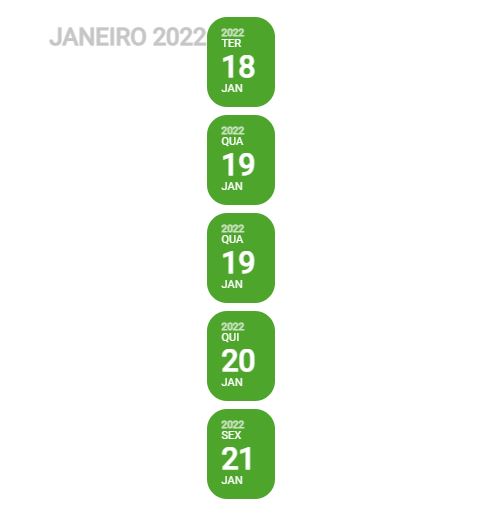
I’m trying to use this short code
[add_eventon_list eventtop_style=’3′ hide_month_headers=”no” hide_empty_months=”yes” show_year=”yes” accord=”no” number_of_months=”12″ event_count=”6″ event_past_future=”future” event_type_2=”12,” tiles=”no” etc_override=”no” show_et_ft_img=”no”]
but It’s weird , in this vertical column, should be in the row format…
best regards
JP
Hye John,
I have accepted the Job.
You just need to pay it.
Then I please need:
1. a screenshot of exactly what u need to have on front end
2. WordPress Access
3. FTP Access
Basilis has accepted the job for 200