Hi Ashish,
I haven’t heard from you in nearly two weeks, can you please let me know what’s going on?
Thanks
Ian
Replies for tickets on suppota
Hi Ashish,
I haven’t heard from you in nearly two weeks, can you please let me know what’s going on?
Thanks
Ian
Hi Ashish,
Can we have a stable version?
Regards.
change filter_show_set_only=”no to filter_show_set_only=”yes””
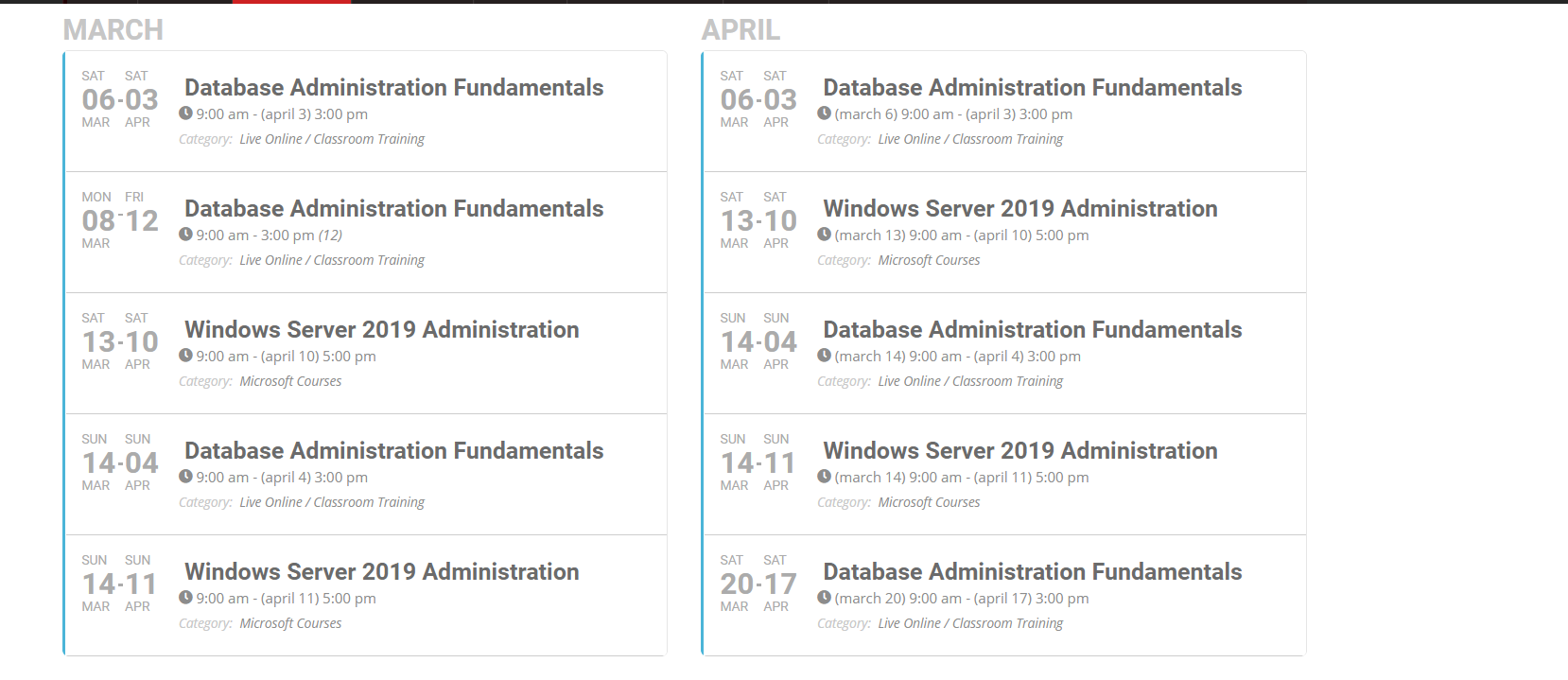
attached is the pic event scheduled for march is showing in April events
Hello,
can you try to tell me what to do first. if all fails I need to ask permission from my superior for approval for giving admin access.
egbar
Hi Egbar,
Please send us wp-admin access to your site as a private message for us to further assist your situation.
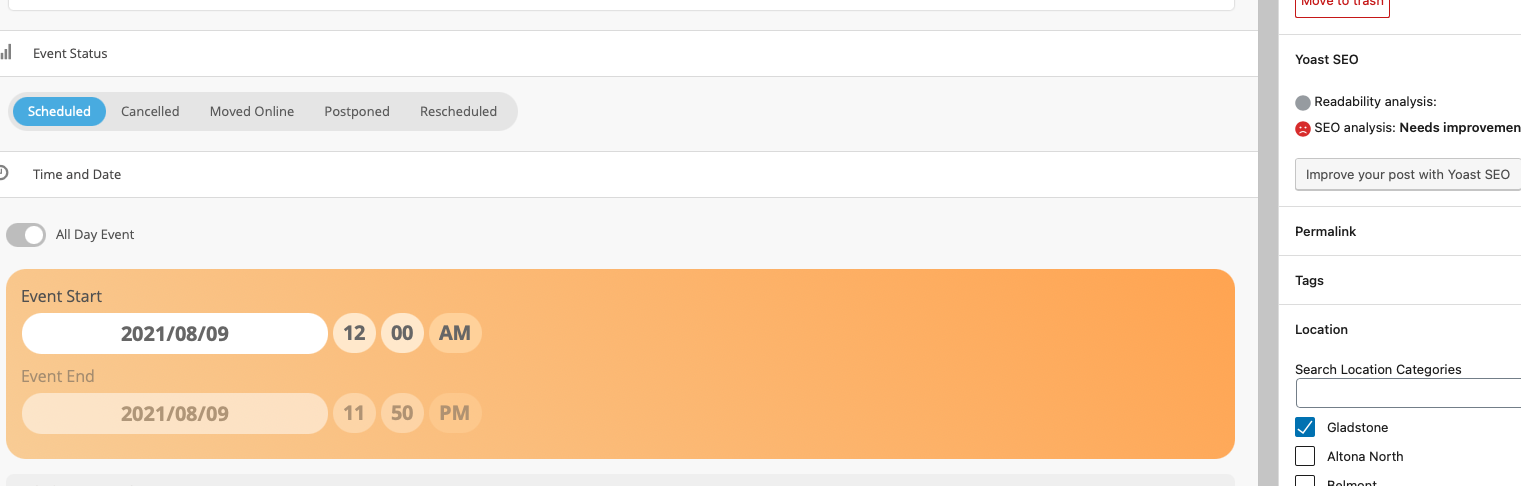
Hi, so ive set up multiple event types called location and set up different events for that event type but the calendars still showing all events for all types not just the ones selected.
[add_eventon_yv fixed_year=”2021″ etc_override=”yes” cal_init_nonajax=”no” event_type_1=”129″ exp_so=”yes” filter_show_set_only=”no” filter_type=”select” filter_relationship=”OR” bottom_nav=”no”]
https://bluefitswimming.com.au/calendar-windy-hill
But see screenshot that its showing all events
update eventon to 3.1
To update eventon to latest version: If you are unable to do autoupdate, you can go to codecanyon your account > download and get the latest eventon version as zip file. Then you can go to your website, deactivate old eventon, activate (Do not delete eventon settings & data when EventON is uninstalled) from eventon settings, delete old eventon, install new one and activate. This link will further explain the process it. Also you can follow us on twitter to get real-time announcements on updates!
update rsvp to 2.7.1
To update eventon addons: You can download latest eventon addons from myeventon > my account. Then you can go to your website, deactivate old addon and install new one and activate then delete the old addon. This link will further explain the process. Also you can follow us on twitter to get real-time announcements on updates!
Any update on this? The first effected tickets will be used this Friday and we still have no resolution.
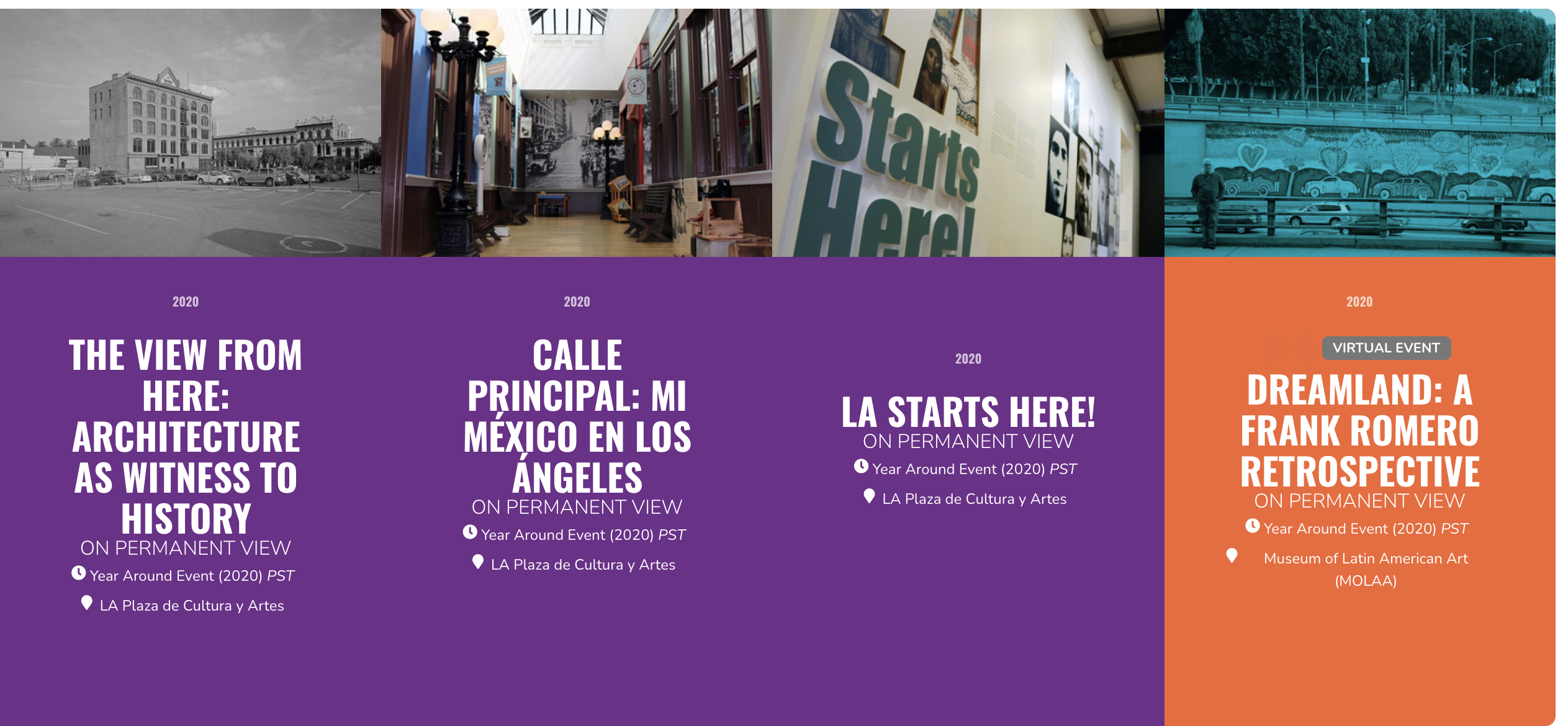
When I add the code you proved above to include “permanent events” in with the rest of the shortcode it blends all of the sliders together.
I’ve included a screenshot. and here is the updated code:
[add_eventon_slider cal_id=”LAA v4″ slider_type=”multi” slide_style=”imgtop” slide_auto=”no” slide_pause_hover=”yes” slider_speed=”400″ pec=”ct” ux_val=”4″ number_of_months=”36″ event_count=”50″ hide_mult_occur=”yes” show_repeats=”no” event_type=”1569,1362,1363,1364,1365,1366,” event_type_2=”1388,” etc_override=”yes” closing_date_sort=”yes” add_eventon_slider slider_type=”multi” only_permanent=”yes” organizer_sort=”yes”
organizer_sort=”yes”]