Thank you, the legend has changed . But I would like to change month title. I try this but it does not work.
.evcal_cur.evo_month_title { font-size: 17px }
Thanks
Replies for tickets on suppota
Thank you, the legend has changed . But I would like to change month title. I try this but it does not work.
.evcal_cur.evo_month_title { font-size: 17px }
Thanks
thats because i was able to create the event with buttons on another machine ie
a laptop
do u think clearing browser cache would work
Hi Bengt,
We are glad your issue is resolved. If you have any further questions or concerns please feel free to create a new ticket.
Thanks for the help
Bengt
We are glad your issue is resolved, if you have any further questions or concerns please create a new ticket.
If you have a moment, we would greatly appreciate if you could kindly leave us a review at codecanyon! from your account > downloads. Cheers!
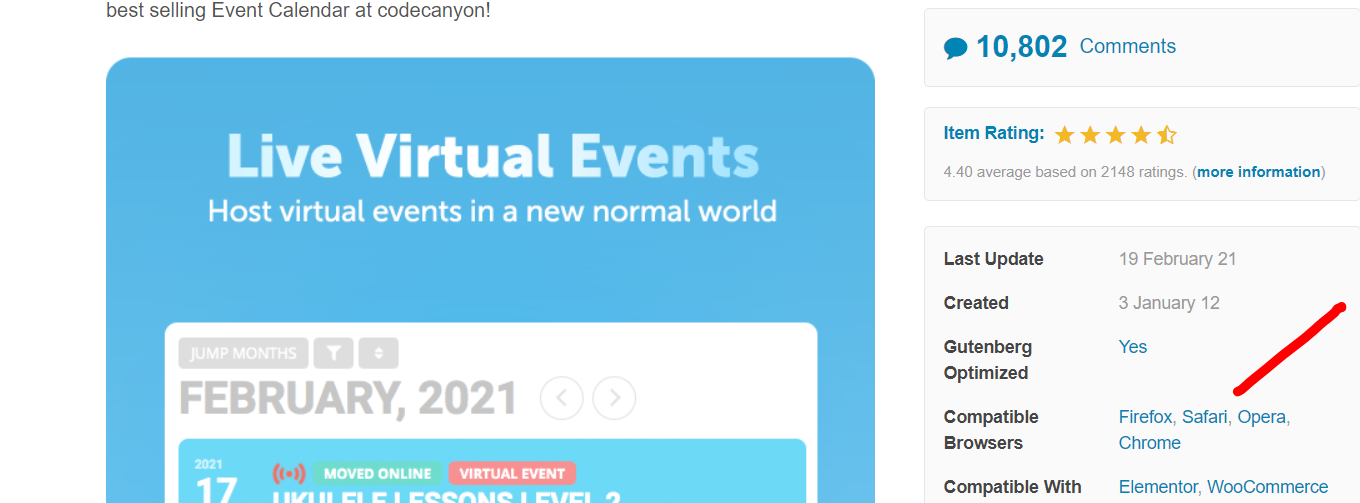
the backend is not compatible with IE/edge
Hi,
Thanks for the quick update
Using Edge, I clean browser cache and check, no different.
Changed to Chrome reader and its work fine, previous was Edge and it won’t work,. Have you heard anything regarding problems with Edge
If I use the quick edit then it works.
Hi Lucia,
You can change the month title font size as well as the font style using the custom CSS code below:
.ajde_evcal_calendar .calendar_header .evo_j_dates .legend a{font-size:12px; text-transform:capitalize;}
Add the code in MyEventOn > Styles. If you do not see any changes after saving, navigate to MyEventOn > Settings > Scripts & Styling and enable the “Write dynamic styles to header” option.
Ok I do that.