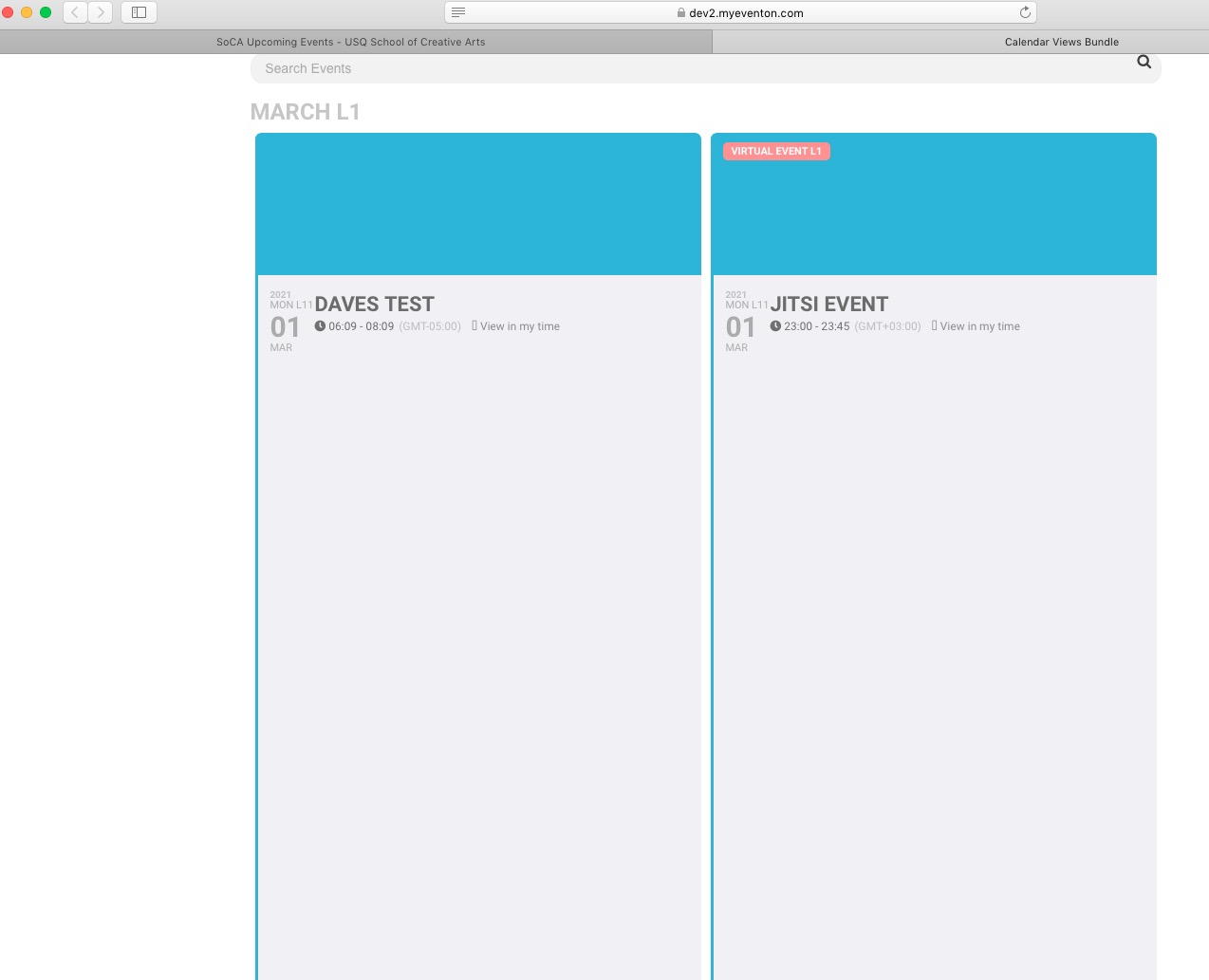
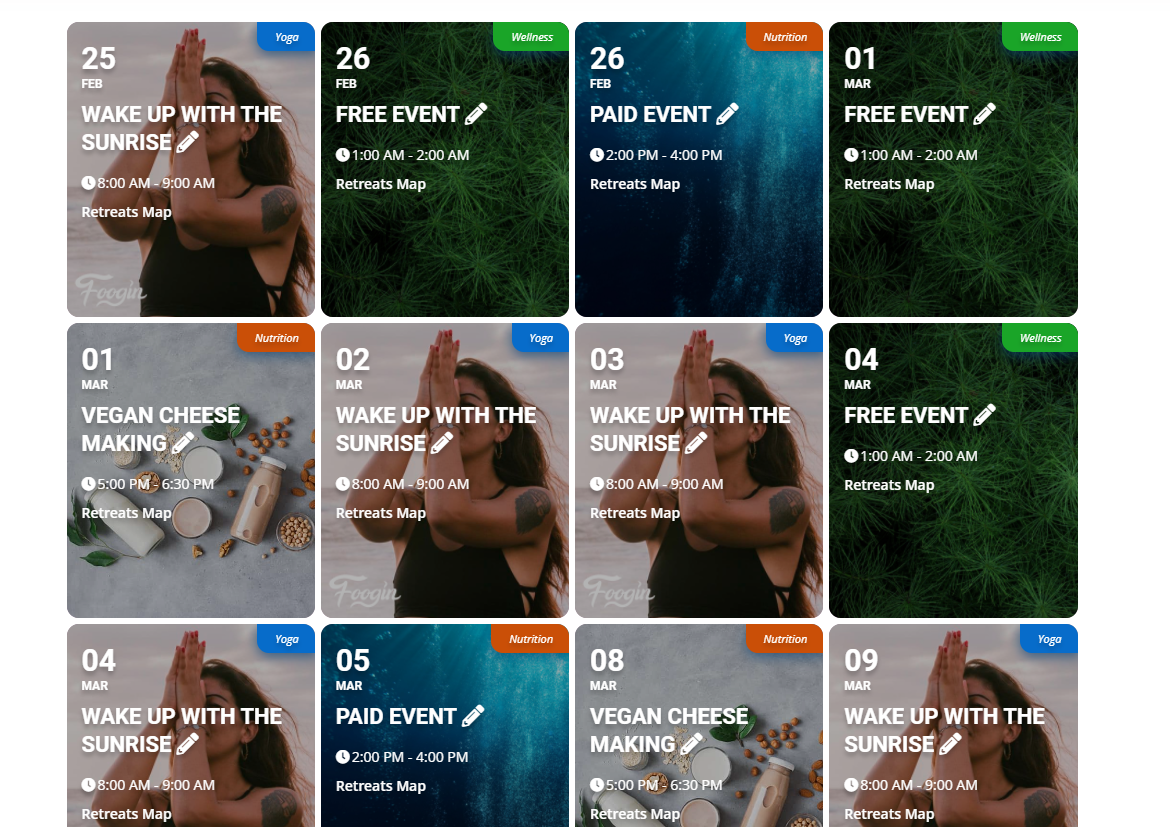
How they look on my side:
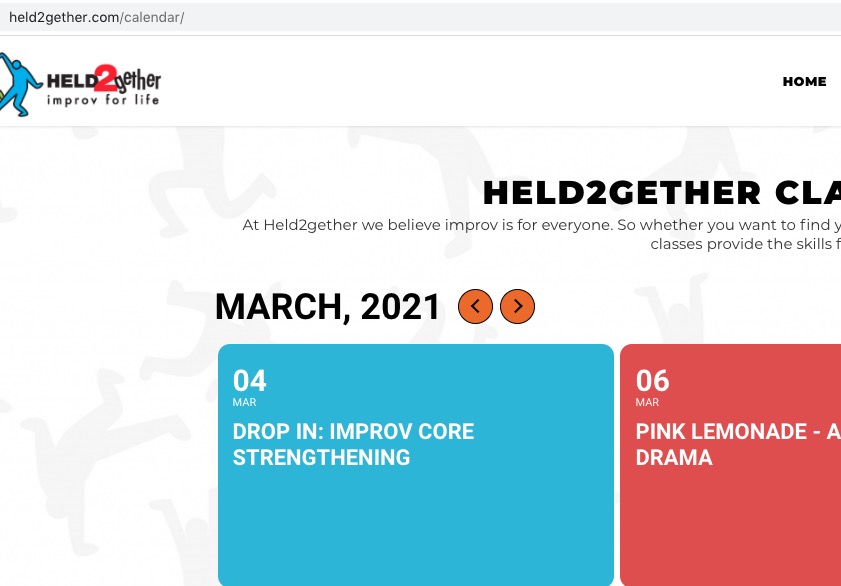
If they are different from your side please go to EventON > Scripts & Styling > enable Write styles to header > save settings.
Replies for tickets on suppota
How they look on my side:
If they are different from your side please go to EventON > Scripts & Styling > enable Write styles to header > save settings.
Hello,
Fixed.
thanks
egbar
Hello,
Could you send us order id of the purchase?
[Tue Mar 02 10:42:31.981469 2021] [php7:error] [pid 3822] [client 109.205.156.152:41584] PHP Fatal error: Allowed memory size of 1073741824 bytes exhausted (tried to allocate 309950493 bytes) in /nas/content/live/jedox/wp-includes/functions.php on line 4755, referer: https://www.jedox.com/en/event-calendar/
You need 301MB more server memory. Please check this guide: https://docs.myeventon.com/documentations/increasing-wordpress-memory-limit/
Also try https://docs.myeventon.com/documentations/why-my-site-and-eventon-page-loading-slow/
Hello,
Everything seems to be working on my side:
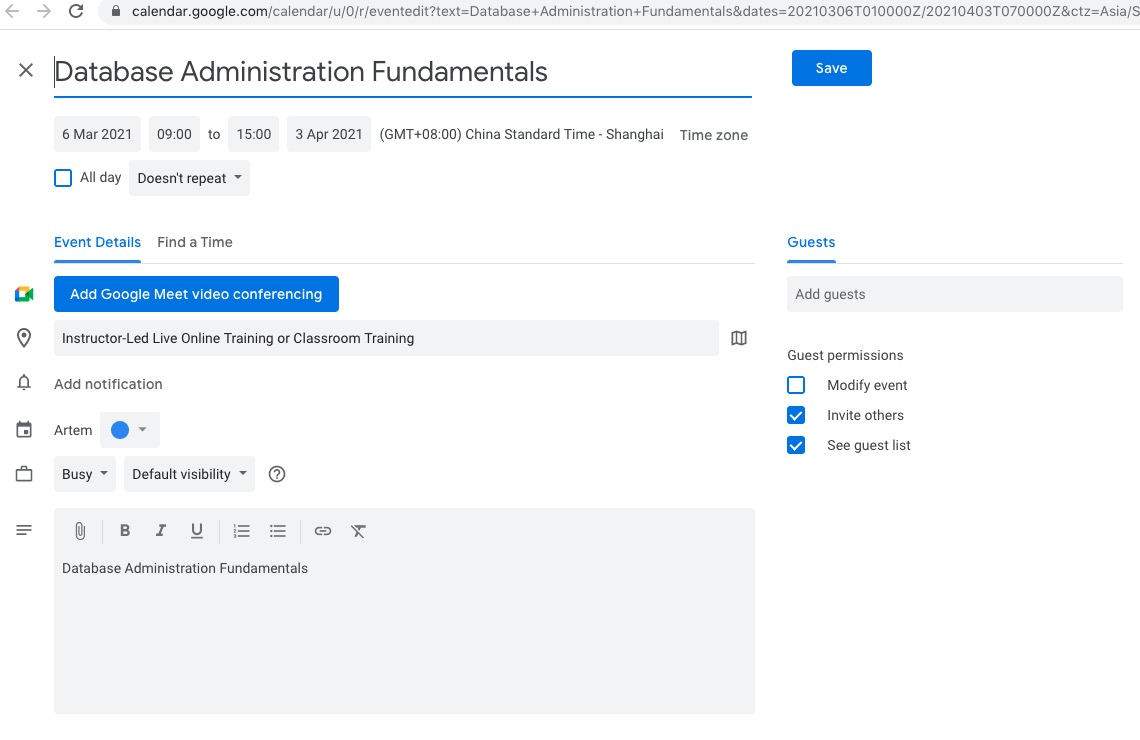
Are you sure Google Calendar is available and you are logged-in?
It seems that EventON Settings > EventCard > Open all eventCards by default (Except tile layout) also affects Event API code:
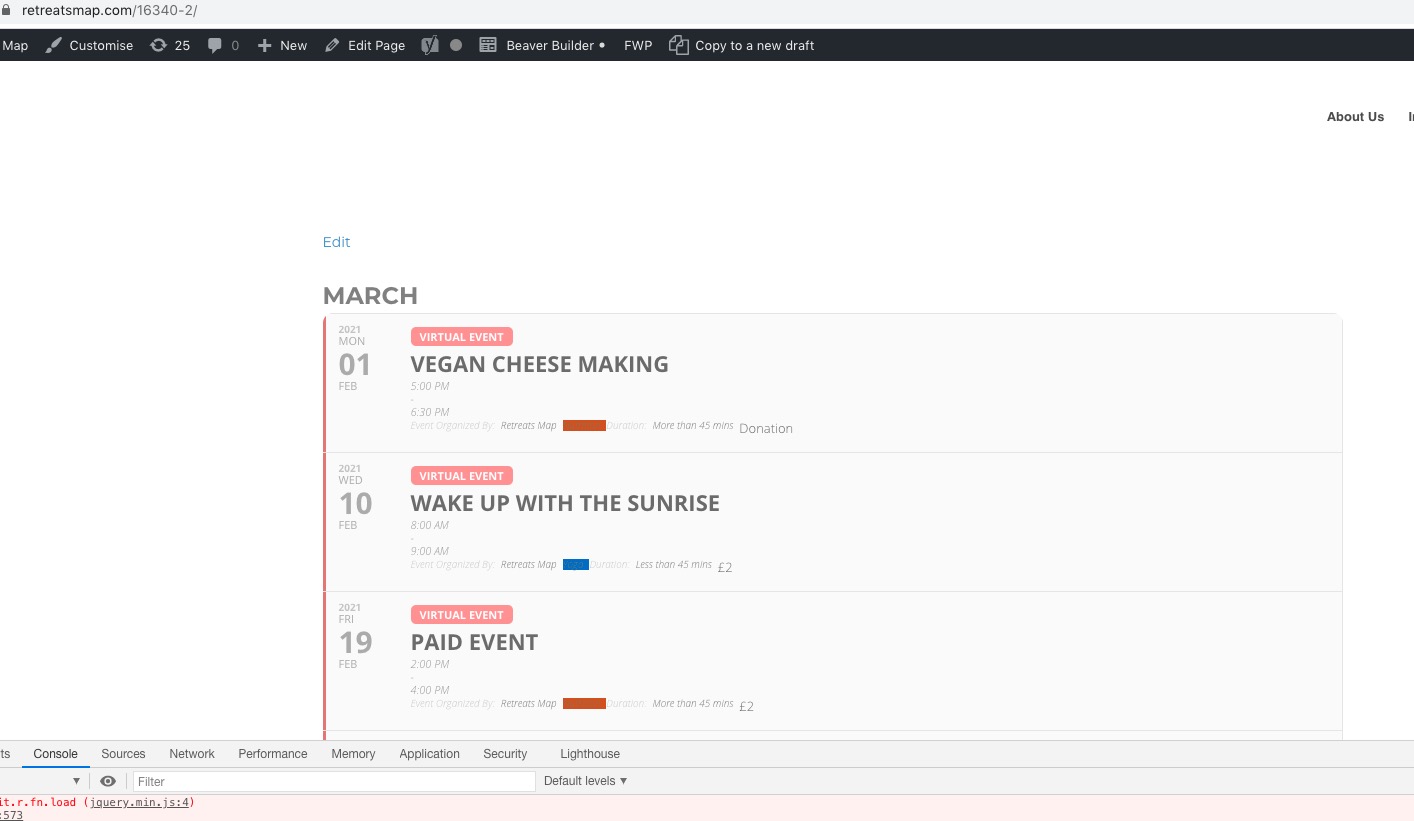
I am going to contact Ashan about the issue. Meanwhile please disable it: https://dev.foogin.com/wp-admin/admin.php?page=eventon#evcal_004a
Hello,
Thank you for your great suggestion, at the moment it is not supported. However please create a new ticket and select Feature Request as category so others can vote on your idea and get it moved into development faster. OR You can send us a customization job request by creating a new ticket in here and selecting Customization Request as the category.

Hi,
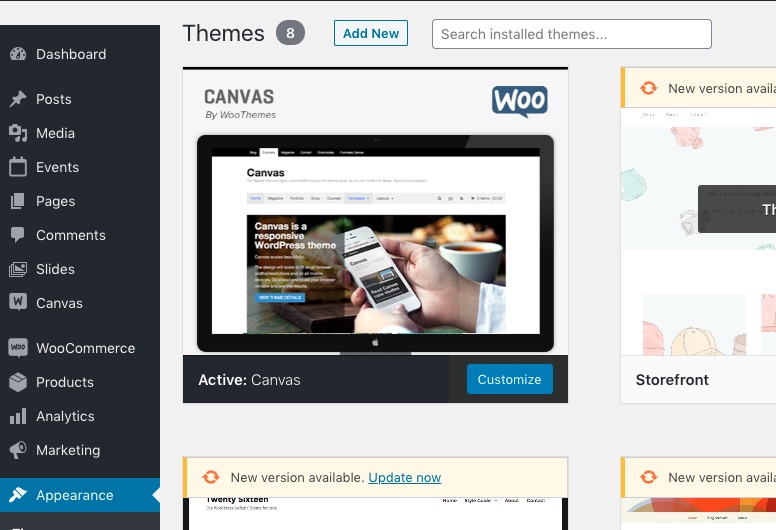
Update is done. (see Screenshot)
your instruction do not work on our server, but I can give you access to the server log file
Here you can find it http://www.jedox.com/media/dev/jedox_error_logs-2021-03-02_10-49-05.txt
Best regards
Marc
Thank you for your messages, I am going to assign this ticket to Ashan and he will be able to take it from here and find you a solution. Please allow some time for him to get back to you, we greatly appreciate your patience and thank you for being a eventon customer! Also please disable any IP blocking on your site if there are any.