which plugins/addons are you refering to
Archives: Replies
Replies for tickets on suppota
Reply to: tickets(222702)
have you already managed to access?
Reply to: tickets(220300)
In myeventon>>>>settings
please enable:
Do not delete eventon settings & data when EventON is uninstalled
before any updates
Reply to: tickets(222247)
In myeventon>>>>settings>>>>>event top
activate location fields
Reply to: tickets(222702)
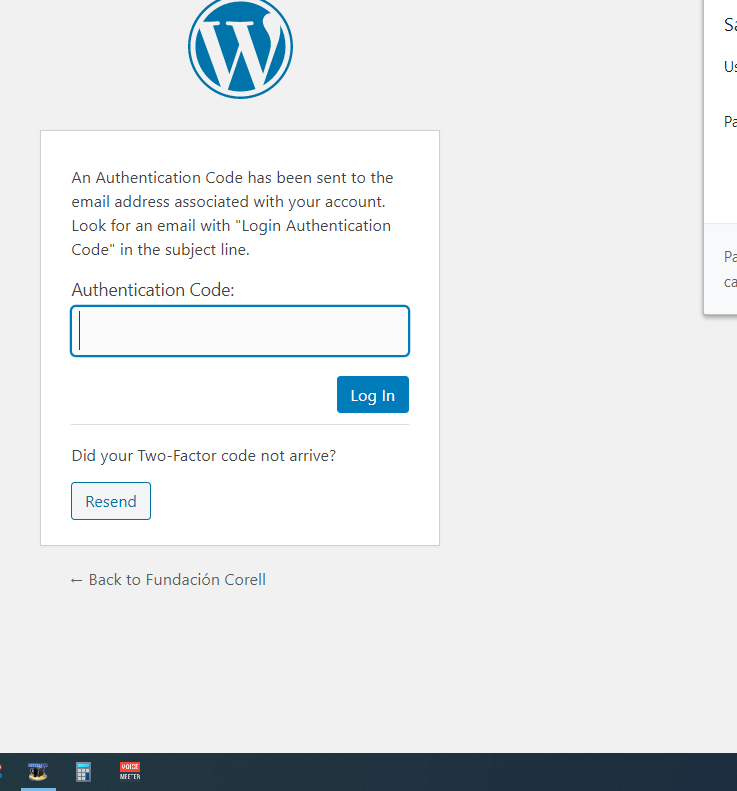
I cannot log into your website in order to help you
please deactivate this authentication system- it is not needed
Reply to: tickets(222702)
| 13309298
|
Reply to: tickets(222717)
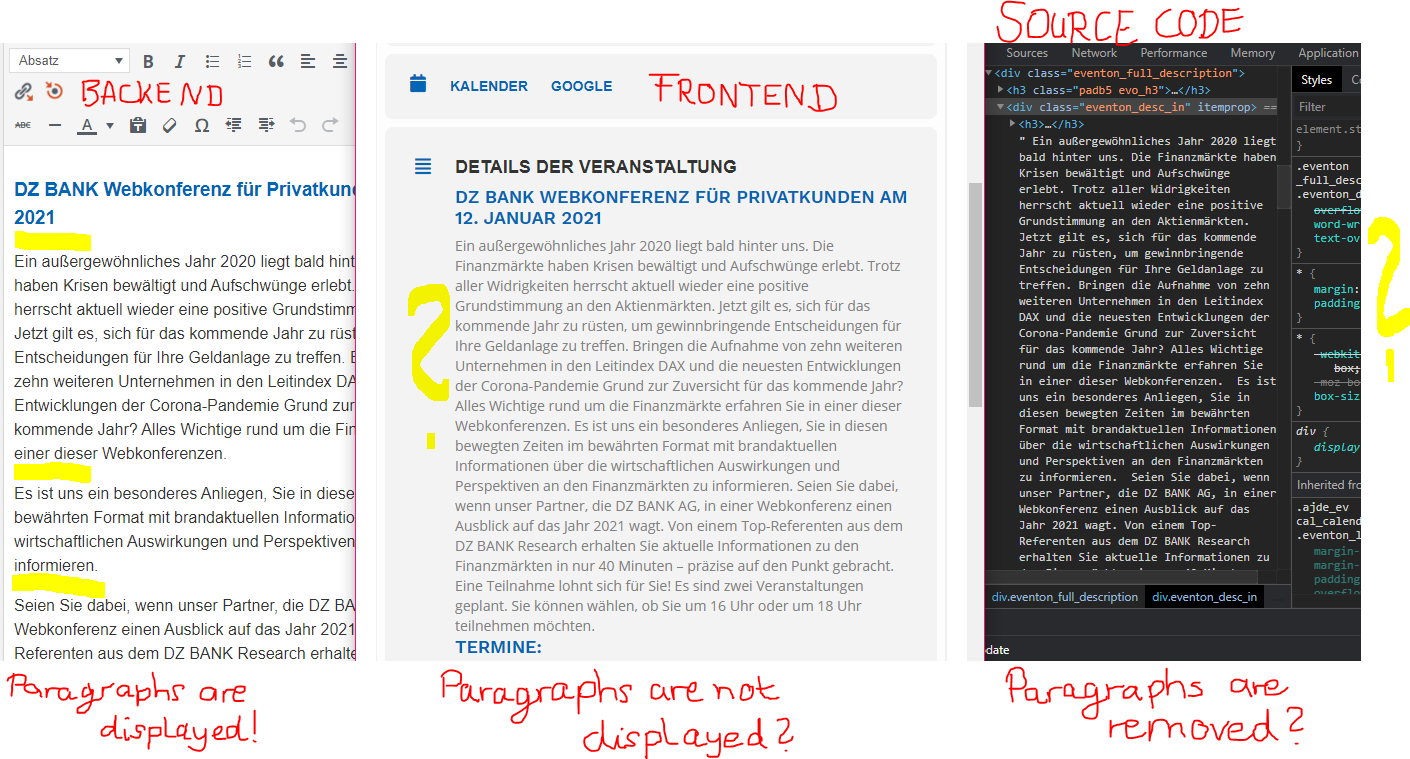
I added paragraphs in the backend editor.
The paragraphs are still not displayed in the frontend. These are still removed in the source code.
I press enter 2 times when adding text, but it doesn’t work.
Reply to: tickets(222247)
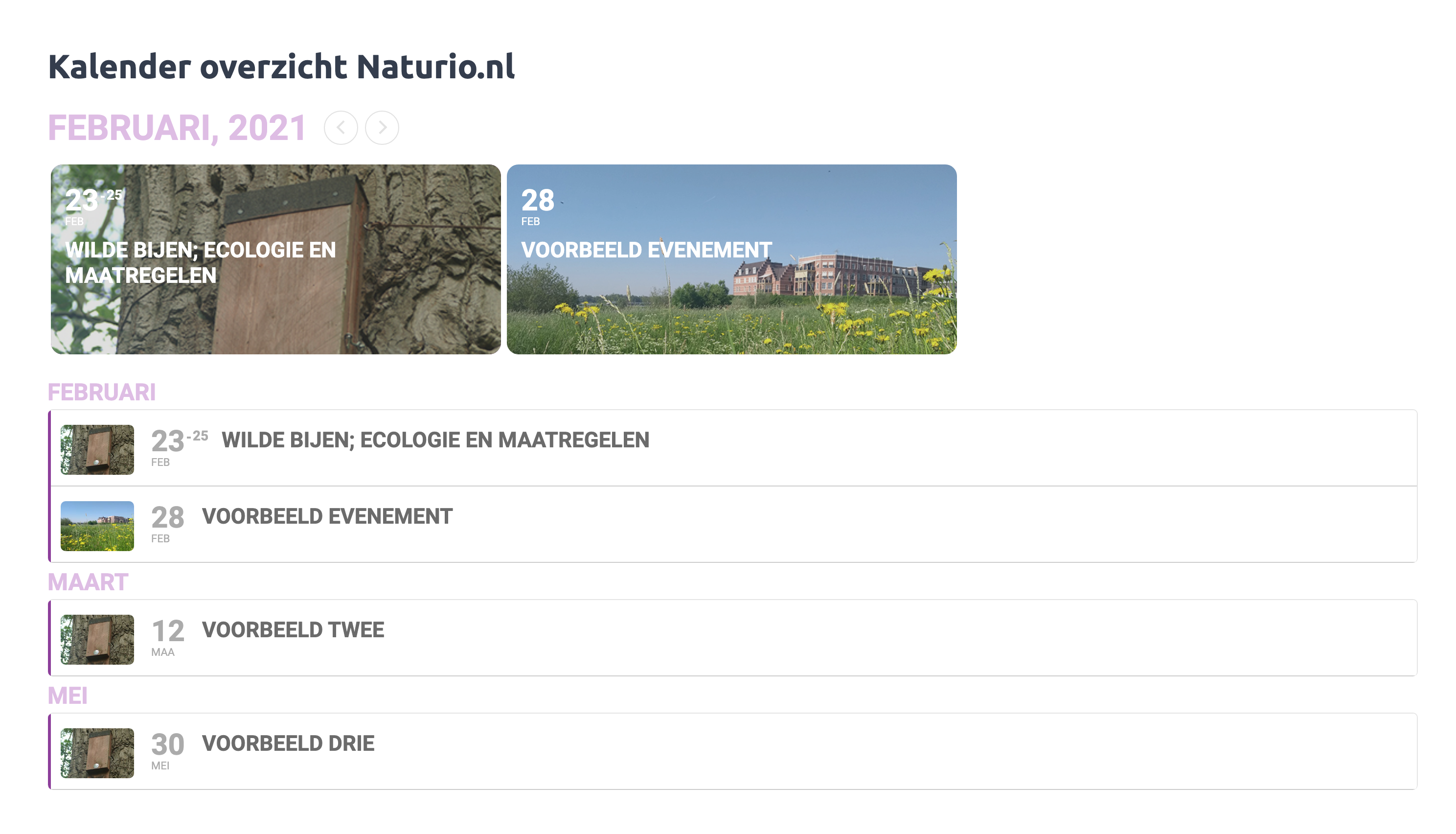
We did everything you said. But this did not work. See attached file.
Reply to: tickets(222702)
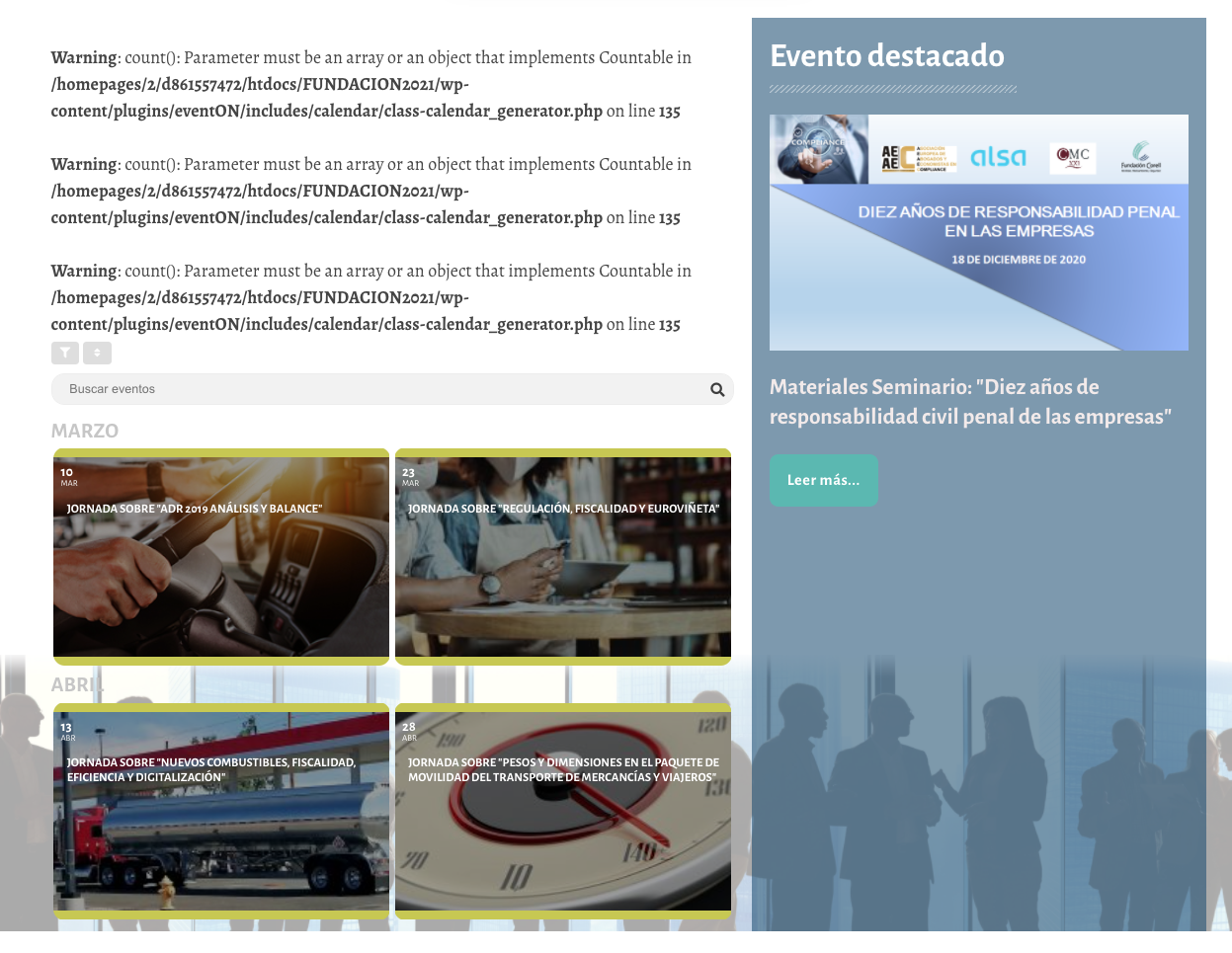
The client does not allow the deactivation of the calendar. What I can do?
It worked with PHP 7.4 and now it only stops throwing that error with PHP 7.1
Thank you very much for the speed in your response.
I am very concerned.
Attached image
Reply to: tickets(222182)
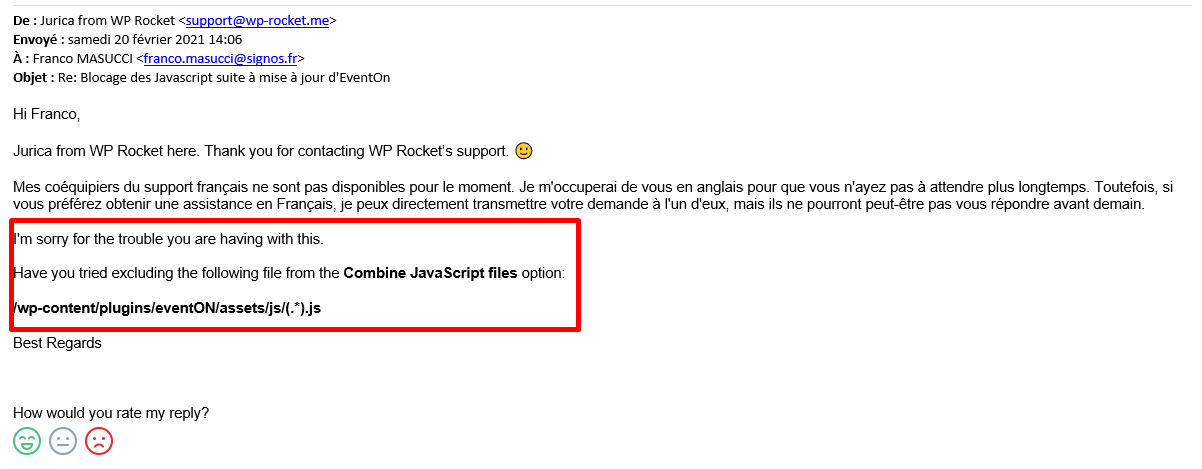
Ok, in all our PC and in Edge, Firefox and Chrome the website do not work with “Combine Javascript” ON and EnvetOn ON.
The only way to keep “Combine Javascript” On is to turn OFF EventOn.
And YES, the plugin say it may cause troubles, but this trouble only appears with the new version of EventOn.
And again, it works on your screen because you are NOT in incognito mode, you are log to the admin. As i show to you in the video, in incognito mode that not work. even if a clear my cache and website cache.
WPRocket have already find the issue, and of course is become from eventOn. And they ask me to exclude EventOn of Combine Javascript module.