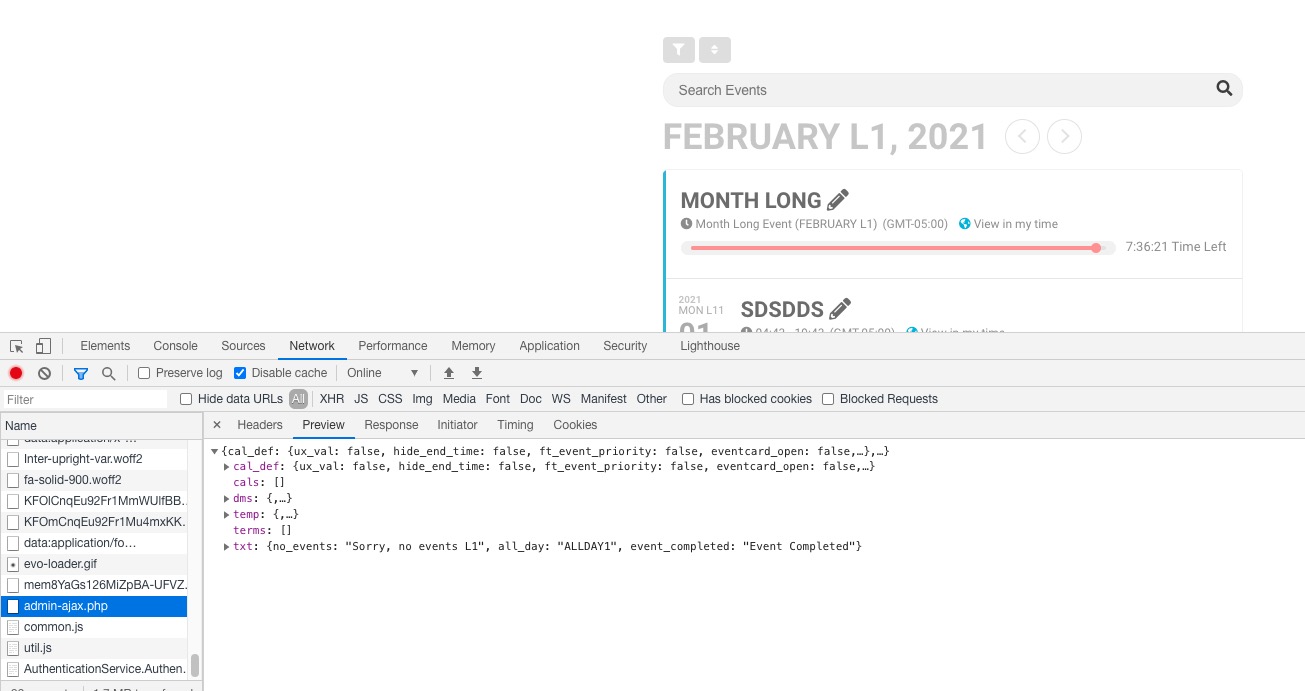
I just went through the process of disabling and reenabling plug-ins systematically to try to determine a conflict if one exists. As I was not able to I disabled all the EventOn Plugins and removed the Eventon plug in. I then installed version 3.0.7 as it was the only previous version I had access to which was fortunately in my downloads folder still.
Under 3.0.7 the radio buttons work perfectly. I was able to enable all the other plugins except for the action user that has dependencies on 3.1 and the radio buttons continued to function.
I then re-downloaded the installs for version 3.1 from Envato per the licensing and then disabled the eventon plugins before removing the main plugin all together. I installed the newly downloaded 3.1 version of the file and it is back to the state of not being able to change any of the radio buttons.
So the issue only occurs on the latest version of the plugin. I do not have a copy of the version prior to 3.1 but the issue only started once 3.1 was installed.
Using that plugin only showed 2 errors related to the theme and nothing related to the plugin while active. While it was active all the eventon radio/slider buttons were still not able to be interacted with
You don’t need to connect it to WooCommerce. Just install both RSVP Points and WooCommerce, then follow my guide and you should be able to purchase points with “RSVP – Points” shortcode.
Please send us wp-admin access to your site as a private message for us to further assist your situation.
Ashan,
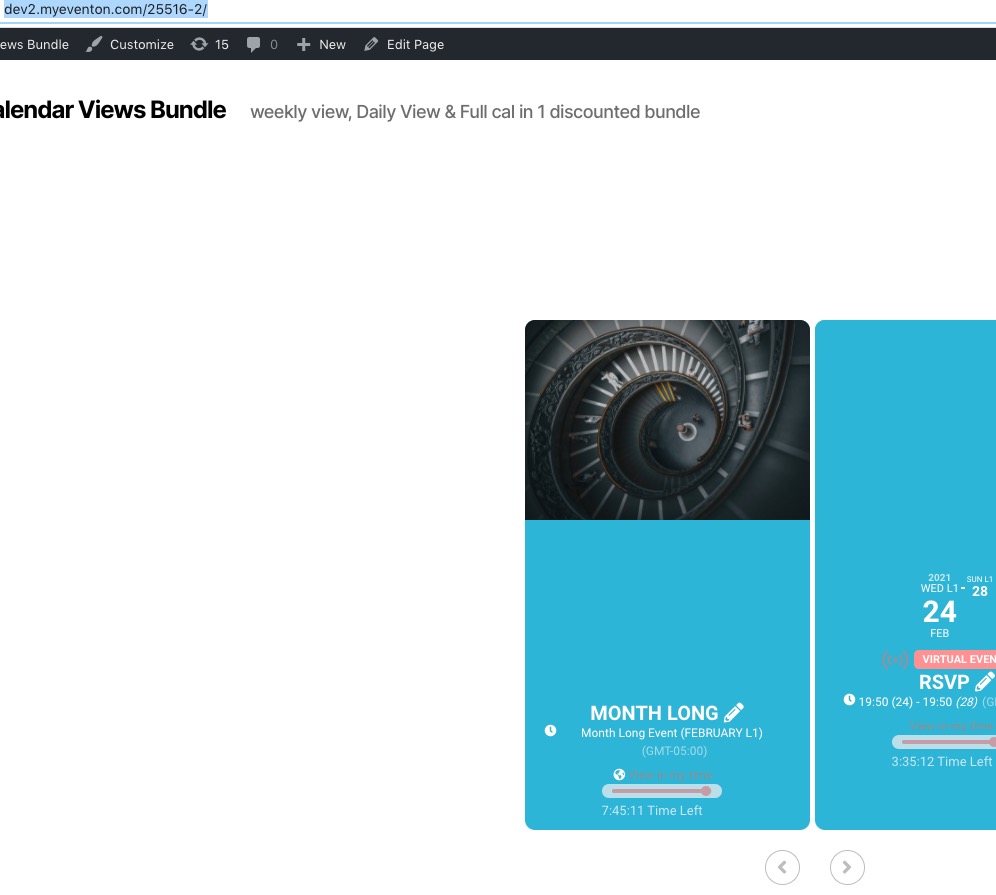
Even so they use Event Lists, the same issue with Main Calendar:
https://dev2.myeventon.com/25520-2/
Hello,
Thank you for your messages, I am going to assign this ticket to Ashan and he will be able to take it from here and find you a solution. Please allow some time for him to get back to you, we greatly appreciate your patience and thank you for being a eventon customer! Also please disable any IP blocking on your site if there are any.
Hello,
Please update EventON to 3.1 and then try to deactivate again.
To update eventon to latest version: If you are unable to do autoupdate, you can go to codecanyon your account > download and get the latest eventon version as zip file. Then you can go to your website, deactivate old eventon, activate (Do not delete eventon settings & data when EventON is uninstalled) from eventon settings, delete old eventon, install new one and activate. This link will further explain the process it. Also you can follow us on twitter to get real-time announcements on updates!
I am also going to assign this ticket to Ashan and he will be able to take it from here and find you a solution. Please allow some time for him to get back to you, we greatly appreciate your patience and thank you for being a eventon customer! Also please disable any IP blocking on your site if there are any.
Please note that this may take a while so try my first suggestion.
Hello,
It seems there is an incompatibility issue with the theme. Please add this CSS code to EventON > Styles (If you don’t see any change, EventON > Scripts & Styling > turn off Write styles to header > save settings > turn on Write styles to header):
.evo_metarow_socialmedia a.evo_ss i { font-family: ‘evo_FontAwesomeS’,’evo_FontAwesome’,’evo_FontAwesomeB’ !important; }
Hello,
Thank you for your messages, I am going to assign this ticket to Ashan and he will be able to take it from here and find you a solution. Please allow some time for him to get back to you, we greatly appreciate your patience and thank you for being a eventon customer! Also please disable any IP blocking on your site if there are any.