OK, do u want to be able to add it manually from you on code?
Archives: Replies
Replies for tickets on suppota
Reply to: tickets(220992)
Once this ticket is closed I will be ready to move forward.
https://helpdesk.ashanjay.com/ticket/unable-to-view-rsvp-on-front-end-using-action-user/
Reply to: tickets(221886)
Great! Do you need our help in anything else?
Reply to: tickets(223806)
Instead of using the plugin please try going to wp-admin > Themes > Theme Editor > add the code to functions.php file.
Reply to: tickets(223677)
I also tried entering 15Mn as a value and that didn’t work either.
Reply to: tickets(223677)
I found where to hide it, in the custom meta
Reply to: tickets(223677)
Ok. I see the trigger. I tried entering a value of 15 in there hoping that it would automatically set a calendar alert for 15 minutes before the event but it didn’t work. Is there a specific way I need to set the value?
Also, is there a way to hide it from the event card. I don’t want this to be visible to users
Reply to: tickets(222235)
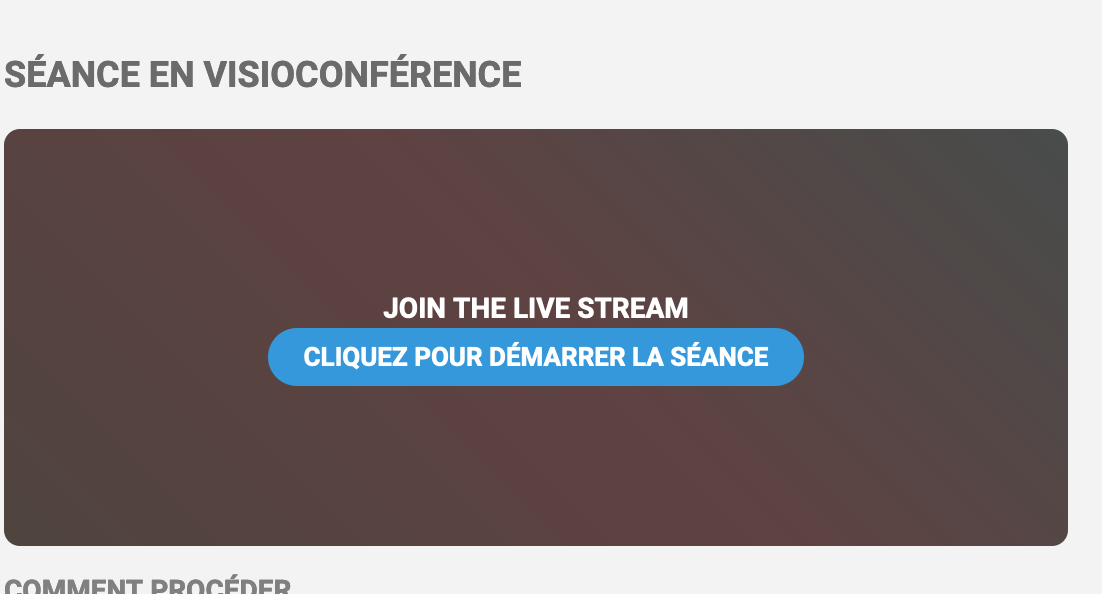
This one as well cannot find the string to translate
“Join the live stream”
Reply to: tickets(218992)
Fixed! Thank you.
Reply to: tickets(218894)
Super. This did work.
But since yesterday my Event-Pages are gone ; (
Everyday a new problem – this is super urgent:
https://stephaniekruse.de/events/lax-vox-voice-therapy-4/
Can you help me to solve this?
Zoom-Link:
Yes, I can explain.
I sell events. So the people book the event and then pay via branktransfer. The money goes in on my bank account 1-5 days later and then I can put the order on “done”. But the event sometimes is already on the same day.
So I want the link to be sent already in the first booking-confirmation-mail.