Great! If you have any further questions or concerns please create a new ticket.
Archives: Replies
Replies for tickets on suppota
Reply to: tickets(222141)
We are glad your issue is resolved, if you have any further questions or concerns please create a new ticket.
If you have a moment, we would greatly appreciate if you could kindly leave us a review at codecanyon! from your account > downloads. Cheers!
Reply to: tickets(222235)
Everything seems to be working on our test server: https://dev2.myeventon.com/25385-2/
So I assume the issue is in cache.
Reply to: tickets(222235)
Please send us FTP access to your site as a private message, I am going to install EventON 3.1 alongside with your current version so we can switch between them for a test.
Reply to: tickets(222182)
Hello,
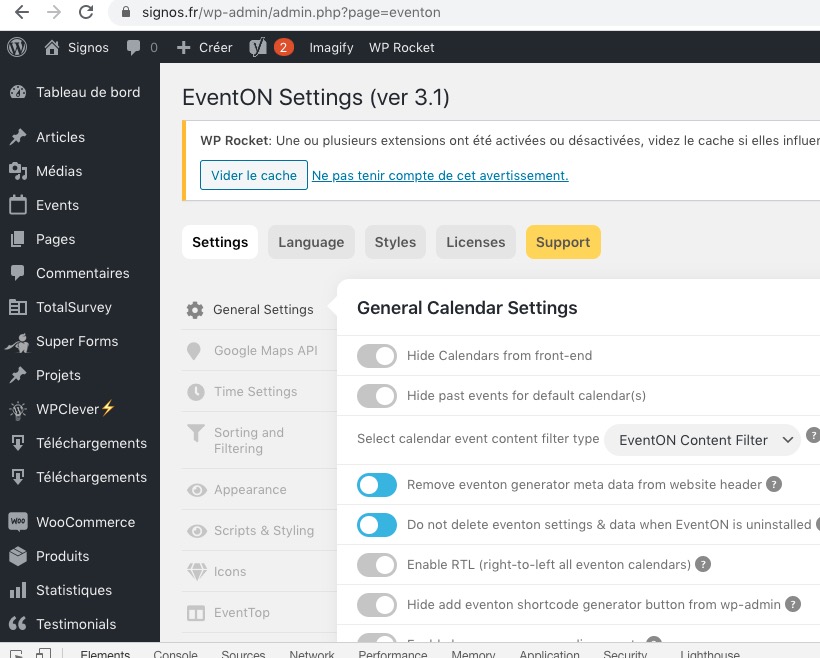
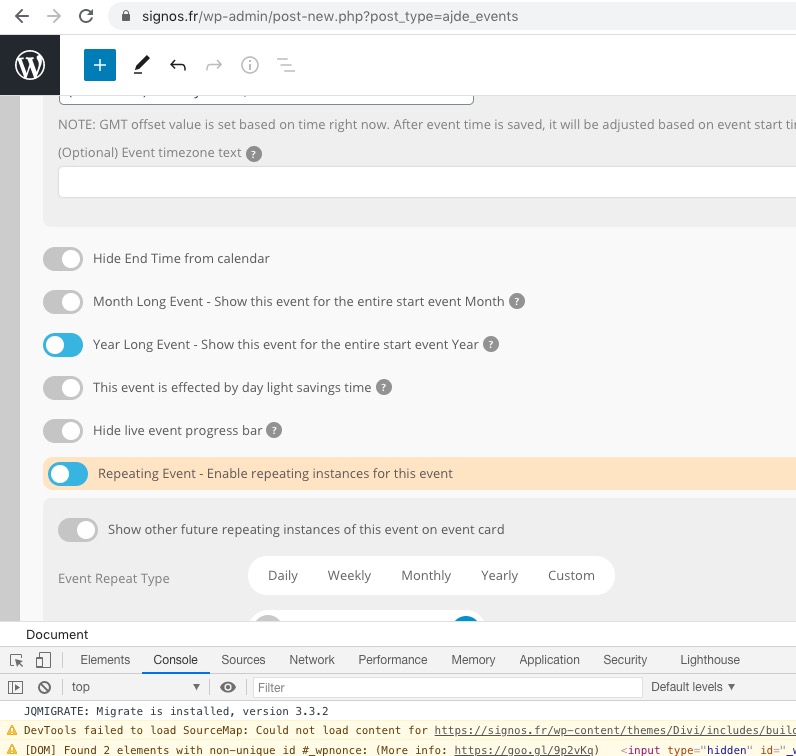
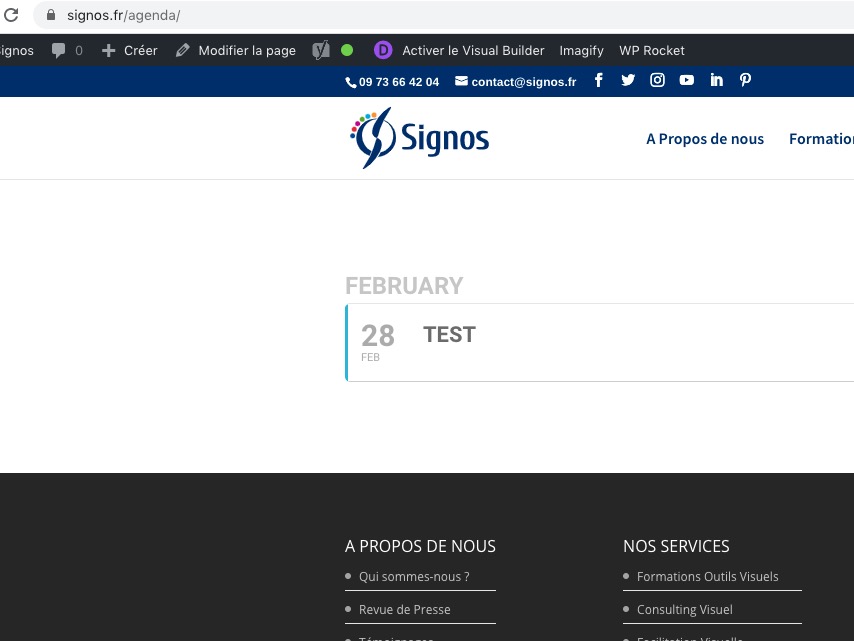
Everything seems to be working. The only issue is deleted events.
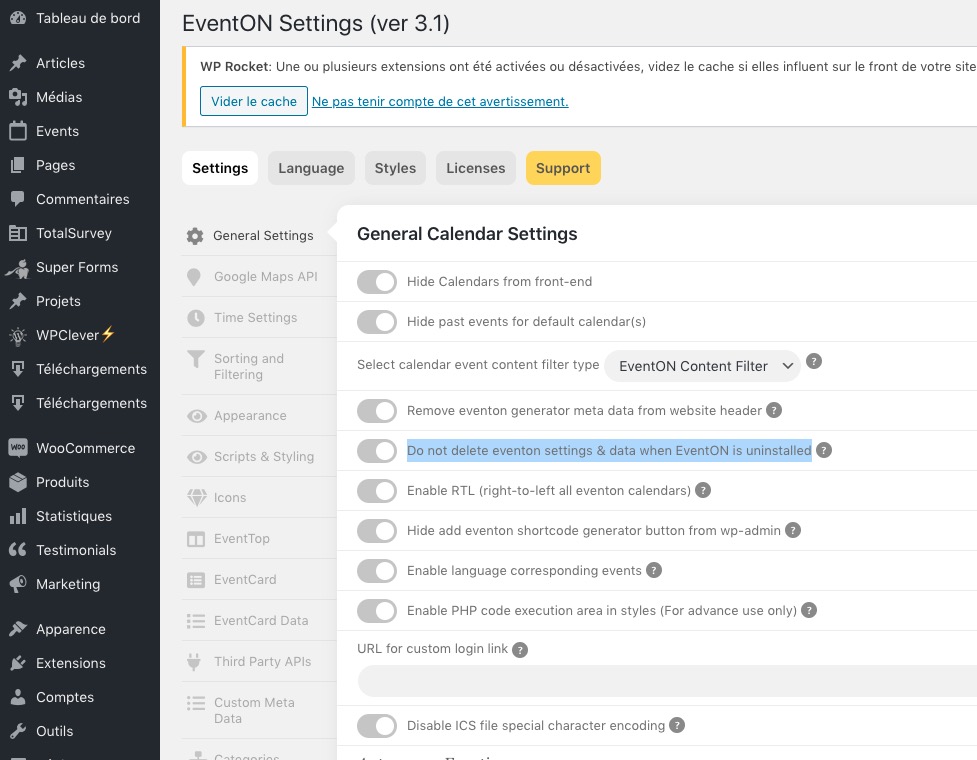
Are you sure that you enabled “Do not delete eventon settings & data when EventON is uninstalled” before the update?
Reply to: tickets(217094)
ok so it should now be fixed?
Reply to: tickets(222187)
Hi John,
Please open a separate ticket and include your wp-admin access so that we can take a look at the issue.
Reply to: tickets(222186)
Hi Don,
Thanks for sending the link.
1. You can change the color of the icon using the custom CSS below, although it seems you already succeeded in changing the color.
.evo_metarow_virtual .evo_live_now.evo_live_now_tag{ background-color:#fb6658;}
2. You change the size of the “Live now” button using the custom CSS code below:
.evo_metarow_virtual .evo_live_now.evo_live_now_tag{font-size:12px;}
You can add the code in MyEventOn > Styles
Reply to: tickets(221659)
I think i have found a plugin that will allow what i require. It allows User Reigstration aon the free plugin here: https://ultimatemember.com/pricing/
So can you please come back to me on point 2 above?
Reply to: tickets(222302)
Hi Mark,
Please clear your site and browser cache and then check if the issue persists. If t does, send in some admin access to your site so that we can take a closer look at the issue.