Hello Basilis,
Yes, your patch fix it.
Replies for tickets on suppota
Hello Basilis,
Yes, your patch fix it.
please try the latest version update https://docs.myeventon.com/documentations/changelog-bookings/
The old code is still present: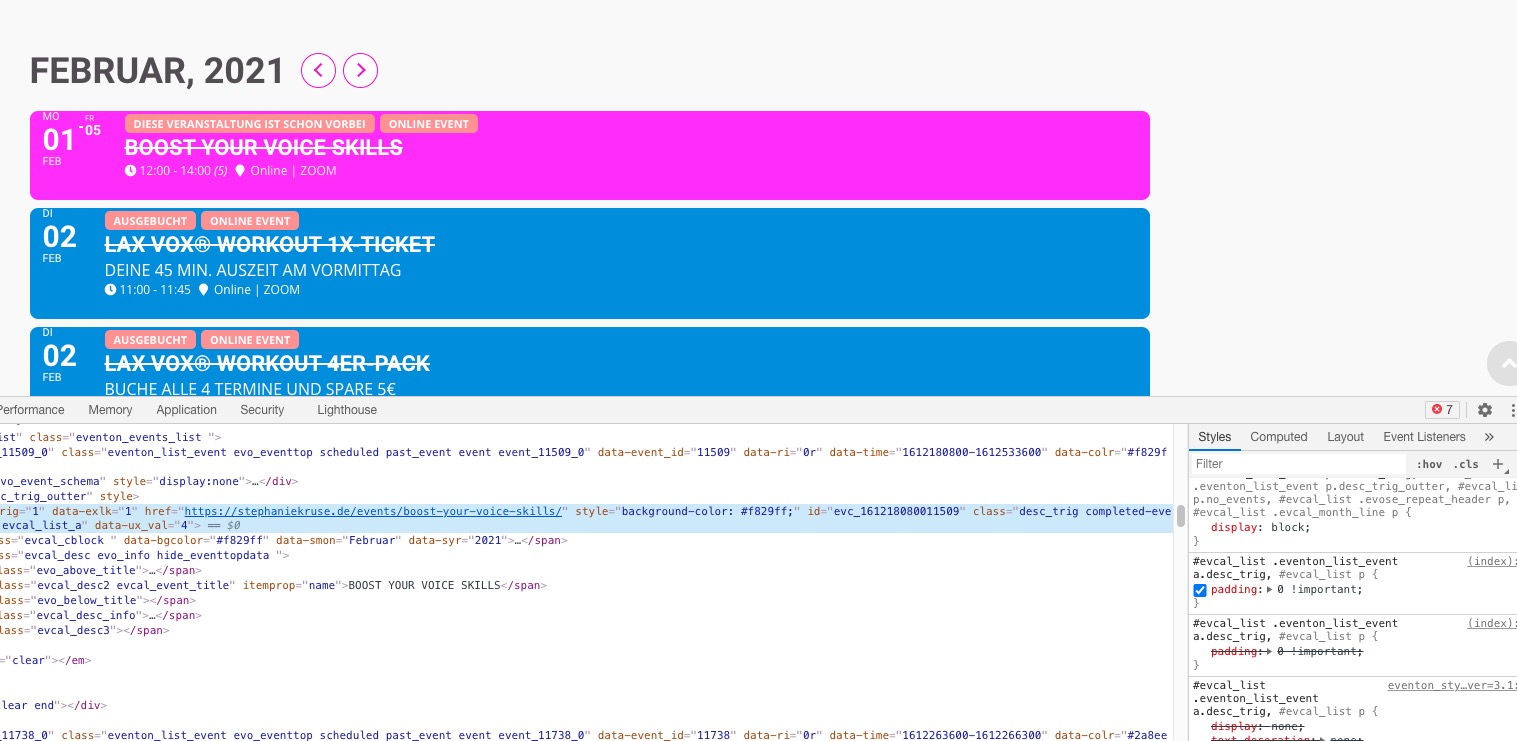
Please try EventON > Scripts & Styling > turn off Write styles to header > save settings > turn on Write styles to header.
I need the Zoom-Link to be sent to my clients immediately after purchasing the ticket….Right now it is shown on the Event page after purchase, payment and log in.
Could you tell us how a customer can make a purchase without paying? Please tell us more about the whole process.
Setting up your calendar
As for the issue you are facing with settings- please use the other ticket we have responded to
Sassa, I would suggest not using the ” and instead use ‘ — and I fixed it in your site — yes 🙂
Hello,
The code is correct.
thanks for finding that out. Found your a fix for this! 🙂
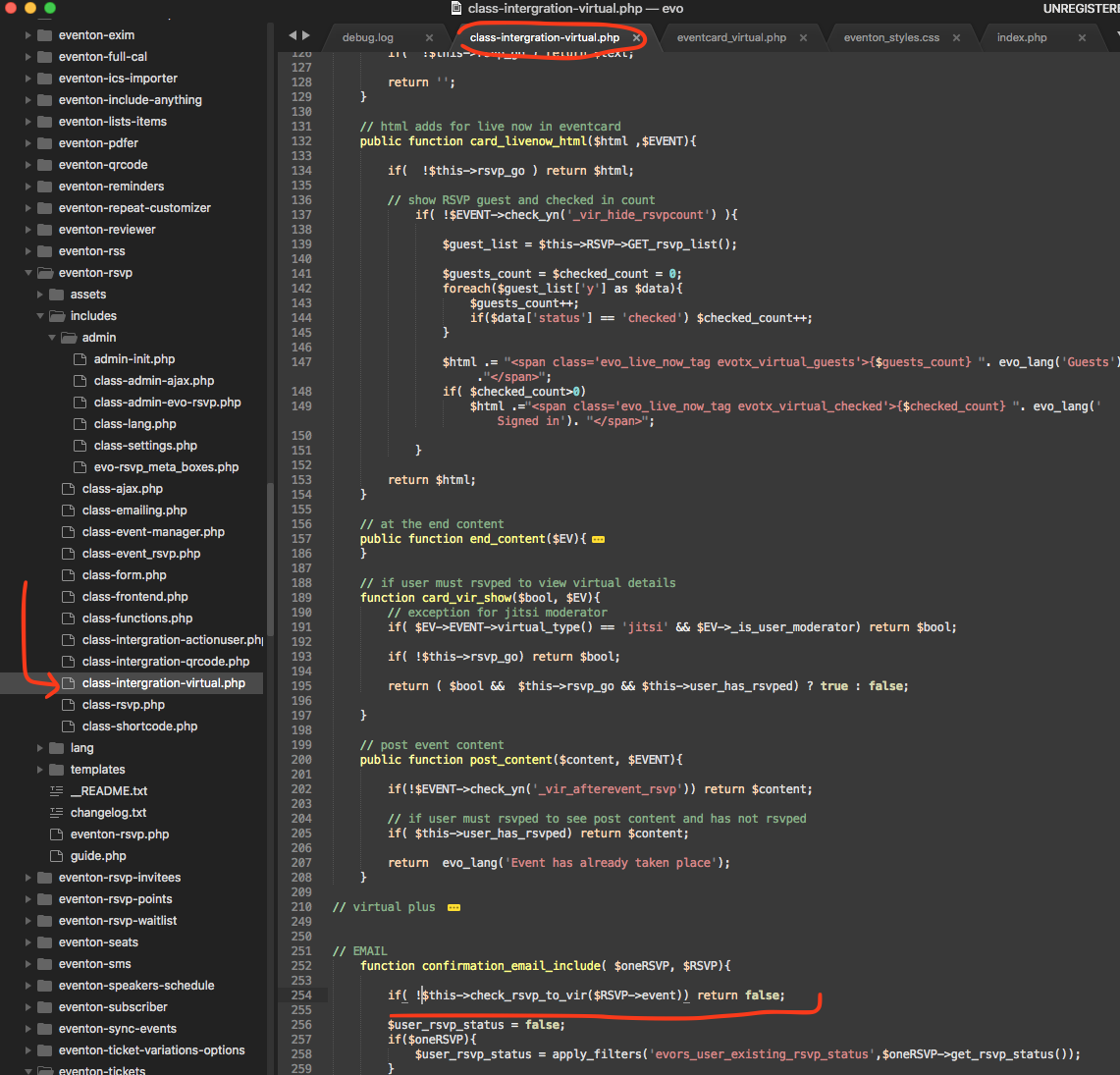
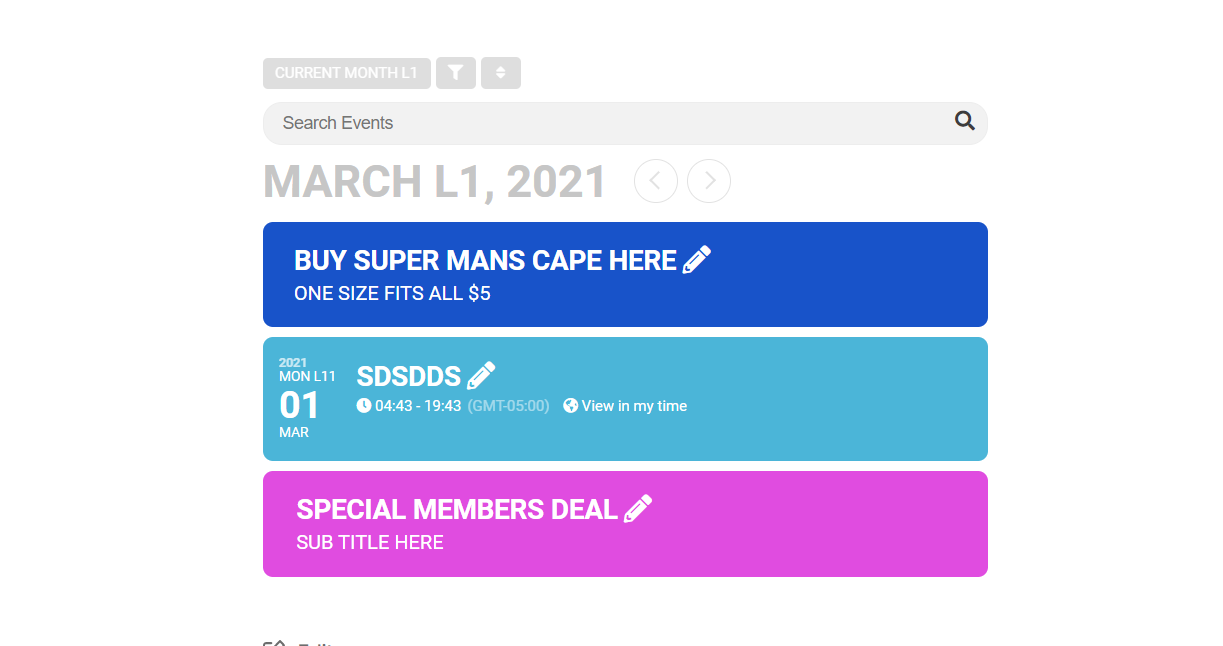
either this css
.eventon_events_list .eventon_list_event .mul_val .evcal_desc, .evo_pop_body .mul_val .evcal_desc {
padding-left: 20px;
}
or if that fails add this instead
.eventon_events_list .eventon_list_event .mul_val .evcal_desc, .evo_pop_body .mul_val .evcal_desc {
padding-left: 20px !important;
}
yes if it was resolved
So whatever you did, it seems to have fixed the issue. Are you still seeing mobile menu issues any where?