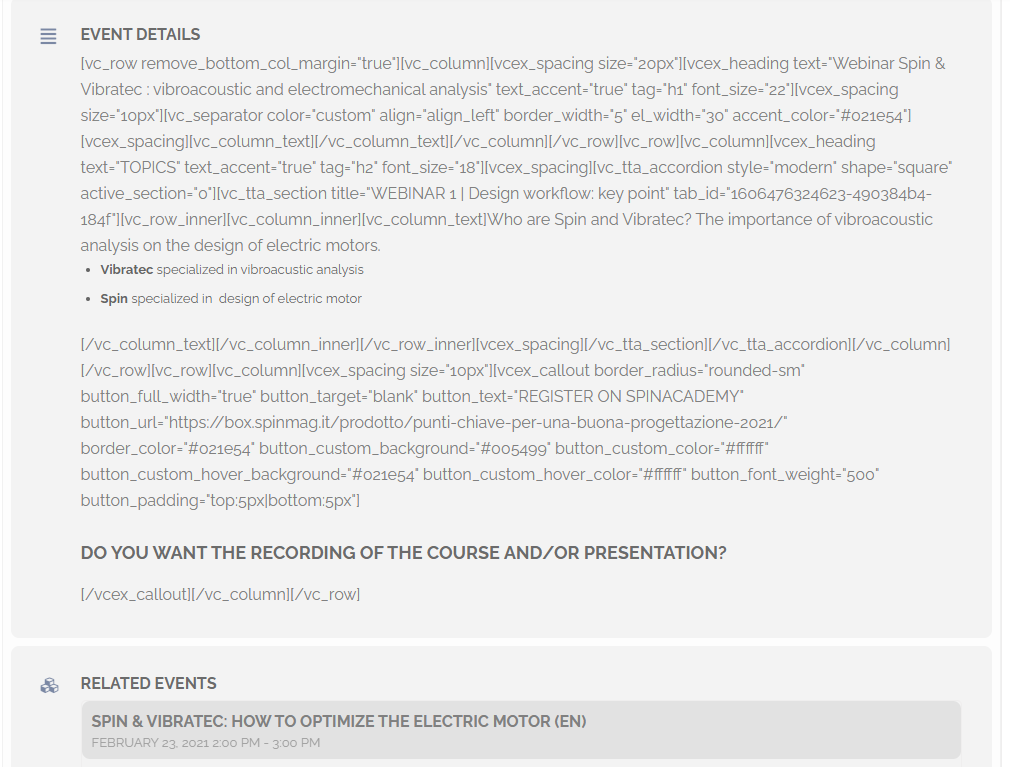
The first image is about Eventon 3.0.5 – Select calendar event content filter type No Filter – all is ok
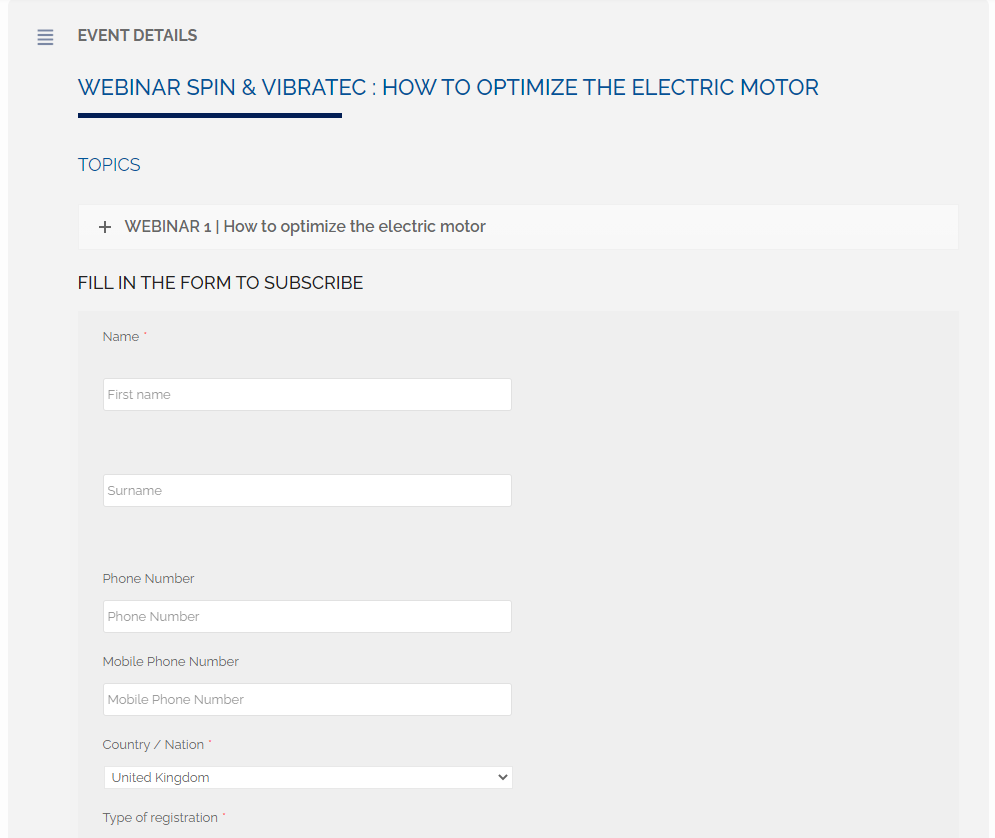
the second concerns Eventon 3.1 – Select the type of calendar event content filter No filter – the column wraps incorrectly
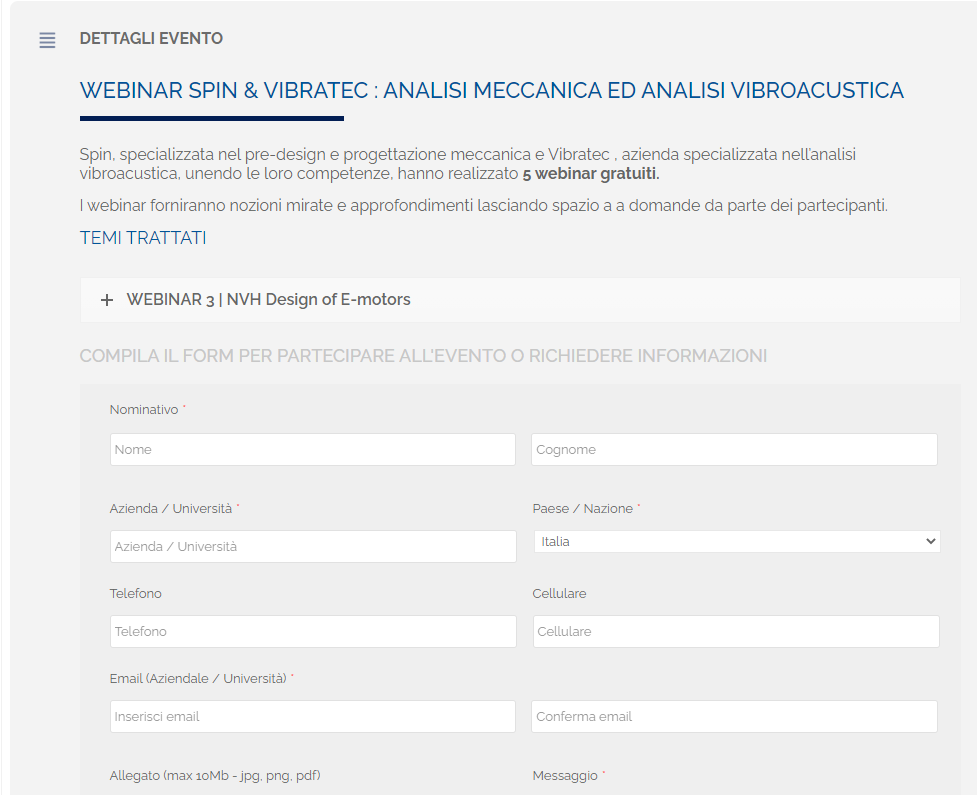
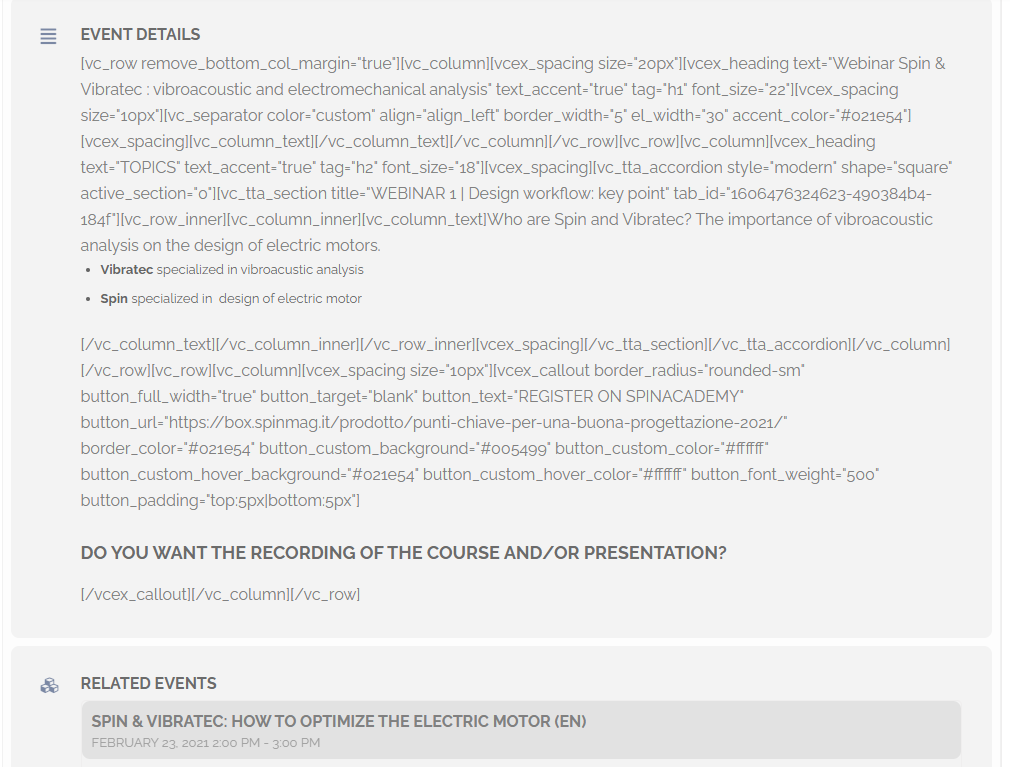
the third is about Eventon 3.1 – Select the calendar event content filter type Eventon Content Filter – Visual Composer doesn’t work
https://docs.myeventon.com/documentations/how-to-find-if-an-issue-is-coming-from-eventon/
(if you click doumentation in the previous reply its a link)
what document are you referring to?
I appreciate you checking – but you missed the previous thread where we said what pages to check. We changed that page (calendar-2) to the style we do not want so it would actually load. That page has the event open in a new window. We do not want that. The style we do want are on the pages with issues.
Pages with Issues
– Home page
– https://holyblossom.org/schedule/
Can you actually see what is wrong with those pages calendars. Thank you.
Hi there,
We would like for the calendar in external website to look like on our website. Someone mentioned before that we would have to change the code for that. where and how do we do this?
I have disabled “Stop using eventON single event template for single event pages” for now since we are working on the site right now. Please let me know as soon as you are able to look into this. Thanks 😉
Hi Ashan,
I have edit the “wp_admin.js’ file and did the suggested change -> FROM ‘.eventon_cl_input.dup‘ TO ‘.eventon_cl_input‘
However, I am not sure where I’d go to edit the days text. If you can point me to the right direction, appreciated. I can also wait till you make the next update to the plugin.
Thanks.