try this patch fix and see if it work.

Replies for tickets on suppota
try this patch fix and see if it work.
Vasily I can see your issue and I am sorry you lost instructors.
Ok so now if you see this https://dev.myeventon.com/wp-admin/post.php?post=67823&action=edit if I set website timezone via wordpress settings to -8GMT and then event timezone to the same that works.
Can I see an example in your website dev site? which may be better way to identify the issue.
The times are saved in UTC0 and then based on the timezone value submitted eventON adjust to user time.
try this:
https://meltonlearning.com.au/wp-admin
username: eventon
pw: Uh$5LjgWAKjc6lGe3p^&gVj3
I forgot the part where you said to reply on the helpdesk or you wouldn’t get my response.
We are still having issues on the mobile. Can you check on that please?
Also try updating to eventON 3.1 where I have added styles into eventON style sheet. and make sure you clear cache and keep a backup of working eventON version inc case something happens you got a way to go back
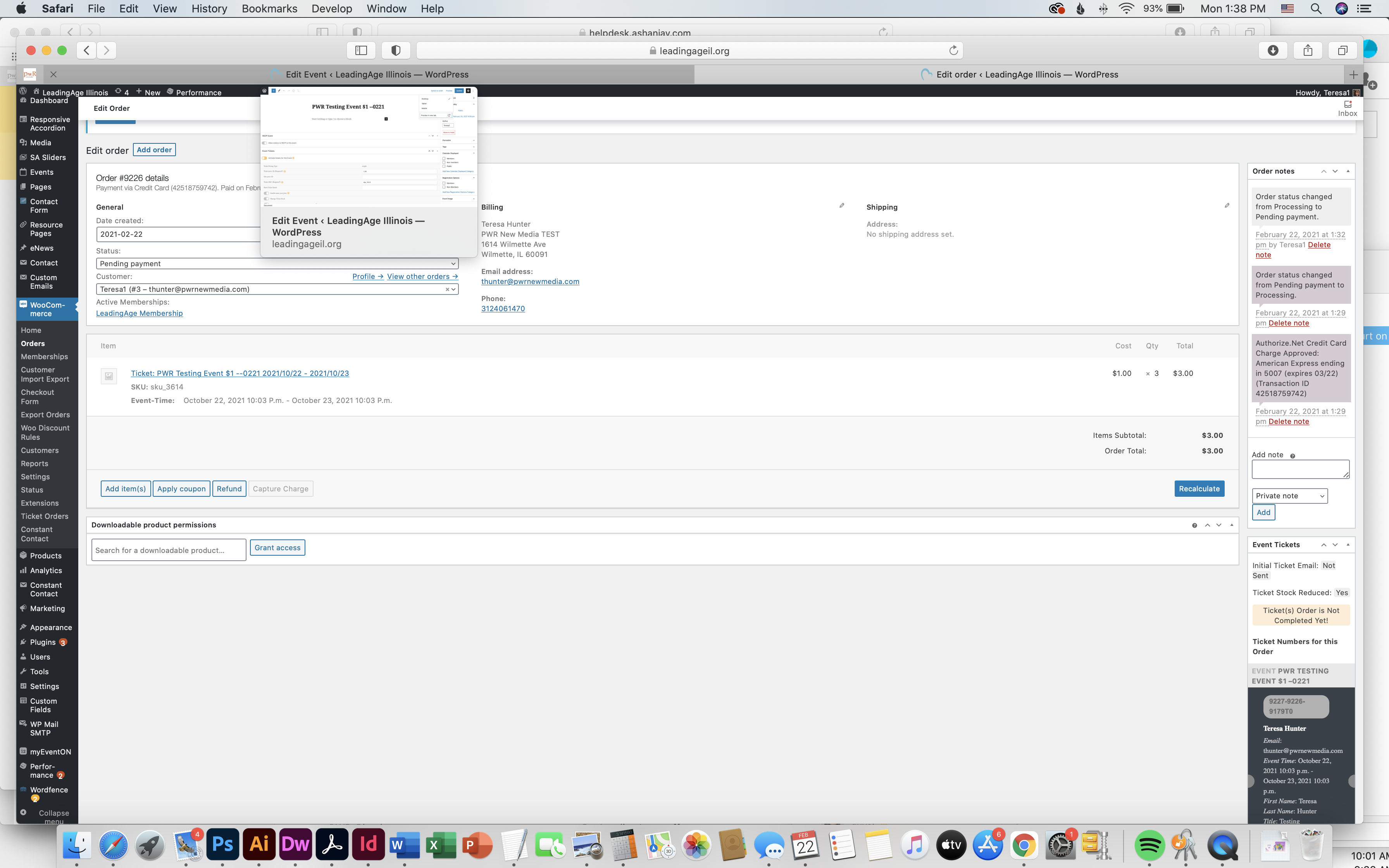
Did you see my reply? Resending it below:
I updated the pw to
Don please make this change in your code.
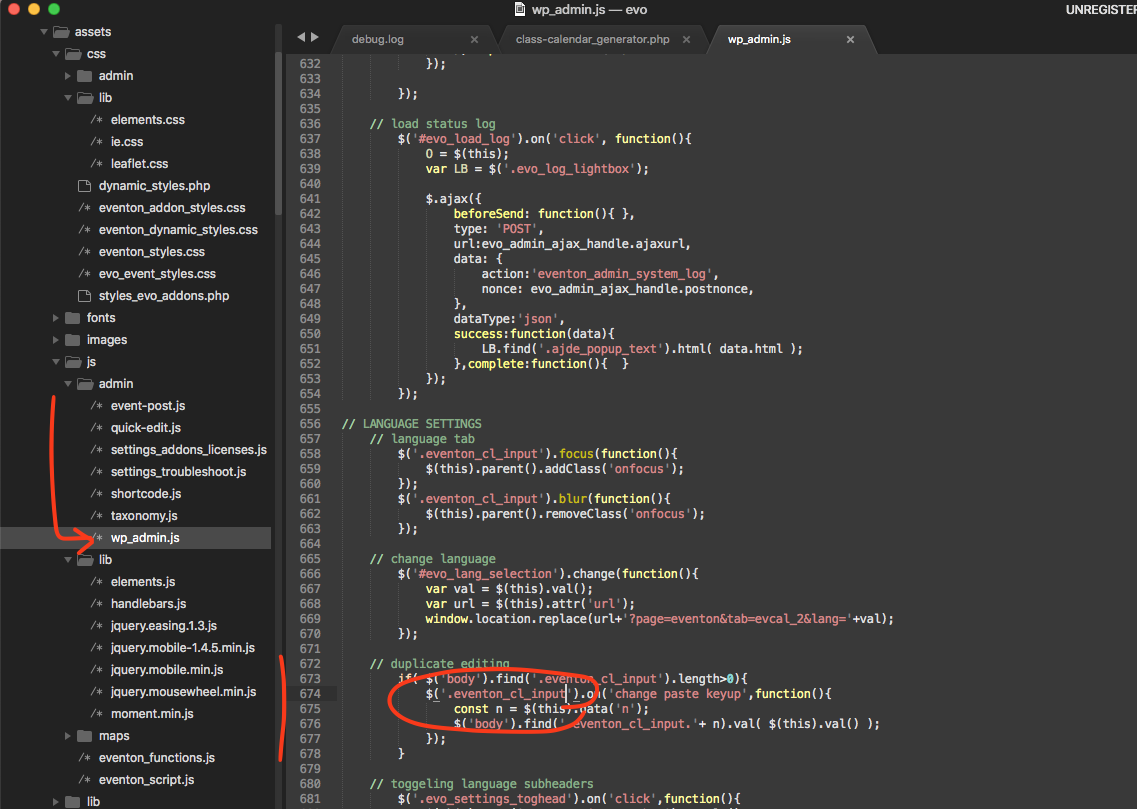
this will allow you to edit the days text. i will make adjustments to use plural singular words in future 🙂
Any news regarding this ???
can anyone give us an answer ? ?
Hello Artem,
OK thank you for assiging this to Ashan.
Yes this is https://healings.one/seances-collectives/
Not empty, it was a matter of user rights.
You can retry now.
I just did a test and found that it appears to be the order of the fields within the short code.
This works (i.e. it does not include the event from Feb 3rd):
[add_eventon_list event_past_future=”future” number_of_months=”12″ show_upcoming=”1″ show_year=”yes” hide_empty_months=”yes” etc_override=”yes” show_et_ft_img=”yes” hide_so=”no”]
This does not (i.e. it includes the event from Feb 3rd.)
[add_eventon_list etc_override=”yes” show_upcoming=”1″ event_past_future=”future”
number_of_months=”12″ show_year=”yes” show_et_ft_img=”yes” hide_so=”no” hide_empty_months=”yes”]