Hello just following up on my latest comment. Can you please check?
New password: 5h3K5vxgoV%cAGYMD4#fRbtv
Thanks
Replies for tickets on suppota
Hello just following up on my latest comment. Can you please check?
New password: 5h3K5vxgoV%cAGYMD4#fRbtv
Thanks
Hi,
adding students to repeat events without the being registered in every session
Do you want this to be performed at Backend ( wp-admin ) – adding user (RSVP) on event page or
Front end – User selecting ( no. of repeating events ) while RSVPing.
[add_eventon_yv hover_style=”3″ ux_val=”3a”]
Unfortunately no success
Thanks for possibly another variant
It seems that issue was with old version of the add-on.
After the update please go to wp-admin > Events > All Event Tickets > Edit > make sure that dates are correct > Re-send Ticket(s) Email.
We released RSVP 2.7. Could you check if you still have the issue?
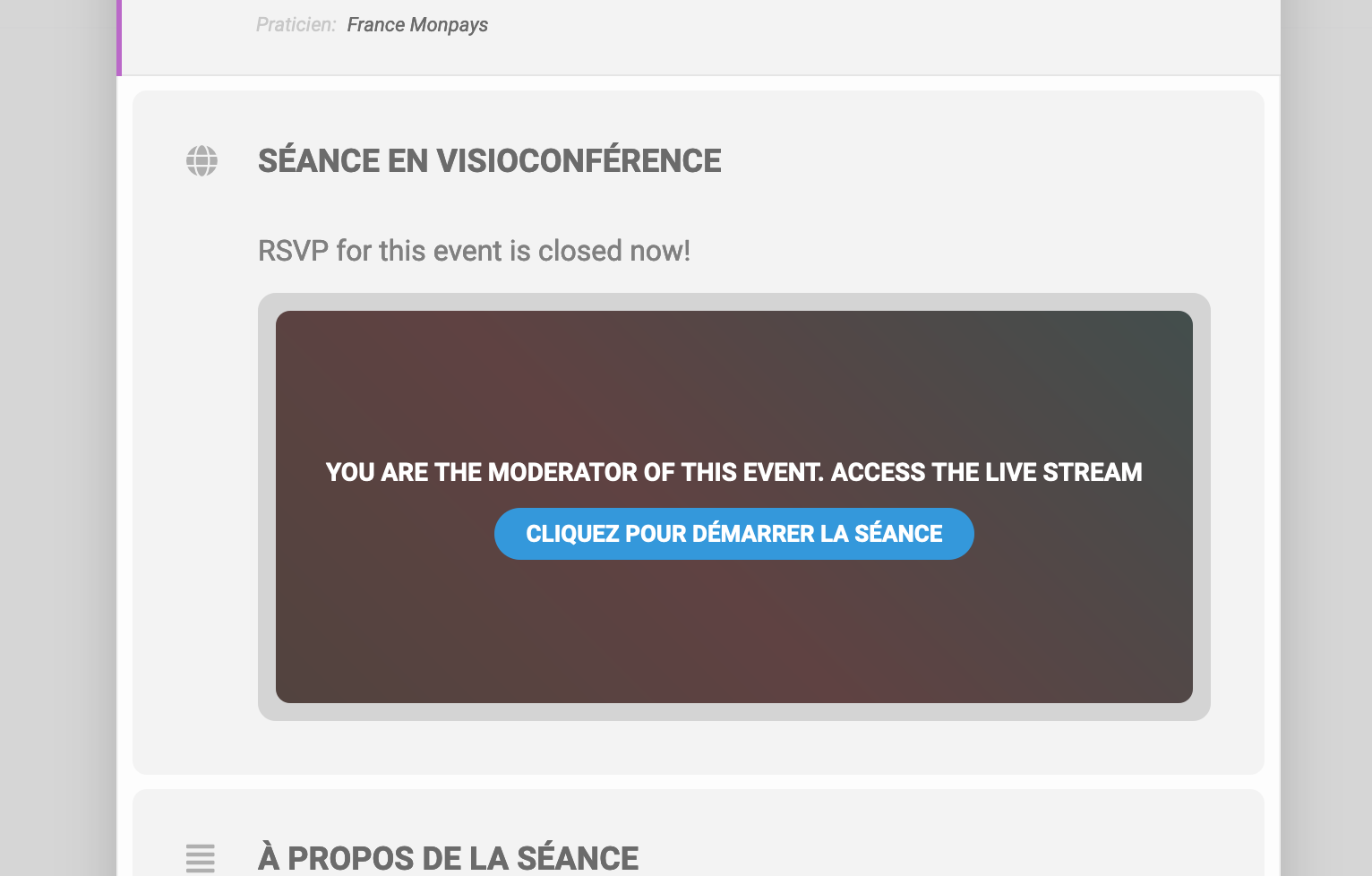
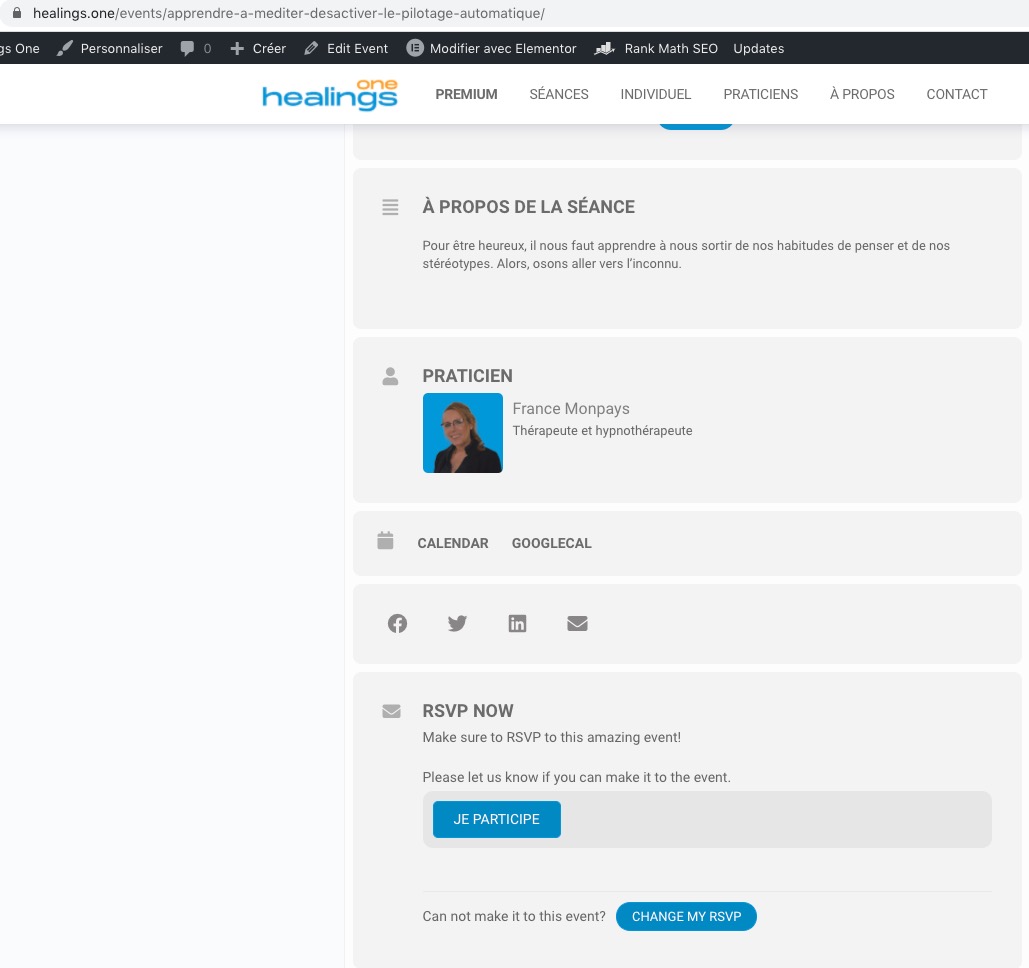
This message only shows to you, because of “Select moderator for the virtual event”:
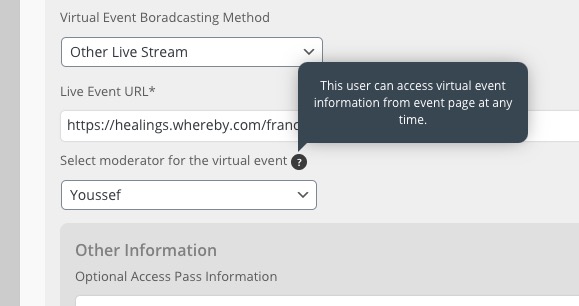
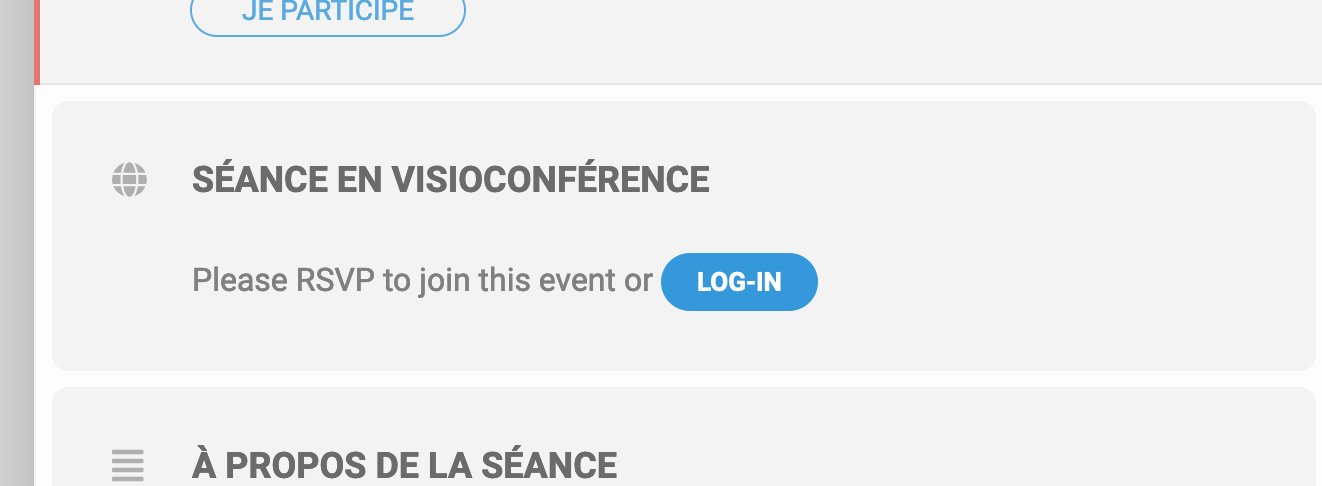
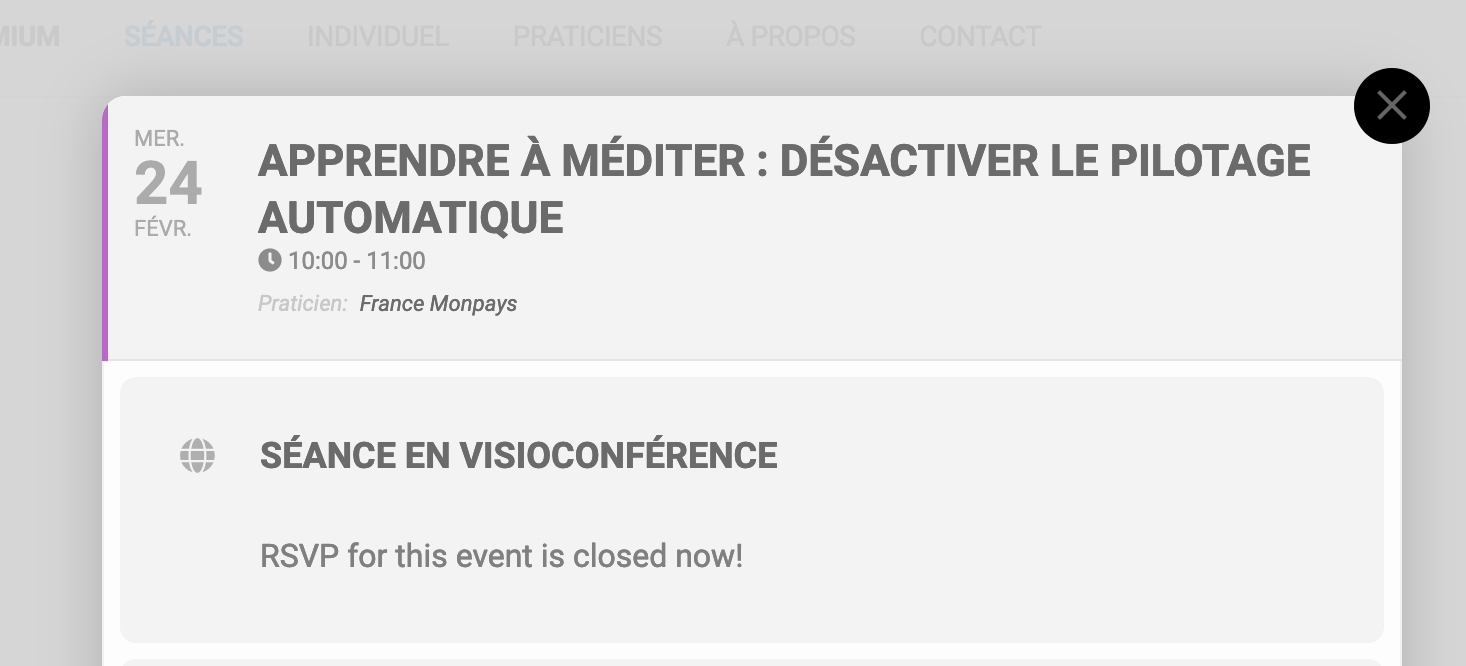
This is because of enabled “User must RSVP to view virtual event information”:
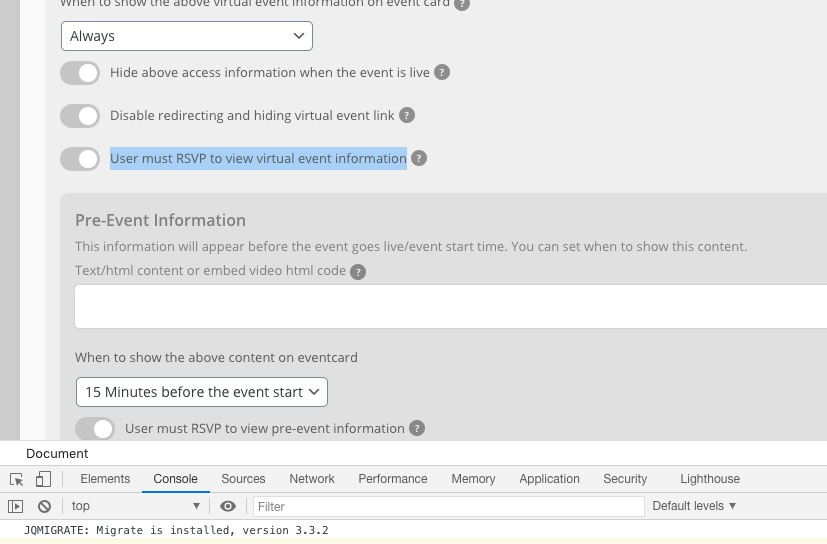
This seems to be working on my side:
https://healings.one/wp-admin/post.php?post=3598&action=edit
Hi Andrew,
I was not able to replicate the issue as well. The radio buttons work just fine on my end. I would advise that you deactivate your caching plugins and then check if the issue exists.
Do let us know how it goes.
Hello,
The problem is in WP Rocket https://www.eightiescoverband.com/wp-admin/options-general.php?page=wprocket > Combine JavaScript files (Enable Minify JavaScript files to select).
Could you try disabling it and clean the cache?
If your mobile menu still doesn’t work please go to EventON Settings > Scripts & Styling > enable Disable JQuery Mobile script.
[23-Feb-2021 10:46:51 UTC] PHP Fatal error: Allowed memory size of 367001600 bytes exhausted (tried to allocate 286720 bytes) in /home/makingfriends/public_html/wp-includes/functions.php on line 4755
Please follow this guide: https://docs.myeventon.com/documentations/increasing-wordpress-memory-limit/
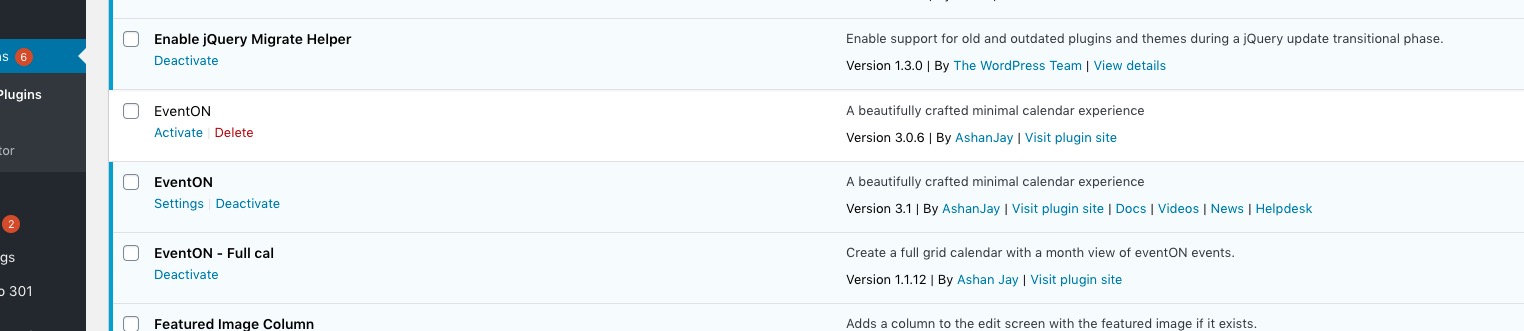
I also installed EventON 3.1 alongside with your current version, so you can switch between them:
Hi Aryan,
I am glad to hear that your issue has been solved.
If you have a moment, we would greatly appreciate if you could kindly leave us a review at codecanyon! from your account > downloads.
Cheers!