1. Add a new event with assigned Location and enabled RSVP (also make sure to enable Edit Event > RSVP > Set capacity limit for RSVP).
Now go to EventON Settings > Google Maps API > add Google maps API Key.
2. I think RSVP’s additional fields may help. Just follow https://docs.myeventon.com/documentations/set-additional-fields-rsvp/ and add a new Drop Down field with times your customers can choose from. For example, 8am, 8:30am, 9am,… and so on.
https://globetrotter.org/loginump/
User: EventOn
PW: nBg!fck9HGZVUwTirvH7SOwj
We are glad your issue is resolved, if you have any further questions or concerns please create a new ticket.
If you have a moment, we would greatly appreciate if you could kindly leave us a review at codecanyon! from your account > downloads. Cheers!
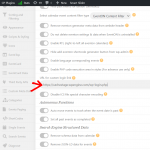
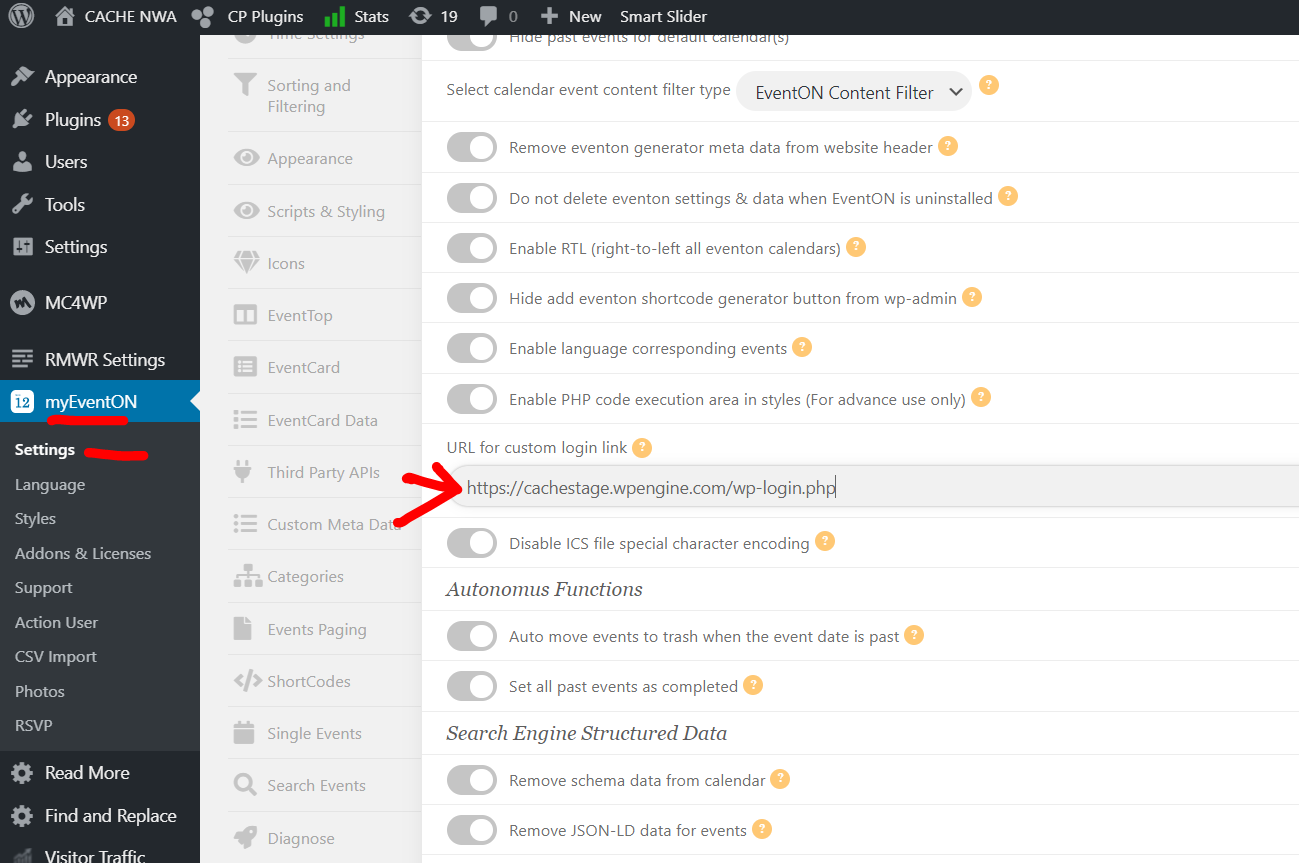
in myeventon>>>>settings I added
https://cachestage.wpengine.com/wp-login.php
to the field
but you may need to clear your browser cache
and use this link https://cachestage.wpengine.com/daves-action-user/
as the previous link in past replies was http not https
Could you try updating to EventON 3.1?
To update eventon to latest version: If you are unable to do autoupdate, you can go to codecanyon your account > download and get the latest eventon version as zip file. Then you can go to your website, deactivate old eventon, activate (Do not delete eventon settings & data when EventON is uninstalled) from eventon settings, delete old eventon, install new one and activate. This link will further explain the process it. Also you can follow us on twitter to get real-time announcements on updates!
Hello,
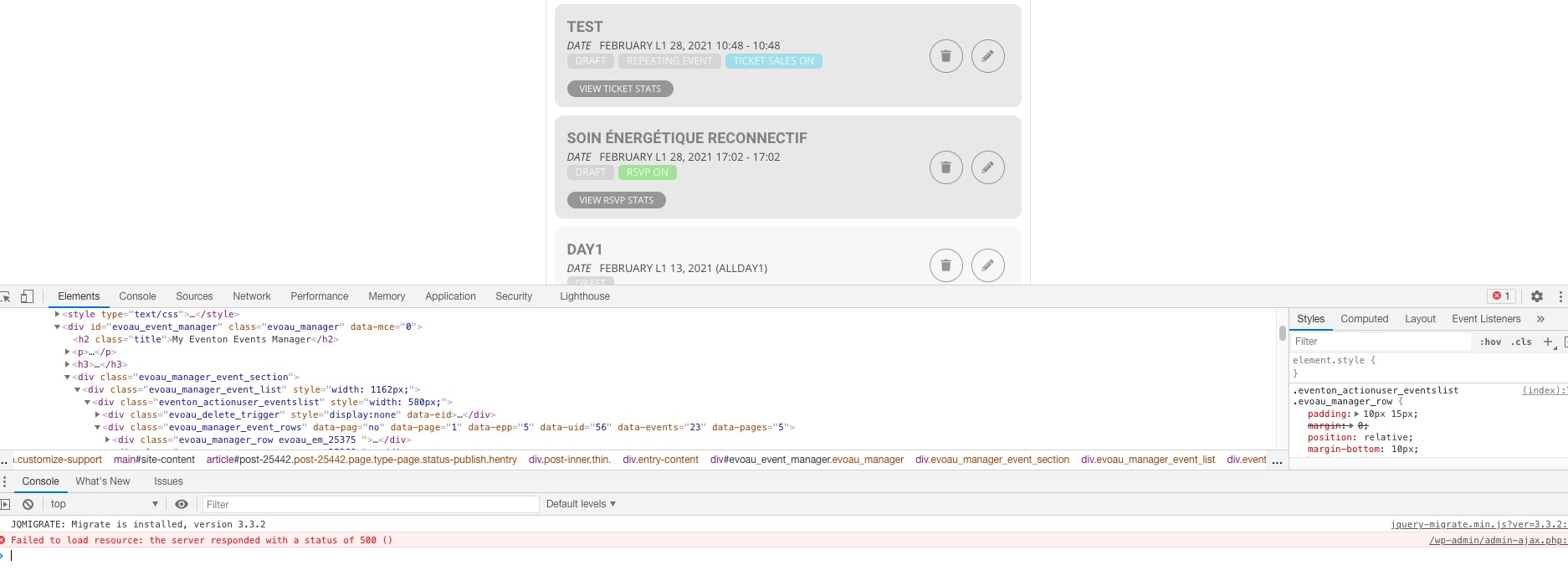
After I submit a new event on the CacheStage.wpengine.com/eventon-test page, I’m getting rerouted to DAVES-ACTION-USER page. IDK how this happened, but can you change it to reroute back to our CacheStage.wpengine.com/eventon-test. Also can you tell me where this lives for the future?
Thanks!
Hello,
Thank you for your messages, I am going to assign this ticket to Ashan and he will be able to take it from here and find you a solution. Please allow some time for him to get back to you, we greatly appreciate your patience and thank you for being a eventon customer! Also please disable any IP blocking on your site if there are any.
Ah yes, you are correct. I am sorry.
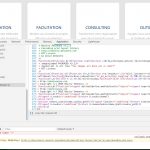
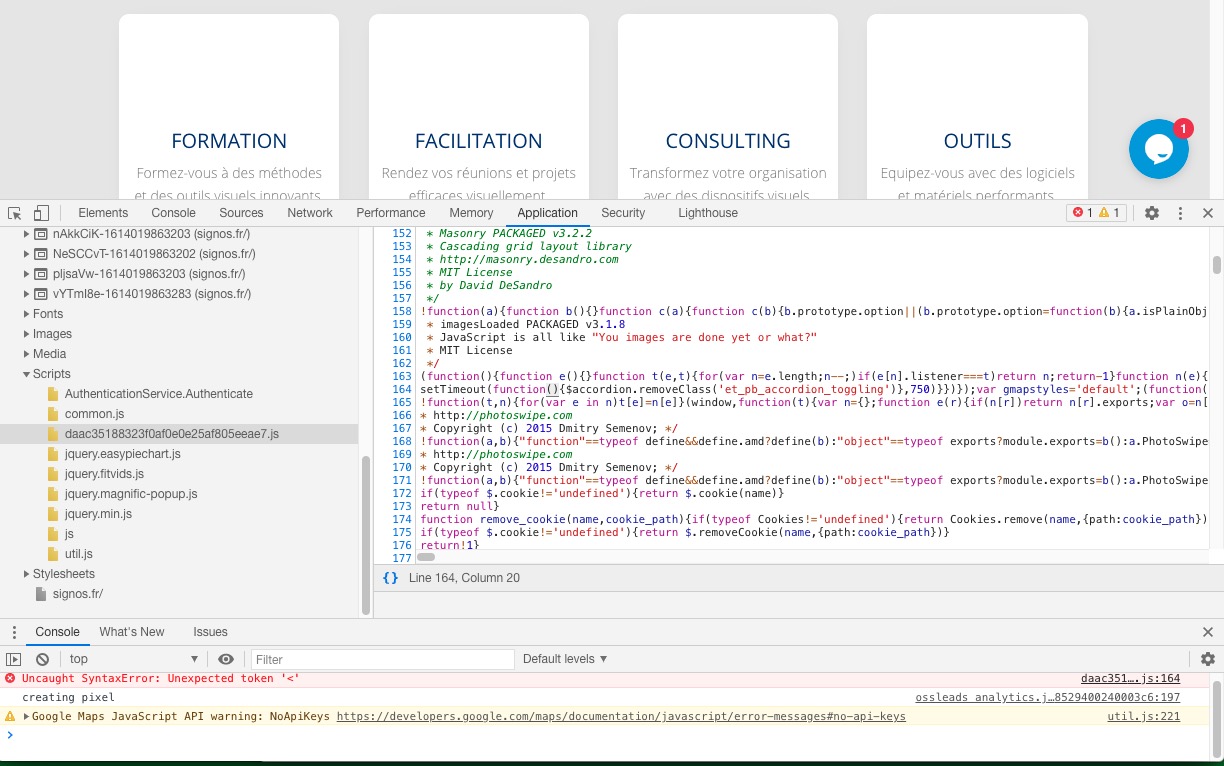
The js error shows that the issue is with line 164:
Uncaught SyntaxError: Unexpected token ‘<‘
https://signos.fr/wp-content/cache/min/1/daac35188323f0af0e0e25af805eeae7.js
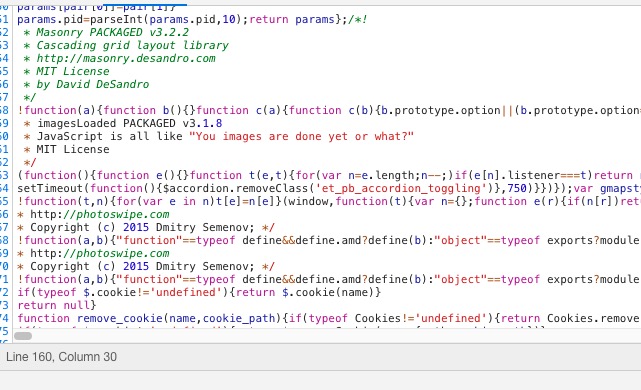
Also some comments /**/ aren’t closed correctly:
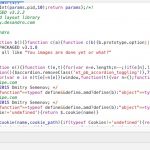
Could you try switching your theme? Not sure if imagesLoaded and Masonry are from the theme or not. More info in this documentation.
Ok for the updates.
Ok for tests on your side. We are not on the dev site currently.