All the static accounts, the ones that will create the events, are the company ones.
The company creates a event in EvenOn, the eventon generates the meeting link and later the people can join the meeting at our website, checking the event itself.
Replies for tickets on suppota
All the static accounts, the ones that will create the events, are the company ones.
The company creates a event in EvenOn, the eventon generates the meeting link and later the people can join the meeting at our website, checking the event itself.
Hello Christopher,
This is possible yes, cost is $60, let us know and we can proceed with it.
ok thanks. Is there a reason you did not just include this into the Speakers add-on? I am sure many other customers could benefit from this functionality
Oh my. I’m so sorry. I wasn’t looking for icons and didn’t even notice those down there.
I feel stupid.
Thank you very much!!
Alisa Moody
Hi there,
Ok. We are going to test it on that URL.
Q1 : No. Admin will delete each attendee on related events directly (our client uses related event for a “3 or 4 weeks of different single events”).
Q2 : No I am referring to the order of related events in the front-end (main event example: https://dev.citedesmetiers22.fr/evenements/en-route-vers-les-metiers-a-dinan/)
Q3 : If you publish a “related event” as draft (or disable it for x or y reason), it appears again on the main event. (you can try this on the main event above).
I dont need a customization, I need documentation on how your plugin works. That way i can add this drop down.
Sure ! Done already 🙂
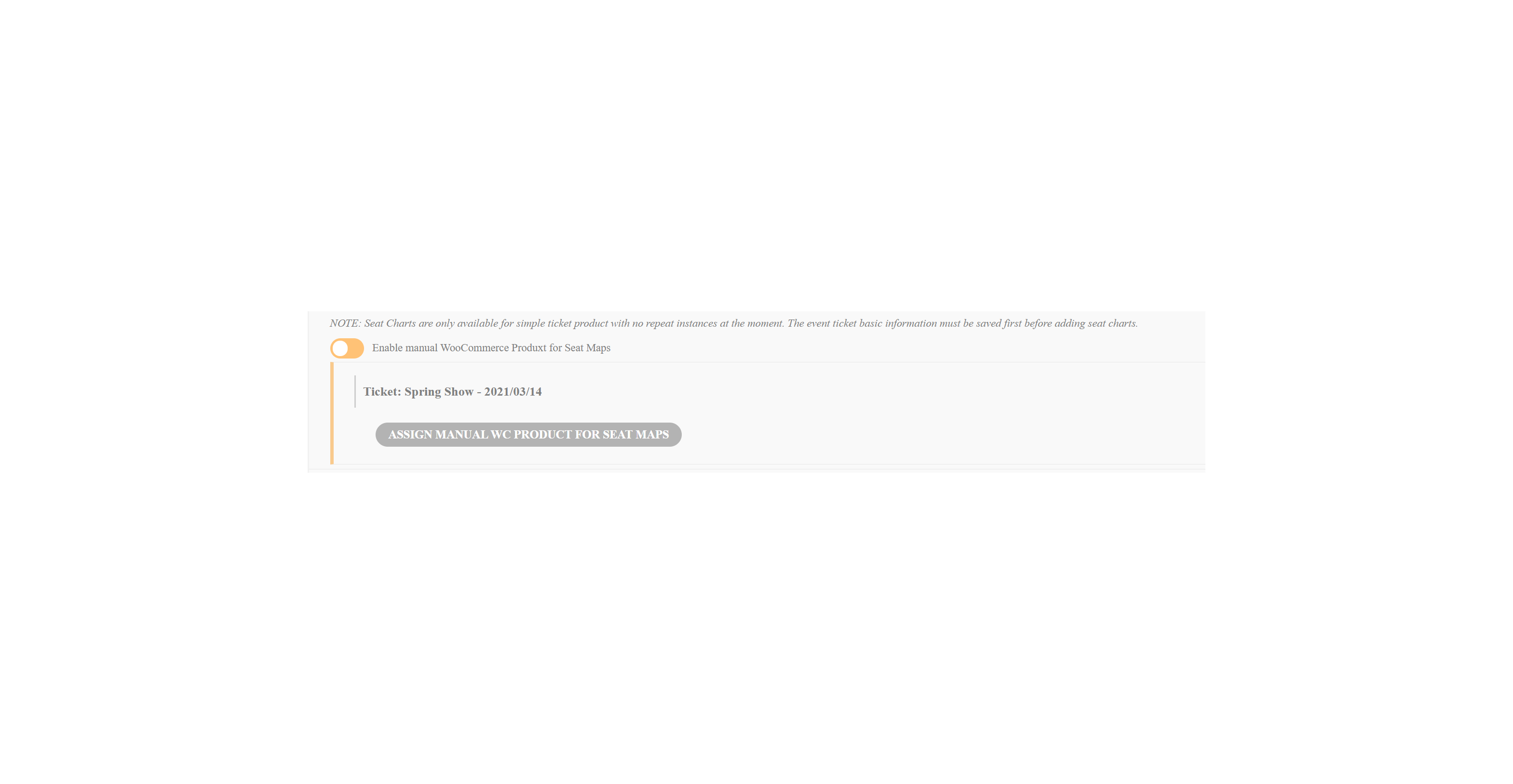
Event: https://funnygirls.show/wp-admin/post.php?post=208&action=edit
Product: https://funnygirls.show/wp-admin/post.php?post=209&action=edit
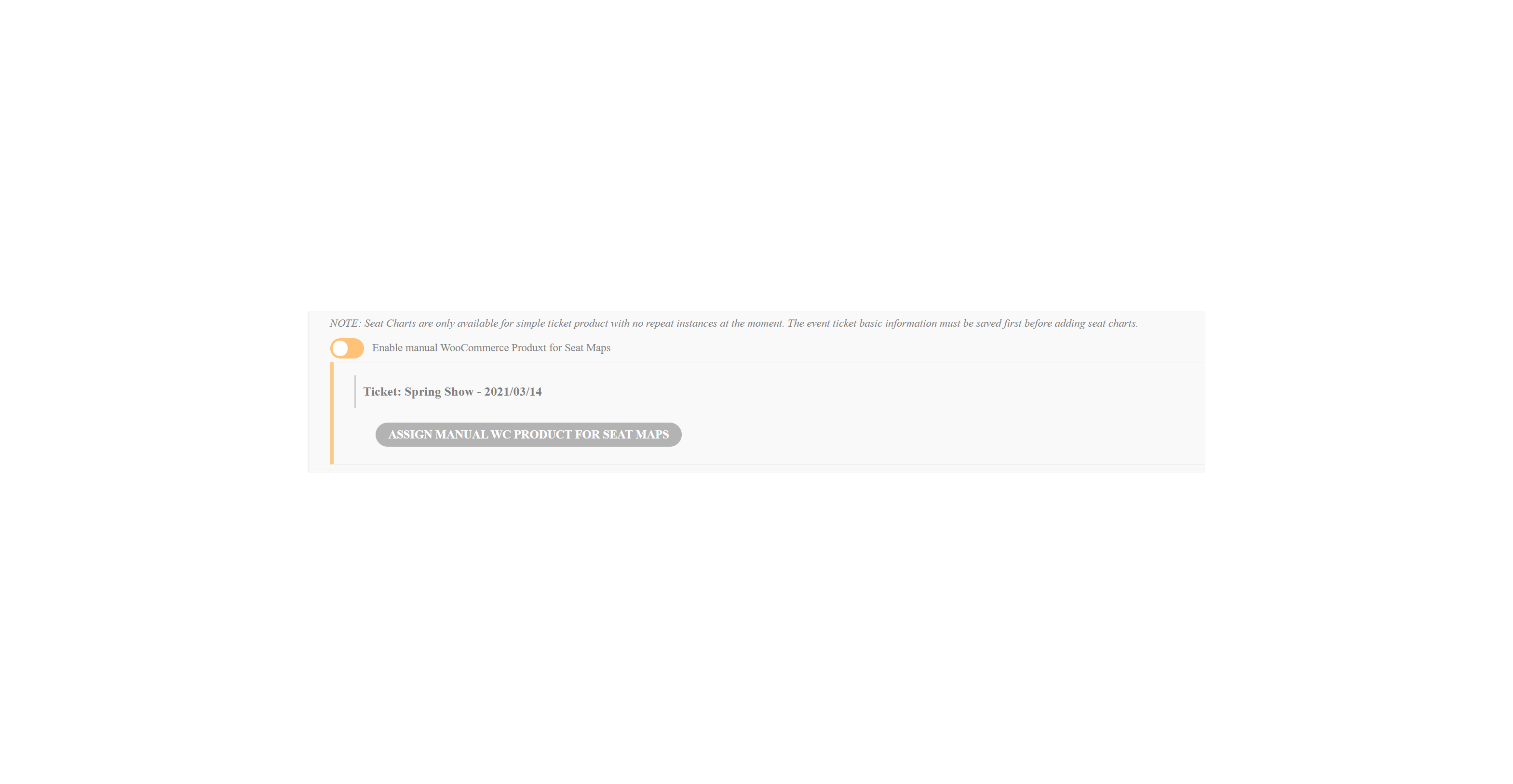
Hello,
I added the variations to the WooCommerce product and added the ‘Seat Ticket Template’ category. I then successfully assigned the product for seat maps but as you can see from the attached screen shot, the edit seat chart button is still unavailable for variable products.
ok. So, for now you can test it on our earlier test site. We have adjusted few thins. Ignore the error/warning message.
http://ceramicpronepal.com/wp-admin
username: arnaud
password: arnaud
We have few questions.
Q. Add or delete an attendee to a single RSVP Event from ADMIN
– Does this apply to related events as well,
Q. In a « parent » event, display related events from the most recent to the oldest.
Are you referring to this screen

Q If an event is set as “hide”, do not display this event in the main event.
– Could you please show us some example.