Hey Vasily,
The question is not that clear.
What do you want to use the API to do exactly? Because the API is on a JSON format, if u need the design, you need to code this…
Replies for tickets on suppota
Hey Vasily,
The question is not that clear.
What do you want to use the API to do exactly? Because the API is on a JSON format, if u need the design, you need to code this…
Hi there,
I just bought the add on but struggling to make it work. Maybe you can help.
Each of our instructors have their own page with the list of their classes https://dev.foogin.com/event-organizer/retreats-map/
How the api code should look like so the instructor can add it to their website so all their events will be displayed the same way as on our website?
Link to the test website where the addon is installed https://dev.foogin.com/
Admin email vassily1985@gmail.com
Password JetSummer19857@
Sure, no worries 🙂
So, I will build a Zoom Integration inside your WordPress web site.
You will be able to connect unlimited accounts through it, and see the users schedule.
Based on that schedule, you can select when you want to add their zoom link on the calendar.
You will have the ability to sync events from the user booking or create new meetings appointments through the plugin.
now, if you want the calendar NOT to include the URL, you can also embed a link inside the calendar description.
So when your users visit your calendar the time of the meeting, they can click the event and attend 🙂
Let me know if it is clear or u want me to explain more
Hello Artem,
You are right, this was the point !
Thanks for your help 🙂
Best
Alain
Events Ricket Single Site
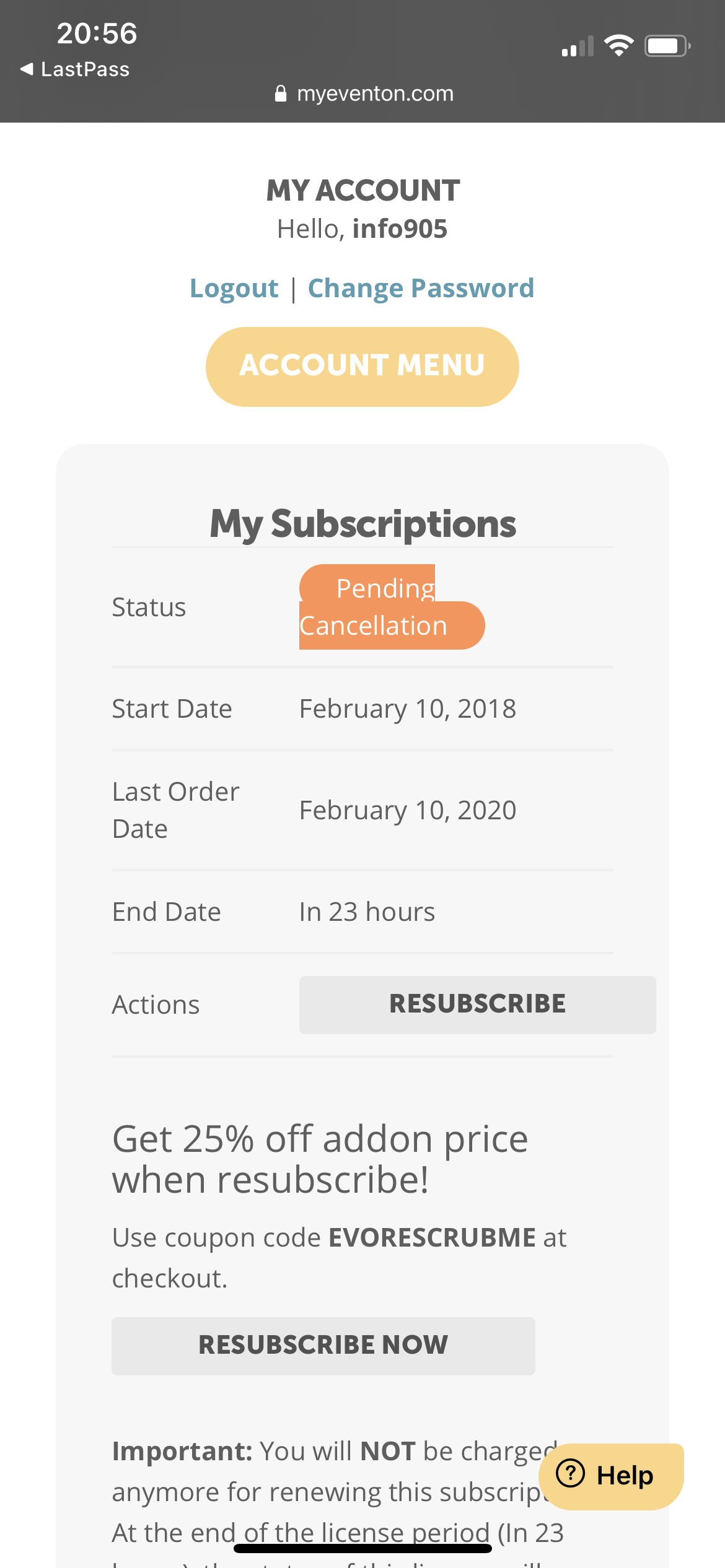
Pls have a look at the pic
Can you explain your way again, please?
I don’t think i fully understood it.
Opps. Nevermind. Sorry. Looking at the test site.
Hi! I’m not sure if you were working on this, but our settings for Twillio are gone and our RSVP settings are turned off?
Hi,
This is even more harder to be achieved 🙂
For something like that in the way you expressed project cost would be $4500. the way I have expressed it would be around $400
Sorry, i think i expressed myself badly.
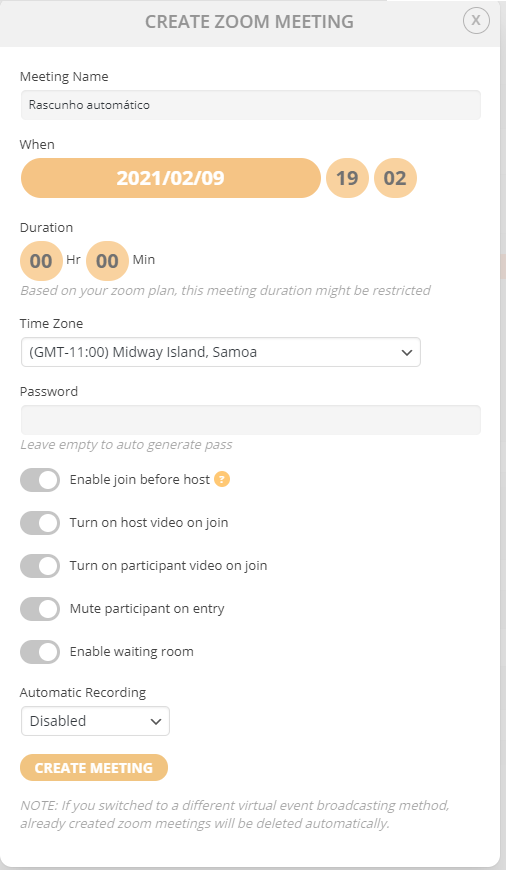
All those things are based on the point that we are using the “create zoom meeting” option when i create a event with EventOn.
When the creation screen appears, i would like to select with which account i can create the event/meeting, and when i select an account, i can see their scheduled meetings.