We are glad your issue is resolved, if you have any further questions or concerns please create a new ticket.
If you have a moment, we would greatly appreciate if you could kindly leave us a review at codecanyon! from your account > downloads. Cheers!
Hello,
Let me explain what we can do:
1. We can create a connection with Zoom
2. We can have a sync of the people, any number of connections we want, there is no limit to that.
3. All they have the ability to connect their calendars ( zoom ) and either create a new meeting from the platform or sync their existing meetings
4. We can have the option inside eventON to embed the zoom, so when they click the event, when the event is live, to actually show for them the actual screen where they can login and do the meeting or the webinar or w/e it is.
The only thing that I have in question is, how we can actually do the option where the zoom event link can be ” selected ” from a specific list from the users we have selected. Is that needed so much, or we can copy and paste it?
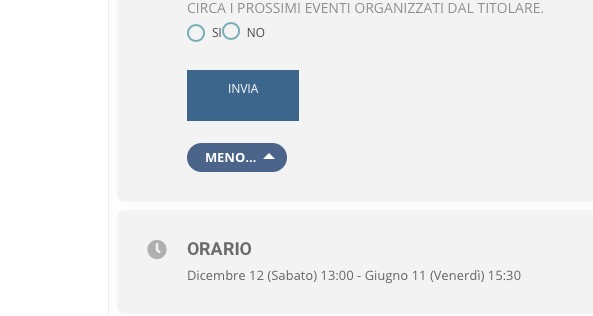
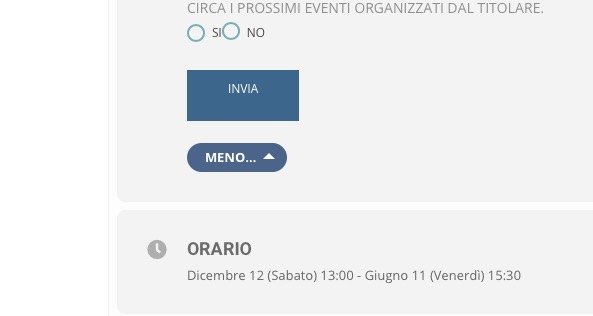
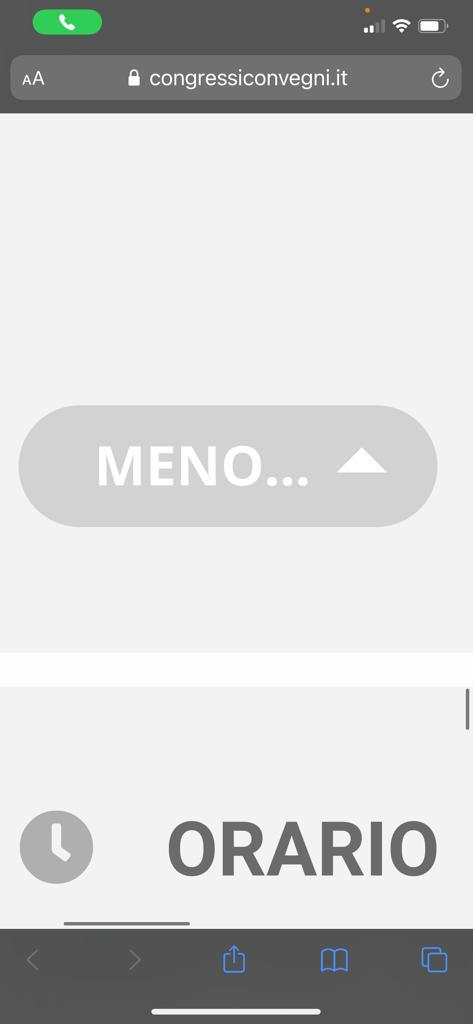
On pc the More button (di più – meno ) works , on mobile not working is here ?
The generator is a fantastic feature! Thanks, its now responding to exactly what I need.
-R
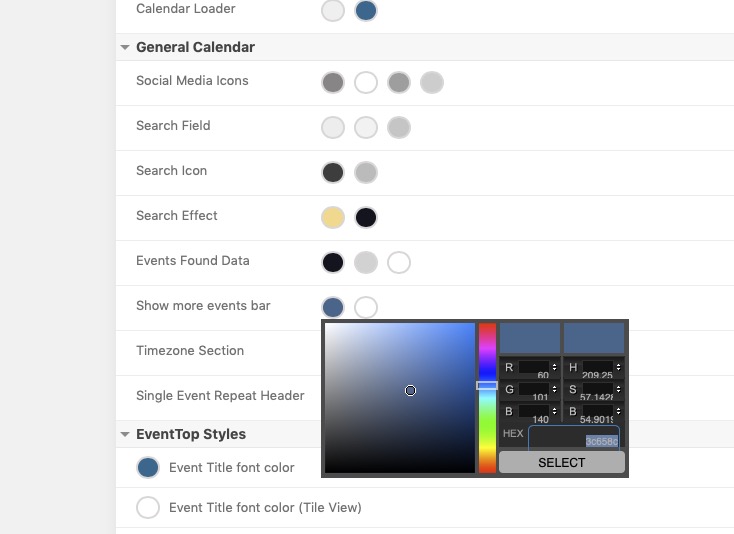
https://congressiconvegni.it/wp-admin/admin.php?page=eventon&tab=evcal_1#evcal_002
where is
Show more events bar
I can find this button I have changed the color to 3c658c
Nothing change
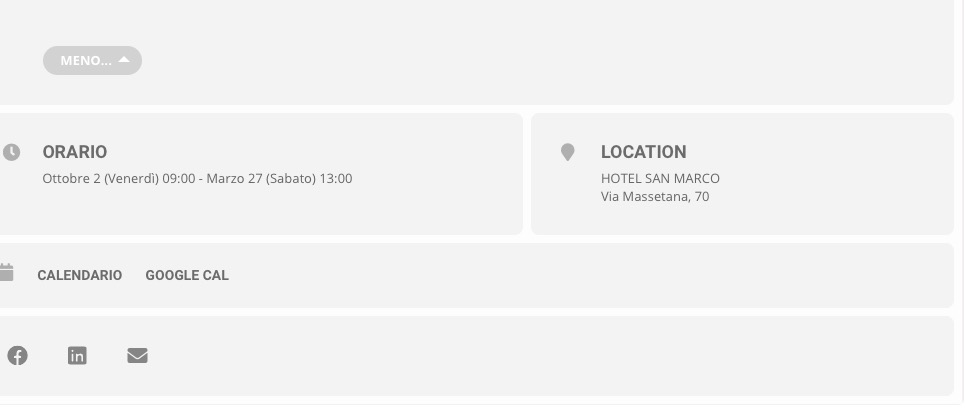
Hi can you help me , how rtf change the show more , ore read more at the end to the text filed in the event post ?
See video below
We are glad your issue is resolved, if you have any further questions or concerns please create a new ticket.
If you have a moment, we would greatly appreciate if you could kindly leave us a review at codecanyon! from your account > downloads. Cheers!
Greetings Basilis, sorry for the late answer.
At my company, we have multiple zoom accounts, and we wish to be able to connect all of them to the EventOn app, being able to select wich one will be hosting the meeting at the time we create the event.
We would also like to see the calendar of the selected account, for the purpose of being able to see which period of time would be best at that, so we can make a smart management of our zoom rooms. If its possible, an automated way of smart allocating the rooms would be great, but that would be a plus.
Thanks for your time!