Sorry if I should have started a new ticket, but I’m having the same problem.
I updated to the latest versions of both the main EventOn plugin and the tickets plugin and I’m unable to change any of the switches on the events page even after clearing the cache.
PDFer only works with EventON’s tickets. You cannot attach it to WooCommerce.
Please try sending us a customization job request by creating a new ticket in here and selecting Customization Request as the category. Maybe one of our developers can implement this compatibility.
Hi there, we just installed the update 3.1 but the issue we addressed before was not fixed. There is also nothing mentioned about it in the changelog https://docs.myeventon.com/documentations/eventon-changelog/
As I mentioned before multiple times, this is very crucial for our business and because of this issues our website is losing the credibility with our clients outside of the UK.
Who do I need to chat to at your company for this to be fixed ASAP?
…so no way to have that be done as a customization correct?
Please send us a customization job request by creating a new ticket in here and selecting Customization Request as the category.
On another note what are the different ways the…
Please check https://docs.myeventon.com/documentations/confused-event-type-categories/ and https://docs.myeventon.com/documentations/how-to-use-event-types-to-do-more/
Hi,
As other’s have mentioned, after updating to the latest version of the main plugin and tickets plugin I’m unable to change any of the settings switches on the events page so am unable to test.
Thanks
Ian
Hello,
The guide https://docs.myeventon.com/documentations/update-eventon/ is still up to date.
Just follow “2.2 – Back-end Way” and make sure to enable “Do not delete eventon settings when I delete EventON plugin” before the update.
Hello,
Please go to EventON Settings > Google Maps API > Add Google maps API Key (Required).
Now go to EventON Settings > EventCard Data > enable Google Maps.
Go to Edit Event > Location and Venue > select/create a location.
Hello,
1. Please go to EventON Settings > Time Settings > enable Apply default timezone to all events.
2. Please go to EventON Settings > EventCard > Set default event image for events that doesnt have images.
Hello,
1. Please check Event Map add-on https://www.myeventon.com/addons/events-map/ to show events on a map. RSVP add-on https://www.myeventon.com/addons/rsvp-events/ allows users to sign up for events for free.
2. In order to translate SAT please go to EventON Settings > MONTHS AND DATES.
And when you choose a slot you will see the date in the English spelling ex. 2021-02-18.
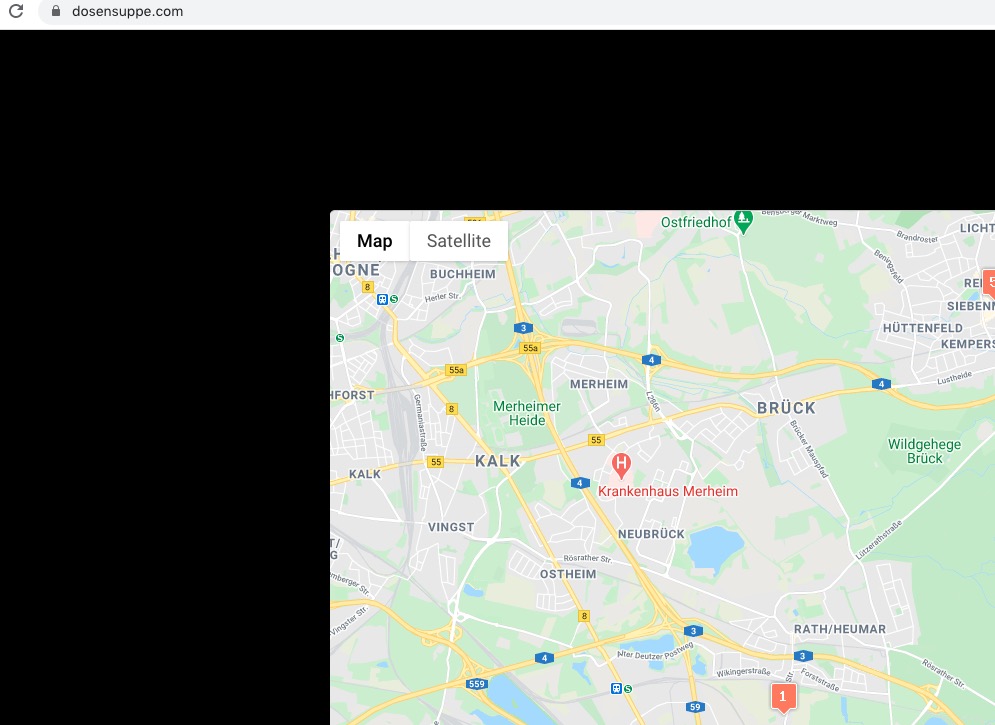
Your website only shows this map:
Could you send us a screenshot of the date?