Ashan,
Aren’t they updated by email by default?
Could you check this one?
Replies for tickets on suppota
Ashan,
Aren’t they updated by email by default?
Could you check this one?
Hello,
Thank you for your messages, I am going to assign this ticket to Ashan and he will be able to take it from here and find you a solution. Please allow some time for him to get back to you, we greatly appreciate your patience and thank you for being a eventon customer!
Hello,
We are sorry for the delay. Usually, our response time is 24 hours.
Please add this CSS code to EventON > Styles (If you don’t see any change, EventON > Scripts & Styling > turn off Write styles to header > save settings > turn on Write styles to header):
.evoslider.ajde_evcal_calendar.ss_imgtop .eventon_events_list .eventon_list_event .desc_trig, .evoslider.ajde_evcal_calendar.ss_imgleft .eventon_events_list .eventon_list_event .desc_trig { height: auto; }
How it looks:
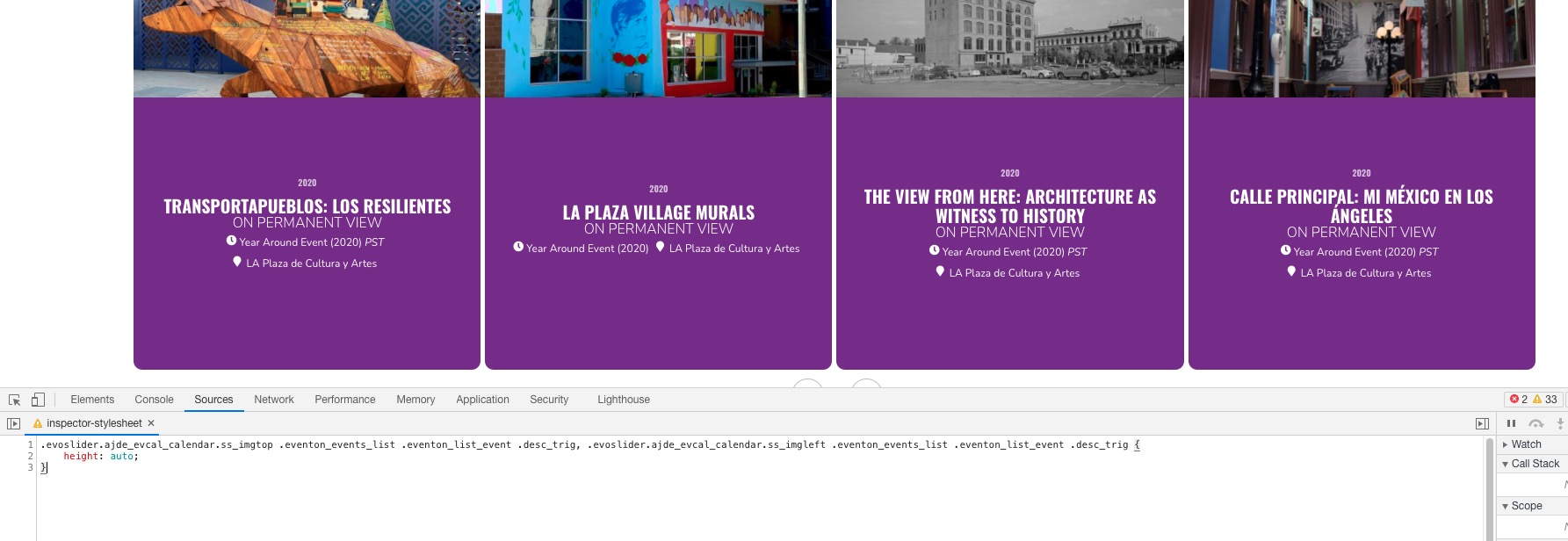
Do you also want to remove paddings around the text?
Thanks for all of your help.
I’ve installed the updated plugin and can now select speakers. The video tutorial helped too.
One other small issue for future reference: the ‘Choose image’ button doesn’t work when you add a new speaker.
It works if you save a speaker then edit them, but when adding a new speaker, the button doesn’t do anything.
Not a big issue but perhaps one to check for you next update.
Thanks again.
Tim.
Hi Basilis,
unfortunaly my provider did right now the move to live site. I can give new logins so you can work on the live site.
Hi Naomi,
Sorry about the inconvenience.
I’m glad that you were able to figure out the problem and fix it.
Could you please let us know if we can offer any additional help?
Thanks!
Hi Naomi,
Thanks for getting back to us.
For a strange reason, only 102 events migrated over to your production site while the staging site has 117 events.
I can recommend performing the migration process once again or importing the database from the staging site to the production site to ensure that no data gets lost in the process.
I hope this helps.
Hey Scot,
Thank you for your patience.
We have re-escalated this for you, but we are now pushing it back again so this can be pushed and you can get a reply as quick as possible.
Hi Ashan,
The option it_stop=”yes” does not seem work on the event list shortcode on the latest version.
Would you mind taking a look?
Hi Ian,
Thanks for reaching out.
I’ve been able to reproduce this issue and the problem has been submitted to our development team for closer investigation.
We will be getting back to you in a short while.