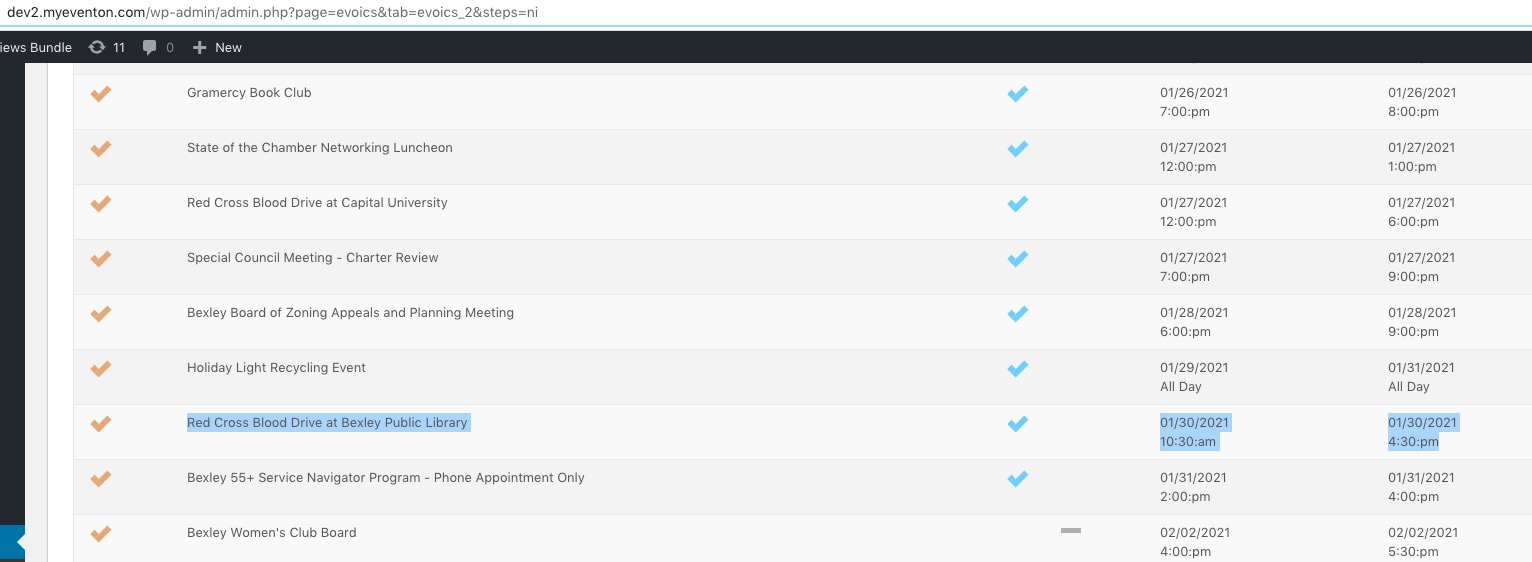
We are glad your issue is resolved, if you have any further questions or concerns please create a new ticket.
If you have a moment, we would greatly appreciate if you could kindly leave us a review at codecanyon! from your account > downloads. Cheers!
If you have multiple events with the same name please go to EventON Settings > ICS Import > disable Enable duplication event name check during importing.
As for the timezone issue. It seems that it’s working on our test server:
So could you please update ICS Import with the one from our test server and check if it helps: https://helpdeskx.s3.amazonaws.com/wp-content/uploads/2021/01/18030912/eventon-ics-importer-2.zip
To update eventon addons: You can download latest eventon addons from myeventon > my account. Then you can go to your website, deactivate old addon and install new one and activate then delete the old addon. This link will further explain the process. Also you can follow us on twitter to get real-time announcements on updates!
Thank you for your messages, I am going to assign this ticket to Ashan and he will be able to take it from here and find you a solution. Please allow some time for him to get back to you, we greatly appreciate your patience and thank you for being a eventon customer!
Hey Ashish
I activated the Event On => RSVP => additional form field => Commit all recurring event
The plugin is running smoothly
Thank you very much Ashish
I greatly greatly appreciate your work
In the back end the Recurring Event shows up correctly
Is it possible to ADD A BUTTON to the Event Card ?
Like this (here it is in bold)
OUI OUI
une classe à chaque semaine
translation : (yes one class) (Yes, every week)
So it opens the same pop up, but by default the Recurring Event Toggle Switch is :
- turn OFF for “oui, une classe”
- turn ON for “à chaque semaine”
For sale purpose, it really is very important to have these two button.
Merci infiniment de ton travail
Marc St-Arnaud
It works now. Please check but make sure to clean your browser cache.
Hello,
for #2, ‘the theme seems to be overriding things we will need wp-admin access’ – I’m just talking about this small line in colour that is showing up on the left hand side of each tile that I’d like to have bigger to make it more visible (if possilbe)
I have temporarily changed my PW and set this chat to private so that you can access via my login:
dinkelacker
Eventon_admin_2021
Thank you
Michaela
Hello,
Could you go to EventON Settings > Scripts & Styling > enable Disable JQuery Mobile script and check?
You can find what works in the shortcode generator. You can find one by going to EventON Settings > ShortCodes > [ ] GENERATE SHORTCODE. Just check the difference between Event Lists: Ext and Event Lists.
Not a problem, it is #106158
and thank you for your help