In myeventon>>>>settings>>>>>>event top
activate Hide live event progress bar with time remaining
Replies for tickets on suppota
In myeventon>>>>settings>>>>>>event top
activate Hide live event progress bar with time remaining
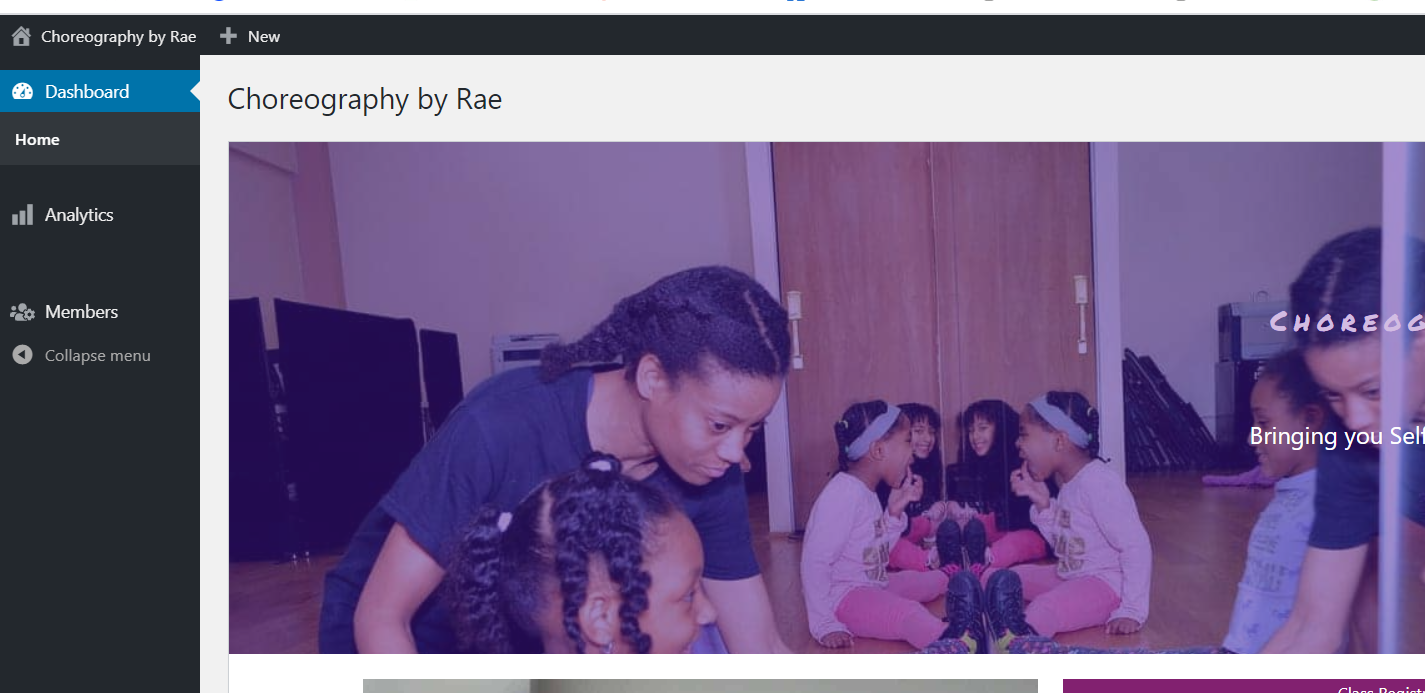
this is all we can see
Nope still can’t see anything in the backend
we will provide some css- you will want to add it to appearance>>>>customize>>>>>additional css
1: we would need wp-admin access to see why the automatic changes are not happening on mobile, and then write some mobile specific css
2: the theme seems to be overiding things we will need wp-admin access
3:
.evcal_cblock .evo_start em.month, .evcal_cblock .evo_end em.month, .evcal_cblock .evo_start em.day {
font-size: 20px;
}
change the 20 to your desired size
4: add the following to the shortcode
ux_val=”3″
that will make the events pop up
5: we would use the mobile specific CSS from number 1 to reduce the size for mobiles
New plugin. Sorry. Admin assigned.
It was purchased using webmaster@pca-chicago.org. You have provided support before to me so I am confused. The key is: 9c31b3bf-b049-45a9-9451-42f2f6764265.
No, I am not using the user addon. I have users set up as Contributors with your “edit_eventons” and “edit_published_eventons” capabilities enabled as well.
Ashan they have to go back to eventon 3.0 to get their speakers to work as no one was adding the patch. so if you go here- please update them to 3.0.7 and then add the patch fix
Do you have access to a staging site? that way we can install the updated eventon to the staging site- and put in the patch fix and then at your convenience you make the staging site live
could you post the correct login details as they didn’t work for us- we would like to check your shortcodes to see if there is any errors there
Also el_type=”ue” isn’t working, it’s showing past events
Not sure but I think I’ve got it working now but something must have changed recently as my old shortcodes migrated from the old site just didn’t work