Ashan,
Please check 3.
The same on dev2: https://dev2.myeventon.com/24936-2/
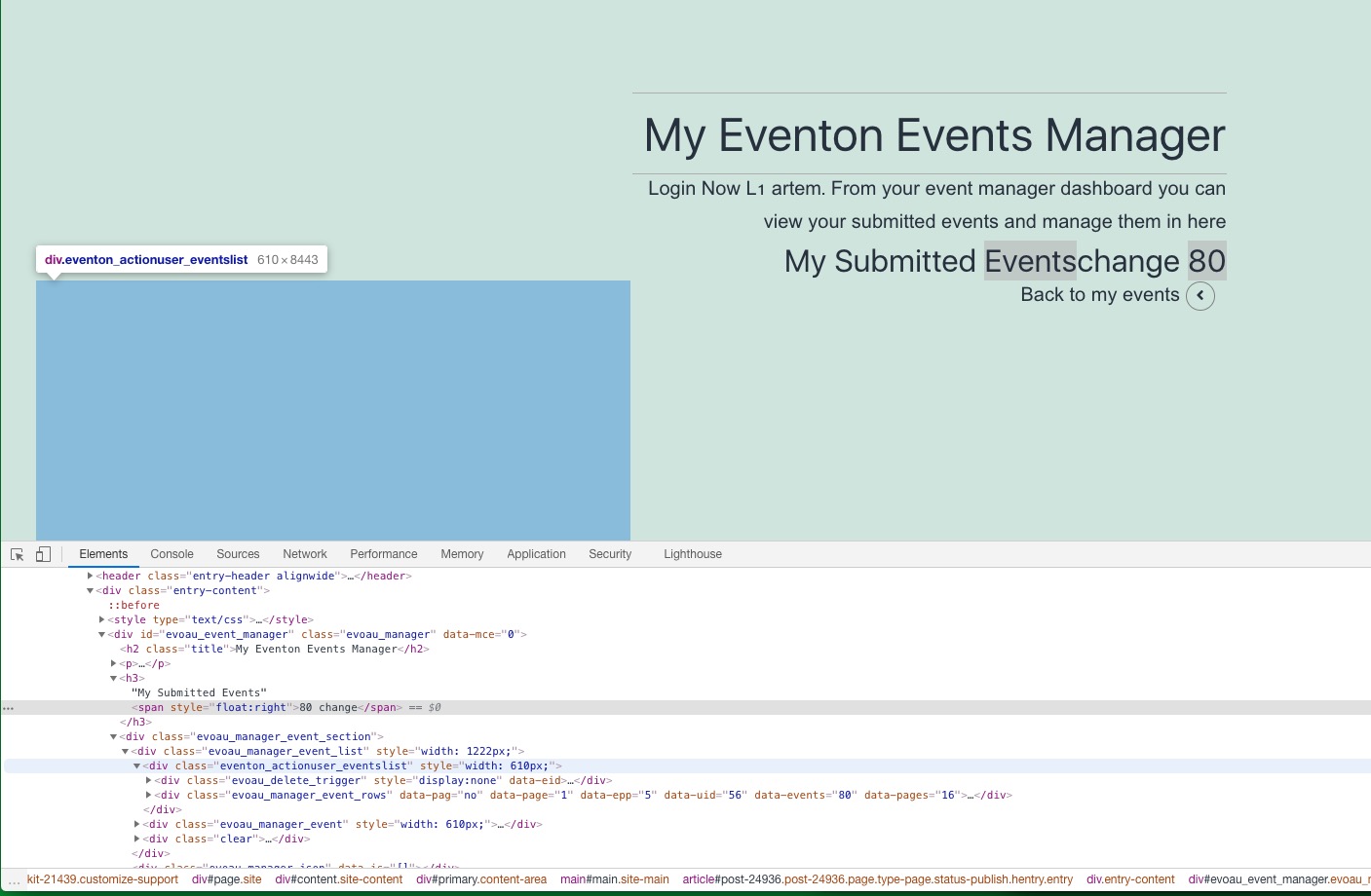
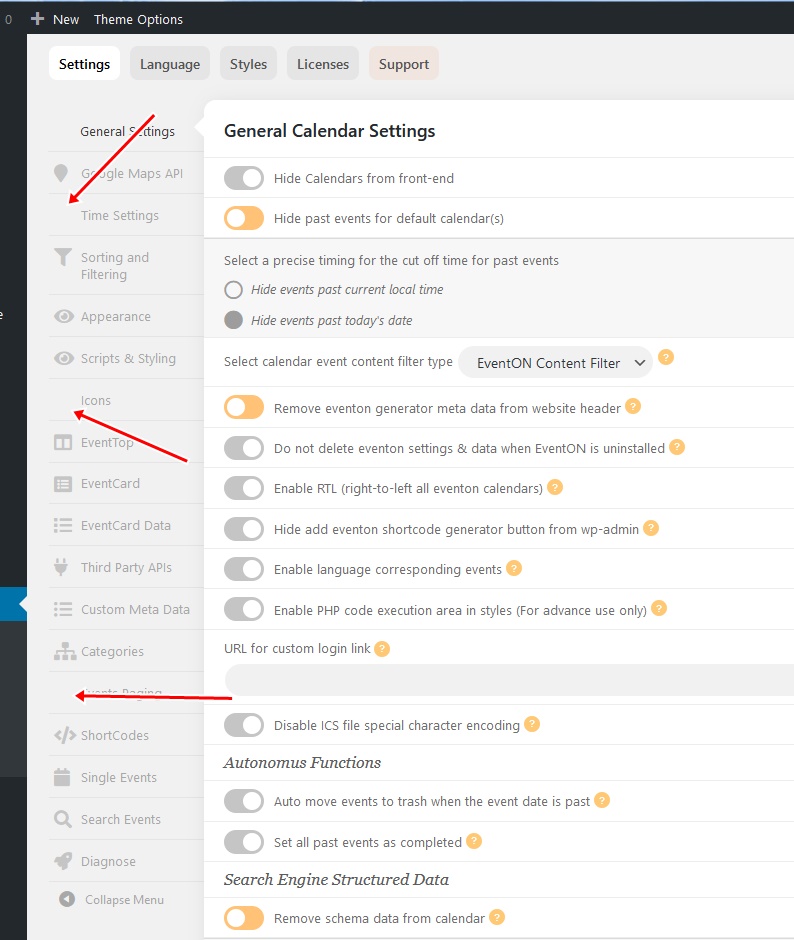
But you need to switch website’s language to RTL one and also enable Enable RTL (right-to-left all eventon calendars).
Replies for tickets on suppota
Ashan,
Please check 3.
The same on dev2: https://dev2.myeventon.com/24936-2/
But you need to switch website’s language to RTL one and also enable Enable RTL (right-to-left all eventon calendars).
Hello,
2. The problem is in this style from the theme:
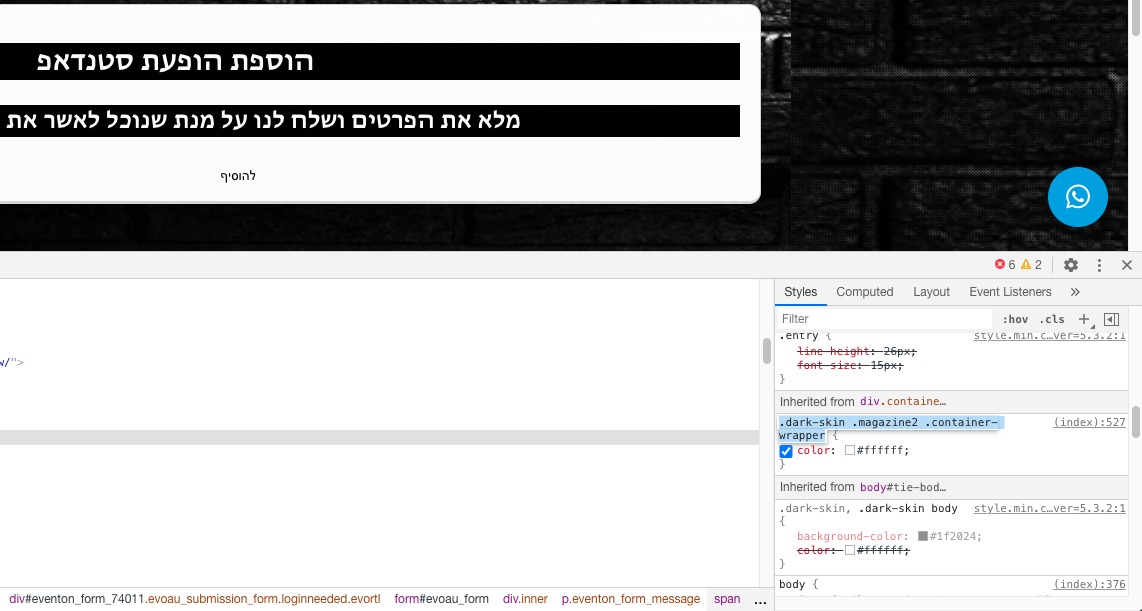
Could you try this fix:
.eventon_au_form_section { color: black !important; }
3. Thank you for your messages, I am going to assign this ticket to Ashan and he will be able to take it from here and find you a solution. Please allow some time for him to get back to you, we greatly appreciate your patience and thank you for being a eventon customer! Also please disable any IP blocking on your site if there are any.
One image more!
Hi,
yes, we add the ticket button according to your instruction in : https://docs.myeventon.com/documentations/hook-eventtop and with some css rules.
Browser Cache? Are you kidding me? The browser cache should be the cause?
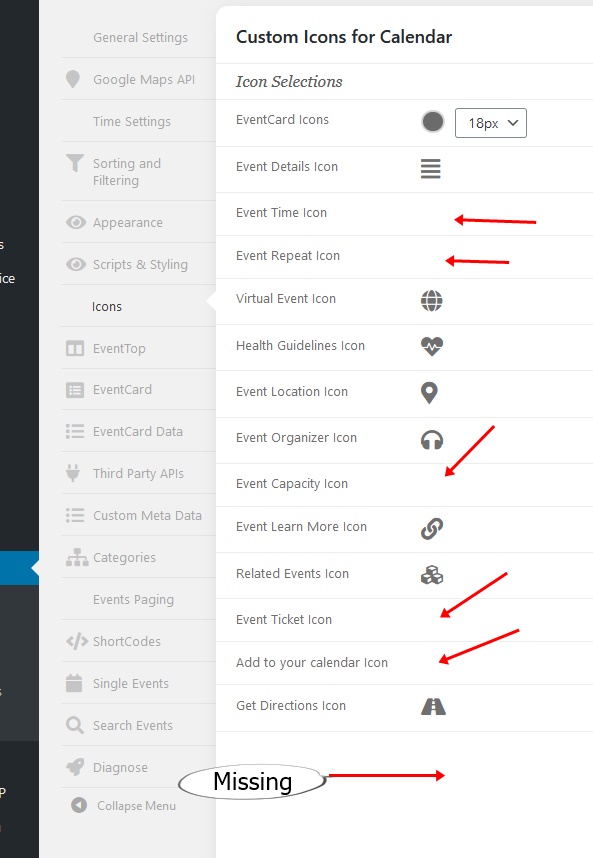
The cause of missing icons lies in the file eventON/includes/admin/post_types/class-meta_boxes.php on line 222
And please take a deeper look to the file eventON/assets/fonts/all.css. Beetween version 3.0.3 and 3.0.5 are a lot of changes.
For example: we have icons like fa-files-o, fa-diamond, fa-clock-o in the sourcecode with version 3.0.7. But this icons are not in the all.css from version 3.0.7
Regards
I have assign the ticket to our CEO, with priority to review it.
Hey Craig,
U do not need to, we can refund the purchase.
We are humans and we may have lost the email.
I filled with them and their respond was:
“
| We have sent your refund request to ashanjay for review. They will be able to approve or deny the request and may get in contact with you if they need to discuss any of the details. Any action taken by ashanjay will be emailed to you. |
“
1. You can either use Main Calendar which shows events by months and then limit their amount (by month only) by adding event_count=”5″. OR Event Lists: Ext add-on https://www.myeventon.com/addons/event-lists-extended/ with this shortcode:
[add_eventon_el number_of_months=”12″ event_count_list=”yes” event_count=”10″ show_limit=”yes” show_limit_ajax=”yes”]
Try on https://dev.myeventon.com/wp-admin/
2. The same as 1. Please use Main Calendar (except “the days of the months in ASC” is not available) or Event Lists: Ext with this shortcode:
[add_eventon_el number_of_months=”12″ event_order=”ASC” month_order=”DESC”]
Try on https://dev.myeventon.com/wp-admin/
3. Thank you for your great suggestion, at the moment it is not supported. However please create a new ticket and select Feature Request as category so others can vote on your idea and get it moved into development faster. OR You can send us a customization job request by creating a new ticket in here and selecting Customization Request as the category.
Hey Kelly,
I have loaded the web site so I can try to confirm if it works and everything has loaded properly, can you show us a screenshot of what is not working?
Hello,
Unfortunately, we unable to refund the main plugin from here. Please contact CodeCanyon about this.