https://www.gymnasium-odenthal.de/wp-login.php
User: eventon
Pass: OUJjDUH&CNPr$hGrhV7ia^7^
Both plugins are up to date!
Best regards
Arndt
Replies for tickets on suppota
https://www.gymnasium-odenthal.de/wp-login.php
User: eventon
Pass: OUJjDUH&CNPr$hGrhV7ia^7^
Both plugins are up to date!
Best regards
Arndt
Ah, it seems that by default WordPress limits capabilities of Editors quite a lot.
The problem is that we, as support for EventON, cannot do much in this case. If Admin can see CSV Import and upload files then you need to check settings of User Role Editor Pro and, if necessary, contact it’s developers. You can find more info on WP’s roles and capabilities here: https://wordpress.org/support/article/roles-and-capabilities/
Loved every second of that video!
🙂
Thank you
Hello,
Could you update Action User to 2.2.4?
…”Individual repetition interval”…
Are you referring to “Event Repeat Type: Custom”?
4. Add an entry at the 30th of january
Like this:
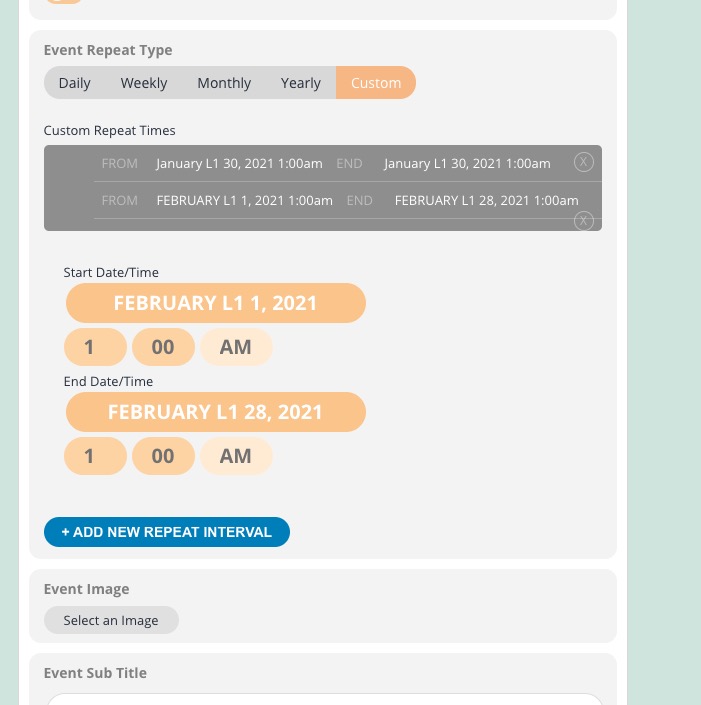
It seems to be working correctly. Could you check?
Hello,
1. Are you referring to this part:
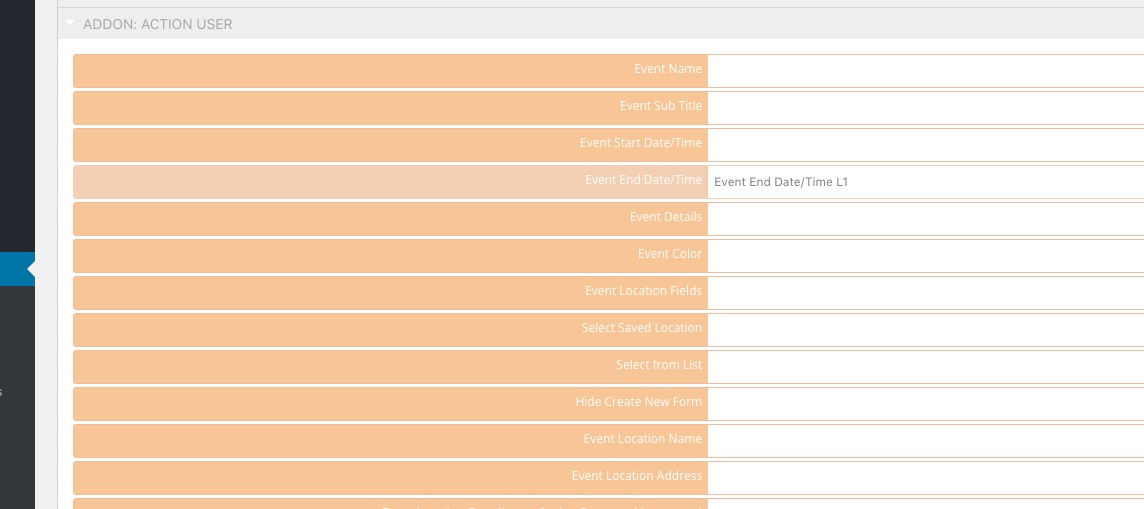
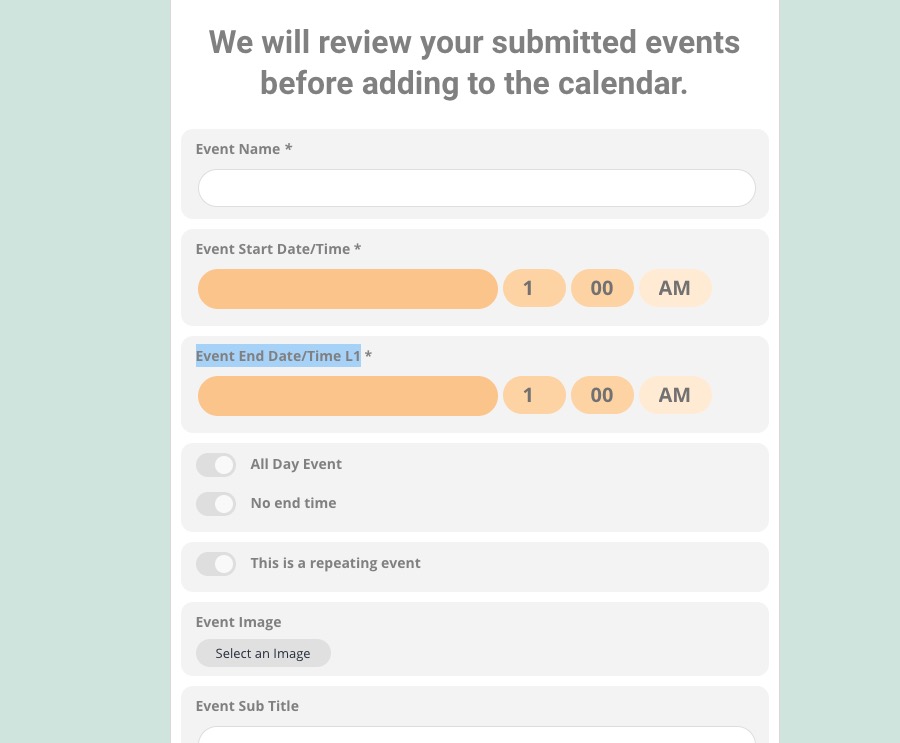 You can find this by going to EventON > Language:
2. Thank you for your messages, I am going to assign this ticket to Ashan and he will be able to take it from here and find you a solution. Please allow some time for him to get back to you, we greatly appreciate your patience and thank you for being a eventon customer! Also please disable any IP blocking on your site if there are any.
We are glad your issue is resolved, if you have any further questions or concerns please create a new ticket.
If you have a moment, we would greatly appreciate if you could kindly leave us a review at codecanyon! from your account > downloads. Cheers!
Hello,
Please send us wp-admin access to your site as a private message for us to further assist your situation.
Could you also make sure that you are using the latest version of EventON (3.0.7) and ICS Importer (1.1.3)?
Hello,
Thank you for your great suggestion, at the moment it is not supported. However please create a new ticket and select Feature Request as category so others can vote on your idea and get it moved into development faster. OR You can send us a customization job request by creating a new ticket in here and selecting Customization Request as the category.
You can also try following https://docs.myeventon.com/documentations/change-css-calendar/ and hide them with CSS. You can put the custom code to /plugins/eventON/assets/css/admin/backend_evcal_post.css.
need to clarify your needs
Do you want to hide things when creating the event in the first place?
or you wish to hide content on the single event page, but have that content appear in calendars
You can click on the title in the editor to shrink them down if you are referring to the backend
Ashan,
The same on dev2:
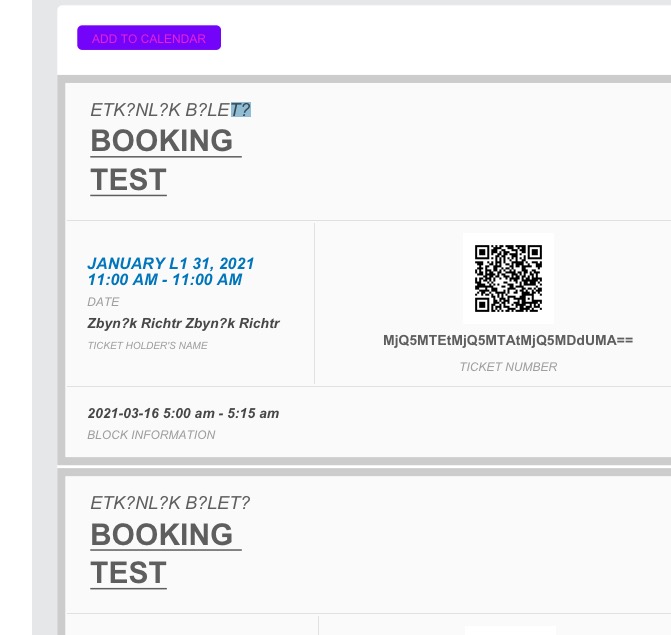
https://dev2.myeventon.com/wp-content/uploads/2021/01/Ticket_order_24910.pdf