Can you please take a look at the events on this page: https://beamsuntorynalm.com/schedule/ Many of these sessions have multiple speakers and I would like the ability to sort the speakers in custom orders for each session separately… I hope that makes sense.
Archives: Replies
Replies for tickets on suppota
Reply to: tickets(219298)
Can you explain what you mean by ability to order speakers in events please?
Reply to: tickets(219298)
Can you explain what you mean by ability to order speakers in events please?
Reply to: tickets(219154)
I should have mentioned that we also have ‘Generate Google Map from the address’ turned on:
https://www.dropbox.com/s/simxw97zdu8z68g/Screen%20Shot%202021-02-02%20at%2011.58.17%20am.png?dl=0
Yet, no map appears.
Reply to: tickets(219154)
Oh, that’s strange. The event pages work for me.
Here is the event home page:
https://onehourout.com.au/events-two/
Select any event from there and you will see that no Google Map appears at all now.
I have doubled checked the EventCard Data setting and should be displaying.
https://www.dropbox.com/s/6kt8h7ngcstey8s/Screen%20Shot%202021-02-02%20at%2010.09.17%20am.png?dl=0
Reply to: tickets(218088)
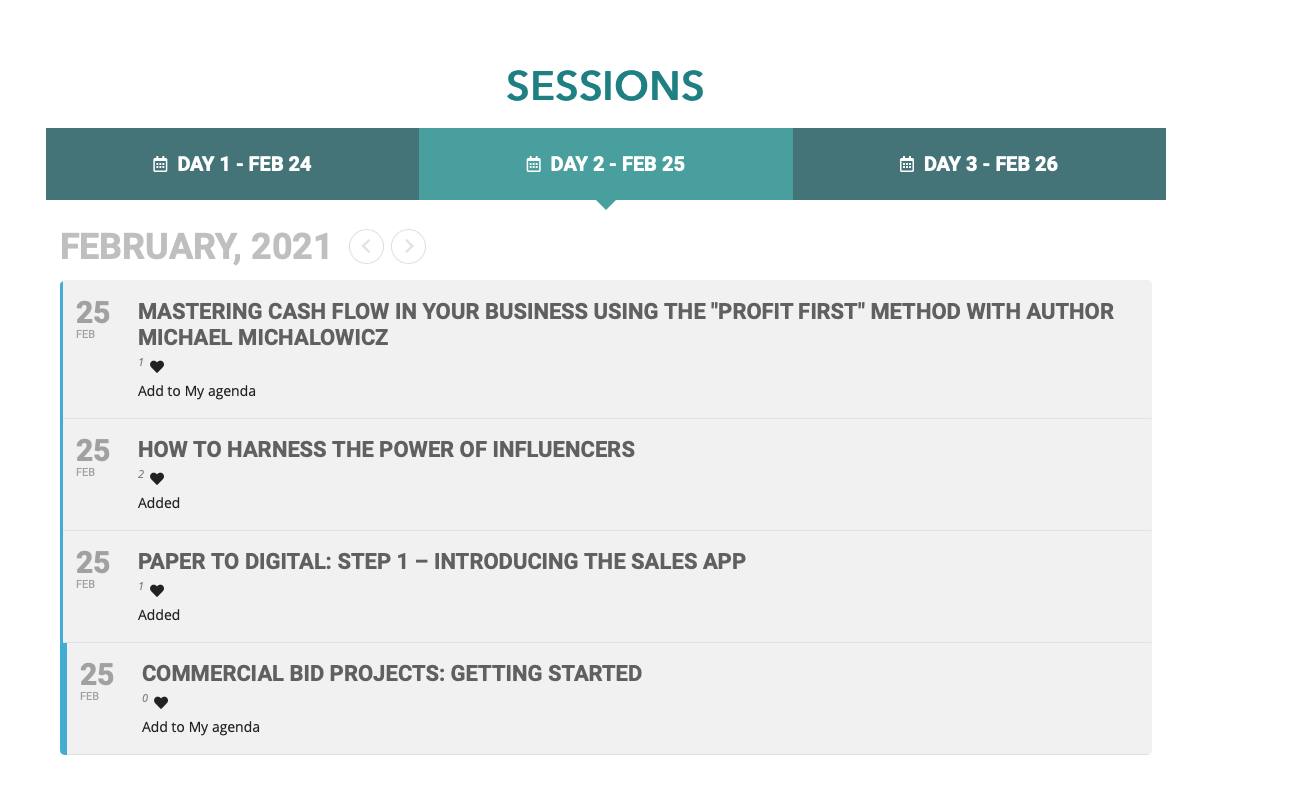
After update the plugin that mess-up the wishlist.
Reply to: tickets(219081)
Hi,
Yes, I’m using the latest version (3.0.8).
I also went through the steps of the attached guide.
– Caching plugin: I was using W3 Total Cache, to rule out the caching plugin I now changed to WP Super Cache (the problem persists)
– db optimization: I’ve made the db tables optimization,
– deleted inactive plugins (currently there are no inactive plugins)
Regardless of what I try, I keep getting these kind of errors:
Error Details
=============
An error of type E_COMPILE_ERROR was caused in line 56 of the file /home/clients/c677bb003841a1fb7def28615ef653c9/sites/new.unwg.ch/wp-content/plugins/eventON/includes/admin/class-evo-admin.php. Error message: require_once(): Failed opening required '/home/clients/c677bb003841a1fb7def28615ef653c9/sites/new.unwg.ch/wp-content/plugins/eventON/includes/products/class-evo_plugins_api_data.php' (include_path='.:/opt/php7.4/lib/php')
I’ve just decided to delete all the events and add them again. This approach proved to be the fastest towards solving the current situation.
However, I would love to understand why did this happen in the first place as I would not like to see it repeat. If you have any idea, please share with me.
BR, Zoran
Reply to: tickets(210481)
hey Omar,
If u need anything I am here let me know
Reply to: tickets(213049)
Hey did you get it ?
Reply to: tickets(219245)
https://beautyscopellc.com/wp-admin/
ashanjay
IOiYNW(ZpIFlN(6dWg!wqS&7